Social Media Scheduler for Multiple Accounts: 10 Picks
Published on · Updated on
Tags:
Why does one scheduled post need a different OAuth flow, a different media validator, and a different failure strategy on every network? One platform's token expires, another requires a particular media lifecycle, and a third can leave a post processing without giving your workflow a useful signal. A calendar can make publishing look simple while the integration underneath remains fragile.
That's the gap this roundup focuses on. These ten tools are compared as more than calendars, including account coverage, publishing depth, collaboration, APIs and integrations, automation, branding, pricing approach, and the operational work left after adoption. A conventional suite may be the right answer for a marketing team, while an API-first service may fit an app, automation, or AI-agent product much better.
The scale of the problem is easy to underestimate. An analysis of 12,291 users found that brands managed an average of 4.5 social media accounts, with nearly 61% managing at least three, 17% managing seven or more, and 6.4% managing 11 or more at once, based on analysis of 9.3 million posts in SocialBee's social media report. A social media scheduler for multiple accounts is therefore a portfolio system, not just a nicer publishing queue.
PostPulse is the developer-, no-code-, and AI-agent-oriented option in this list. The other tools remain useful if you want an established scheduling suite, inbox, reporting layer, or approval system. Whichever route you choose, verify platform-specific behavior in the relevant official documentation before committing.
Table of Contents
1. PostPulse
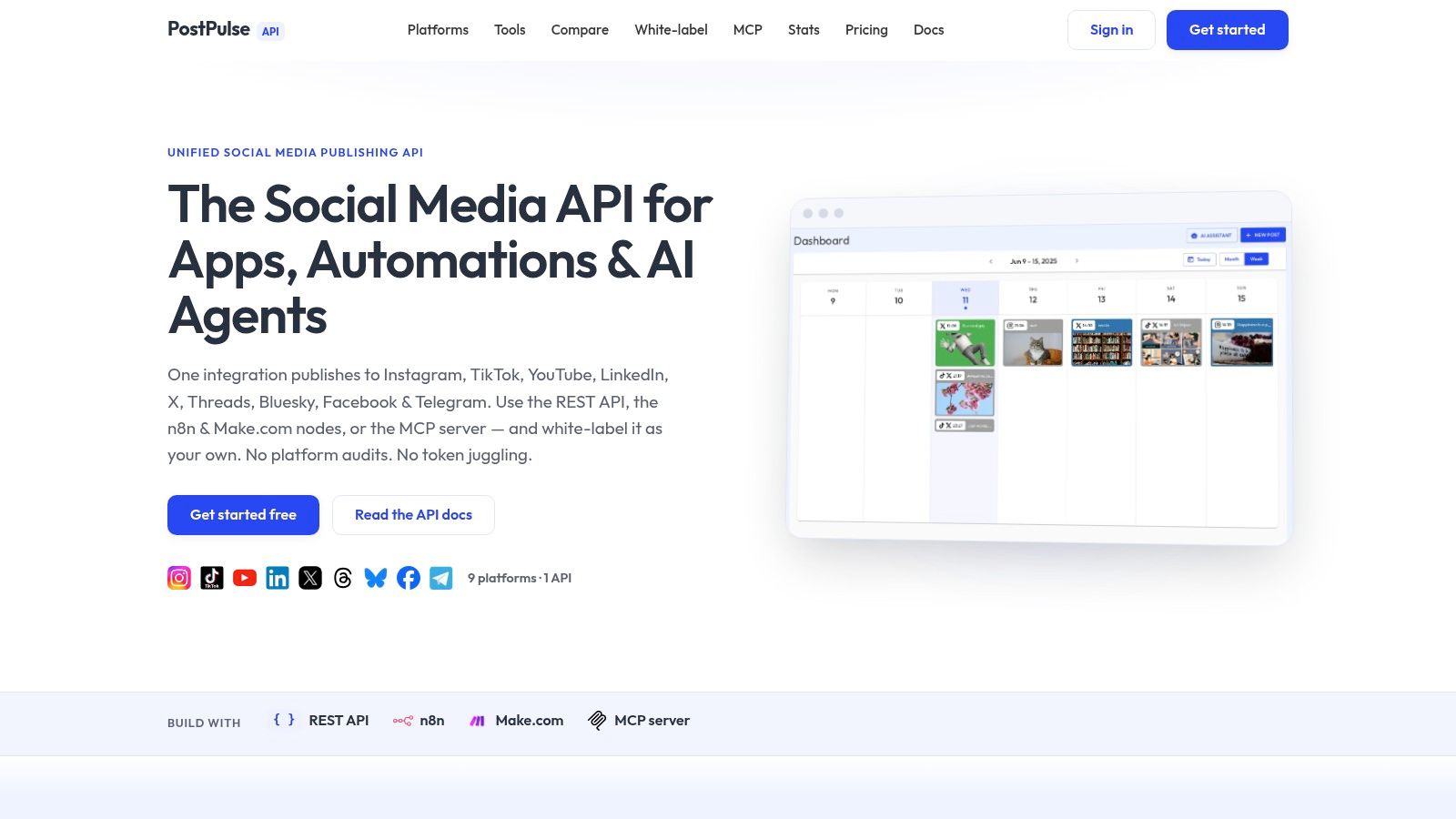
PostPulse is the strongest fit when scheduling is part of a product or automation rather than a standalone marketing workspace. It provides one publishing integration for Instagram Business and Creator accounts, TikTok, YouTube Shorts and video, LinkedIn personal profiles, X, Threads, Bluesky, Facebook Pages, Telegram, and Pinterest. The same publishing layer can be reached through a REST API, official n8n node, Make.com app, or MCP server for AI agents.
That distinction matters. A conventional scheduler gives a team a place to plan posts. PostPulse gives an app team or agency a way to embed publishing, choose a private-label workflow, or offer a branded social connection experience without exposing the underlying service to end users.
Where the integration work moves
PostPulse owns the verified platform applications and handles the maintenance burden around OAuth tokens, refresh behavior, rate limits, and API version changes. That can remove a large amount of engineering and review work, particularly for teams that don't want to maintain separate Meta, TikTok, and Google integrations.
The platform also returns webhook callbacks with success or failure, which is a better foundation for operational workflows than asking a user to keep checking a calendar. Media rules across networks are handled in the publishing layer, while the application can focus on content, permissions, retries, and its own user experience. The PostPulse guide to multi-account management is useful context for thinking about that architecture.
Practical rule: Treat publishing as a delivery system. You need status callbacks, account-level permissions, token recovery, and a clear failure path, not only a “scheduled” label.
For no-code teams, the official n8n node and Make.com app support drag-and-drop workflows. For AI-agent builders, the MCP server creates a direct publishing pathway without forcing the agent to operate a browser interface. Agencies and SaaS teams can use white-label OAuth so their users connect accounts inside a branded product.
Economics and trade-offs
The pricing models are unusually flexible. Private-label pay-as-you-go costs $0.20 per successful publication, with no subscription and unlimited connected accounts. The subscription option costs $5 per account per month, or $48 per account per year, with unlimited posts. White-label delivery costs $200 per month plus $1 per active social account, where an account is active only if it publishes during that month. Each account starts with 10 free credits, and private-label setup is self-serve.
The trade-off is vendor dependency. Your system depends on PostPulse to keep pace with platform policy changes, token behavior, rate limits, and API churn. Pay-as-you-go can also become expensive for very high automated volume, while white-label introduces a platform fee. Those costs may still be preferable to building and maintaining every integration, but they should be modeled against publication volume and the business cost of a failed launch.
PostPulse is best for SaaS developers, no-code builders, AI-agent teams, indie hackers, internal tools, agencies, and resellers. If the requirement is to launch multi-network publishing in days, support several integration paths, and deliver it under your own brand, it's the most direct option here.
 PostPulse
You can review the PostPulse publishing platform directly before deciding whether its abstraction layer fits your reliability and ownership requirements.
2. Buffer
Buffer is the sensible choice when the problem is straightforward queue management across several profiles. Its interface is approachable, the calendar is easy to scan, and the queue model works well for small teams that batch content without needing a large operations suite.
Buffer supports visual planning across major networks, with first-comment scheduling for Instagram, Facebook, and LinkedIn, team collaboration and approvals on higher tiers, basic analytics, and link-in-bio tools. The workflow is intentionally light. You can create a post, adapt it for a channel, place it in a queue, and let the calendar expose gaps or collisions.
That simplicity is its main advantage. A small agency can onboard a client without explaining a complex permission matrix, and a solo operator can manage a mobile queue without learning a full social command center. The trade-off appears when the account portfolio becomes operationally complicated. Per-channel pricing can add up as profiles multiply, and Buffer doesn't compete with enterprise products on advanced inbox, listening, or governance depth.
Best fit and integration boundary
Buffer is a scheduler first, not an embedded publishing backend. Its value sits in the workspace where people draft, review, and schedule content. If your application needs to let customers connect accounts and trigger publishing from your own interface, you'll need to inspect Buffer's current developer and integration documentation rather than assume the consumer workflow maps directly to your product.
For teams comparing a social media scheduler for multiple accounts, the account model deserves careful attention. Count profiles, users, approval roles, analytics access, and any channel-specific features separately. The social media automation tools overview provides a useful way to separate routine scheduling from deeper automation requirements.
Buffer works when simplicity, predictable queue behavior, and a short learning curve matter more than a unified inbox or extensive governance. It doesn't work as well when every client needs a branded login, event-driven publishing, or engineering-controlled delivery status.
3. Hootsuite
Hootsuite is built for organizations that need scheduling and engagement in the same operating environment. Its unified inbox brings public and private messages together across supported platforms, while the multi-network calendar and bulk scheduling tools cover the planning side.
The important difference is what happens after a post goes live. Teams can manage replies, route work through permissions, and use reporting templates and dashboards without switching between a scheduler and a separate engagement tool. For a social team handling a large collection of profiles, that reduces context switching, particularly when publishing and community response belong to the same process.
Governance over convenience
Hootsuite's strengths are team permissions, enterprise governance, reporting, and engagement tooling. Those features make it a better fit for organizations where an approval chain or centralized inbox is part of daily operations. They also make the product more complex than a lightweight queue scheduler.
The integration question is less about whether Hootsuite can schedule a post and more about how much control your application needs. If Hootsuite is an internal operating console, its mature workspace may be appropriate. If you're building social publishing into a SaaS product, a conventional dashboard can leave your team responsible for synchronizing users, customer accounts, publishing events, and application-level status.
A social media scheduler for multiple accounts also needs to handle the platform rules underneath the interface. Meta's Instagram publishing documentation says a media container must be published within 24 hours or its status becomes EXPIRED, and recommends checking container status once per minute for no more than 5 minutes. Those are implementation details a mature service must accommodate, even when the user only sees a calendar entry.
Hootsuite is a strong choice for large marketing teams, agencies, and organizations with serious engagement and governance needs. It's overkill for simple scheduled queues, and its complexity can become overhead when no one needs the inbox, permissions, or reporting depth.
For smaller organizations, compare the operational depth against simpler social media management tools for small business before paying for capabilities your team won't use.
4. SocialRails
SocialRails is built for creators, small businesses, and agencies that want a scheduler with AI content generation included rather than sold as an add-on. It covers Instagram, Facebook, X, LinkedIn, TikTok, YouTube, Pinterest, Bluesky, and Threads, with unlimited posts, AI captions, bulk content generation, and monthly AI image and video allowances on every plan.
Its plans are flat and easy to compare. Creator ($29/month or $290/year) includes 10 connected accounts across 3 workspaces. Business ($49/month or $490/year) raises that to 20 accounts, 10 workspaces, and 5 team members. Agency ($99/month or $990/year) allows 30 accounts, 25 workspaces, and 15 team members. There's a 3-day trial.
Flat pricing with AI included
SocialRails includes API access on all tiers, which is useful when a team wants to push content into its calendar from other tools. It's still a scheduling workspace first: the account connections and publishing logic live inside SocialRails, not inside your product. Teams that need their own customers to connect accounts under a branded OAuth flow, or that need per-post delivery webhooks, should check those requirements separately.
SocialRails works when a team wants AI-assisted content production and predictable flat pricing in one workspace. It's less suited to organizations that need enterprise listening, formal governance, or an embedded publishing backend.
5. Sprout Social
Sprout Social sits toward the premium end of the market and makes sense when scheduling is only one part of a broader social operations function. It combines multi-profile publishing with advanced analytics, report building, social listening, employee advocacy options, inbox management, and collaboration.
The platform's strongest use case is a company managing many profiles, brands, or stakeholders where executives need reporting and operators need controls. Approval workflows help separate drafting from publishing, while SSO and success services support organizations that treat social as a governed business process rather than an informal channel.
Sprout Social also gives agencies and larger teams a more structured way to connect publishing activity with client reporting. That structure has a cost. Per-seat pricing is higher than SMB-focused schedulers, and advanced capabilities may require upper tiers or add-ons. A team that only needs a visual calendar and a reliable queue may find the feature set difficult to justify.
The engineering perspective
Sprout Social is primarily a managed workspace, not an API abstraction layer for embedding publishing into another product. That doesn't make it a poor integration choice, but it changes the question. You're buying an operating environment for people, not necessarily a programmable publishing substrate for your customers or AI agents.
Credential behavior still matters even when a vendor manages much of it. LinkedIn's verified consumer API documentation states that access tokens remain valid for 60 days, refresh tokens for 1 year, and expired access-token requests return 401 Unauthorized. The same documentation describes separate request limits of 5,000 per application per day and 500 per member per day. A scheduler that supports LinkedIn accounts must make those states observable and recoverable rather than turning a calendar item into a failed post.
Sprout Social is best for enterprise reporting, social listening, customer care, and formal governance. It's not the efficient choice for a developer who only wants one API call, webhook delivery status, and a branded account connection flow.
6. Later
Later prioritizes visual planning, making it a natural fit for creators, ecommerce teams, and brands that need to see how a feed will look before publishing. Its visual calendar and media library reduce the friction of assembling a coherent sequence of images and short-form videos across profiles.
Later supports platform-specific post types such as Instagram Reels, TikTok, and YouTube Shorts, while plan-dependent Instagram and Facebook direct-message management adds some engagement functionality. Link-in-bio and creator-oriented tools extend the workflow beyond scheduling, but the product still feels centered on visual content rather than enterprise social operations.
That focus is useful when the review question is, “Does this grid look right?” A creative team can move assets through a shared library, preview channel-specific formats, and coordinate publishing without losing the visual relationship between posts. The limitation is that feature availability varies by network and post type, so a calendar entry doesn't necessarily mean every channel will publish identically.
What to validate before adopting it
For a multi-account rollout, test the actual media combinations your team uses. A Reel, a short video, a carousel, and a story may follow different publishing paths. Confirm whether the platform supports direct publishing or requires a notification workflow for the specific account type and post format.
Later is a strong choice for visual-first teams with Instagram and TikTok at the center of their strategy. Its analytics and engagement depth trails enterprise suites, and it isn't designed to replace an API layer inside a customer-facing application. Choose it for planning quality and creator workflow, not because a polished calendar removes platform-specific delivery constraints.
7. Agorapulse
Agorapulse is a practical middle ground for teams that need a unified inbox, approvals, and reporting without moving all the way into an enterprise platform. It supports a broad channel mix, including Facebook, Instagram, Threads, X, LinkedIn, YouTube, Pinterest, Google Business, and TikTok, with scheduling and collaboration around that coverage.
The inbox is the center of gravity. Teams can label and moderate incoming activity, route conversations, and keep client or brand work inside a shared workspace. Calendar scheduling and approvals then connect planned content to the responses it generates, which is more useful than treating publishing as a disconnected batch process.
Agorapulse's reporting exports and configurable data-retention options are relevant for agencies and organizations with documentation requirements. Per-user pricing can scale as internal teams grow, and advanced analytics or listening may require higher plans. That trade-off is reasonable when collaboration is the bottleneck, but less attractive for a small team that only wants to queue posts.
Account economics are only part of the cost
A scheduler for multiple accounts often advertises profile limits, but the cost includes users, workspaces, retention, approvals, reporting exports, and channel-specific access. Agorapulse's bundled profile limits can look efficient for a compact team, yet the user model matters if every client or reviewer needs direct access.
It also remains a workspace product rather than a developer-first publishing service. An agency can operate inside it effectively, but a SaaS company embedding social publishing should verify whether the available integrations expose the account lifecycle, delivery events, and permissions it needs. Agorapulse is best when humans review, publish, and respond in one place. It's less suitable when an automated system must own the entire publishing path.
8. SocialPilot
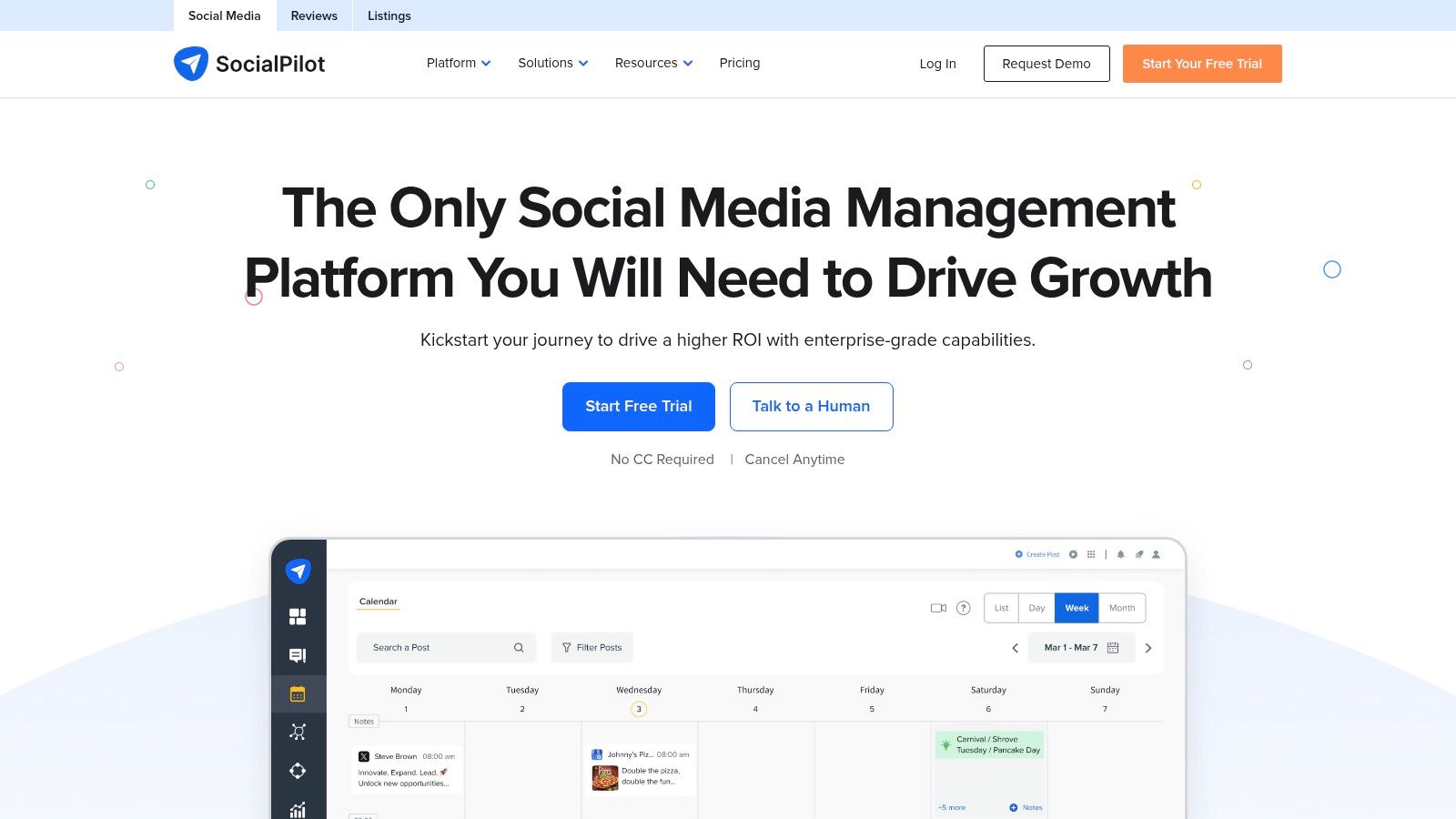
SocialPilot is aimed at SMBs and agencies that manage many profiles across several clients without needing the full listening and governance machinery of a premium enterprise suite. Its strengths are bulk scheduling, content libraries, team roles, client approvals, analytics, and a broad network list that includes Facebook, Instagram, TikTok, X, LinkedIn, Threads, YouTube, Pinterest, Google Business, and Bluesky.
The account-to-price orientation is the main reason agencies consider it. White-label reporting and advanced white-label features on upper tiers can help an agency present a branded client experience without negotiating an enterprise contract. Flexible add-ons for additional accounts and users give operators more control than a rigid package.
The interface is more functional than polished, and some capabilities are held for higher tiers. That's a familiar trade-off in agency software. The question isn't whether the tool has a feature somewhere in the product. It's whether that feature is available in the plan assigned to the client, the user, and the particular network.
Where it fits technically
SocialPilot is a good agency workspace, especially when client review and account volume matter more than deep social listening. It isn't the same thing as a white-label API. If your customers need to connect accounts in your application, publish through your own workflows, or receive machine-readable delivery callbacks, validate the integration surface rather than equating white-label reports with white-label infrastructure.
Agencies should also test permissions with real client roles. A draft, an approval request, a scheduled item, and a failed publication can move through different ownership states. Those states need clear responsibility, especially when multiple people manage profiles across brands.
SocialPilot works for agencies that want bulk planning, client approvals, broad coverage, and branding at a manageable operational cost. It won't be the best fit for a product team building an autonomous publishing layer or for an enterprise that requires the deepest listening and governance controls.
 SocialPilot
9. Publer
Publer takes a flexible approach to account and workspace management. It supports multi-network scheduling, recycling, best-time suggestions, reporting and exports on Business plans, AI content helpers, and integrations such as VistaCreate.
Its pricing model is useful for teams that don't want to buy a large suite before they know how many accounts and members they'll operate. Paid plans include unlimited workspaces, and volume discounts include every tenth social account or member free. That kind of structure can suit agencies separating clients or brands into distinct workspaces while keeping costs tied to usage.
Publer's interface is functional rather than suite-like. That's not necessarily a problem. A smaller team may prefer direct controls over a highly layered workspace, especially when the core workflow is create, adapt, schedule, recycle, and review. The limitation appears when the organization needs deeper engagement management, advanced governance, or enterprise reporting.
A good option for controlled expansion
Publer is well suited to individuals, SMBs, and agencies that want granular cost control. Workspaces make separation easier, and recycling supports evergreen content without rebuilding a calendar manually. But automation still needs boundaries. Teams should define which content can recycle, who approves it, and how they'll stop a campaign when the underlying offer changes.
It's also important to distinguish a content helper from an AI-agent publishing path. AI caption assistance can speed drafting, but it doesn't necessarily expose the permissions, API controls, or delivery events needed for autonomous application workflows. Confirm the product's current integration documentation if your goal is to trigger publishing from another system.
Publer works when the buying decision centers on account economics, workspace organization, and practical scheduling. It's less appropriate when a brand needs extensive listening or when developers need to own the full connection and delivery lifecycle.
10. Planable
Planable treats approval as the primary workflow rather than an accessory to the calendar. It offers multi-step approvals with optional required reviewers, visual feed and grid previews, link-based client review, mobile apps, and an optional analytics add-on across 9 or more platforms.
That model suits agencies and in-house teams where content moves through several stakeholders before publication. A client can review from a link, a designated approver can be required, and the team can iterate against a visual preview instead of exchanging screenshots and email threads. Unlimited users per workspace can also make collaboration easier when many people need visibility.
The cost is attached to workspaces, so organizations with many clients may accumulate subscriptions even if each client has a small account portfolio. Engagement and listening features also sit below enterprise social managers. Planable is solving a different problem, the approval bottleneck, not trying to be a complete command center.
Approval is a reliability control
A strong approval workflow does more than protect brand voice. It creates an explicit state transition from draft to approved to scheduled to published, and it gives the team a place to investigate when a post fails. That is especially important for multiple accounts, where a single campaign may produce different outcomes across networks.
Planable is best when stakeholder review, visual confidence, and client communication matter more than API ownership or deep audience analytics. Test its previews against the formats you publish, and confirm how reviewers are notified, what happens after edits, and whether a rejected post can return to the correct owner without losing context.
For an engineering team building its own product workflow, Planable may be a useful review layer but not a replacement for a publishing API. For an agency, it can remove the repetitive approval coordination that causes otherwise-ready content to sit idle.
Top 10 Multi-Account Scheduler Comparison
Platform | Core features ✨ | UX / Quality ★ | Pricing / Value 💰 | Target audience 👥 | Unique selling point / Notes |
PostPulse 🏆 | REST API, official n8n/Make nodes, MCP server; publish to 10 platforms ✨ | ★★★★☆ (dev & agent-ready) | 💰 $0.20/post PAYG; $5/mo per acct (or $48/yr); White‑label $200/mo + $1/active | 👥 App devs, no-code builders, AI agents, agencies | 🏆 White‑label OAuth; verified platform apps (skip audits); unified multi-network call; webhook callbacks |
Buffer | Visual calendar, queue scheduling, basic analytics ✨ | ★★★★☆ (simple & fast) | 💰 Tiered per-channel pricing; SMB-friendly | 👥 Small teams & agencies | Clean UX; quick onboarding; strong mobile queue management |
Hootsuite | Unified inbox, bulk scheduling, reporting templates | ★★★☆☆ (enterprise-capable) | 💰 Higher entry price; enterprise plans | 👥 Large teams & enterprises | Robust engagement tooling, governance & security |
SocialRails | AI captions, bulk generation, AI images/video; 9 platforms ✨ | ★★★★☆ (AI-first) | 💰 $29/$49/$99 per mo ($290/$490/$990 per yr); 10/20/30 accounts | 👥 Creators, SMBs, agencies | AI content included on every plan; flat per-plan pricing |
Sprout Social | Multi-profile publishing, approvals, deep analytics | ★★★★☆ (premium) | 💰 Premium per-seat pricing; add-ons | 👥 Enterprise brands & agencies | Executive-ready reporting, SSO & success services |
Later | Visual calendar, media library, Reels/Shorts support ✨ | ★★★★☆ (creator-first) | 💰 Freemium → paid creator plans | 👥 Creators, visual brands & SMBs | Grid preview, strong short-form workflows |
Agorapulse | Unified inbox, approvals, reporting & moderation | ★★★★☆ (team-friendly) | 💰 Per-user tiers; clear data-retention | 👥 Agencies & mid-size brands | Strong inbox moderation, compliance-focused tiers |
SocialPilot | Bulk scheduling, client approvals, white-label options | ★★★☆☆ (value-focused) | 💰 High account allowances per plan; white-label available | 👥 Agencies managing many clients | Excellent account-to-price ratio; white-label on upper tiers |
Publer | Scheduling, recycling, workspaces, AI helpers | ★★★☆☆ (cost-flexible) | 💰 À-la-carte by accounts/members; volume discounts | 👥 Individuals, SMBs, agencies | Flexible pricing model; unlimited workspaces on paid plans |
Planable | Multi-step approvals, visual feed/grid previews, link reviews ✨ | ★★★★☆ (collaboration-first) | 💰 Workspace-based tiers; analytics add-on | 👥 Agencies & teams needing client approvals | Unlimited users per workspace; excellent client review UX |
Choose the Workflow You Need to Maintain
There isn't one universal winner because these tools solve different operational problems. The right social media scheduler for multiple accounts depends on whether your constraint is publishing infrastructure, queue simplicity, engagement, approvals, analytics, visual planning, or account economics.
Choose PostPulse when publishing needs to live inside an app, automation, or AI-agent workflow. Its REST API, official n8n node, Make.com app, MCP server, webhooks, and private-label or white-label options give developers several ways to connect accounts and deliver publishing under their own product experience. That convenience comes with vendor dependency, so evaluate service reliability, support expectations, failure visibility, and long-term cost before making it mission-critical.
Choose Buffer for lightweight queue-based scheduling and a short learning curve. Choose Hootsuite or Sprout Social when engagement, governance, reporting, and permissions justify a mature suite. Choose Later when visual planning and short-form content formats dominate the workflow. Agorapulse fits inbox-centered teams, while Planable is stronger when client or stakeholder review blocks publication.
For agencies, SocialPilot is attractive when account economics, client approvals, and branding matter. SocialRails is the better direction when AI-assisted content production at flat, predictable pricing matters most. Publer is useful when flexible account and workspace costs matter more than enterprise polish.
The market's AI discussion can distract from bottlenecks. Independent industry coverage notes that AI captioning, repurposing, and predicted send times have become common in paid plans, while the harder questions involve reliability, governance, platform coverage, rate limits, API changes, permissions, and network-specific format rules. A scheduler that generates a caption quickly isn't necessarily a scheduler that can publish safely across a portfolio of accounts.
Validate the operational path
Before migration, run a representative test rather than judging a product from its calendar. Use the account types, media formats, approval roles, and automation triggers your team needs.
Confirm network coverage: Check every required platform and post type in the vendor's current documentation.
Test OAuth behavior: Connect real test accounts, observe token expiration and refresh handling, and revoke access to confirm the failure path.
Model account pricing: Calculate profiles, users, workspaces, active accounts, add-ons, reporting, and retention instead of comparing only headline tiers.
Inspect approvals: Verify required reviewers, edits after rejection, audit history, notifications, and ownership of failed posts.
Exercise delivery failures: Test expired credentials, unsupported media, delayed processing, rate-limit responses, and webhook or notification behavior.
Run multi-account publishing: Publish a representative campaign across the accounts and formats you care about before moving the full calendar.
User experience still matters. The American Customer Satisfaction Index reported an overall social media score of 75 in 2026, with ease of navigation at 80, device usability at 80, and privacy at 75 in its social media satisfaction data. For scheduler buyers, that creates a useful benchmark for evaluating cross-device workflows and trust handling, but operational reliability remains the test that a polished interface can't substitute for.
Dedicated scheduling tools are already widely adopted. One industry report says 73% of social media marketers use them, compared with 61% in 2024 and 47% in 2022, and says the average manager uses scheduling tools across 5.2 platforms simultaneously in its social media scheduling statistics. The direction is clear, but adoption alone doesn't tell you which architecture fits your team.
The practical answer is to buy or build the smallest system that handles your real publishing surface. If humans need a clean calendar and approvals, choose a workspace. If an application or agent needs programmable publishing, account abstraction, and delivery callbacks, choose an integration layer. If you can't explain how the tool handles a revoked token, an expired media container, or a network-specific failure, you haven't finished evaluating it.
PostPulse provides one integration for publishing across ten platforms through a REST API, official n8n and Make.com integrations, or an MCP server for AI agents, with private-label and white-label delivery options. If you're building an app or automation that needs a social media scheduler for multiple accounts without maintaining every platform connection yourself, visit PostPulse and test the publishing workflow against your required networks.
About the Author

Founder of PostPulse — a social media scheduling platform for creators and teams. Software engineer with a passion for building developer tools and simplifying complex API integrations across social media platforms.