A social media API for agencies
Publish and schedule for every client across Instagram, TikTok, YouTube, LinkedIn, X, Threads, Bluesky, Facebook, Telegram and Pinterest from one integration. There is no PostPulse UI in your portal — provisioning, scheduling and publishing all run through the API, under your agency's brand. Resell publishing as your own product. One REST API across all clients and platforms. No per-platform audits, no token juggling.
Every client multiplies the integration work
A single client already means ten platform integrations. Twenty clients means the same OAuth, token and media plumbing repeated across dozens of accounts — plus reconnect fire-drills whenever a platform expires a token mid-campaign. Buying tooling per seat or per client erodes your margin; building it in-house ties up engineers you would rather bill out.
See it branded as you — 60-sec demo
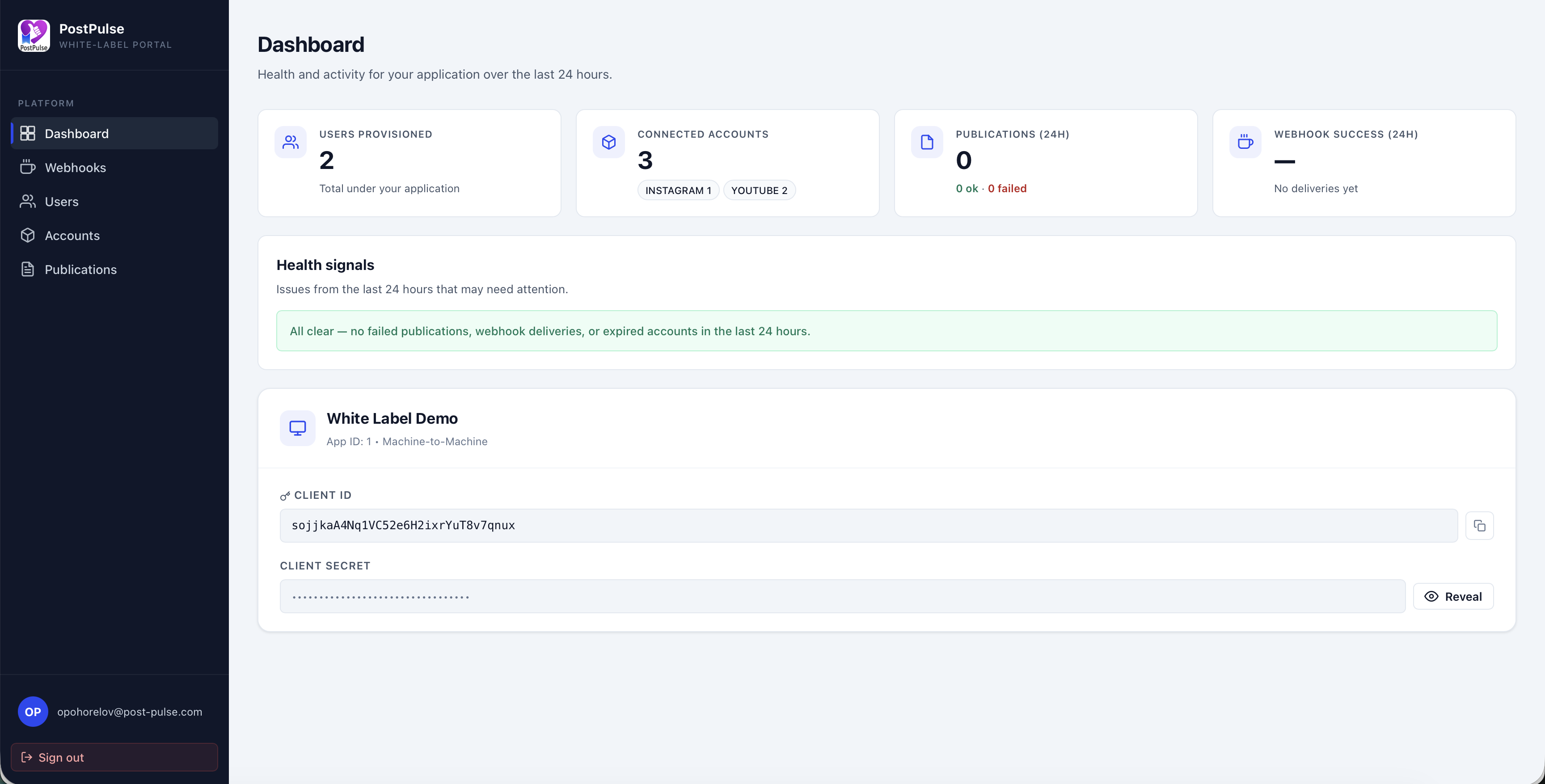
Watch a reseller app run the full Connect flow end to end: a user connects their own social account from a step inside the app, then publishes — with no PostPulse UI in the product, just the API underneath. The only PostPulse touchpoint is the platform's own permission screen, exactly like every social API.
What managing it yourself actually costs an agency
These are the recurring, unbillable costs of owning social plumbing across a growing client roster.
10 platforms × every client
Each client brings the full matrix — Instagram, TikTok, YouTube, LinkedIn, X, Threads, Bluesky, Facebook, Telegram, Pinterest — and every one is a distinct API with its own rules. The work does not amortise; it repeats per account.
App audits block new platforms
Want to add TikTok or Reels publishing for a client this week? Native access means Meta App Review and TikTok approval first — weeks of waiting while the campaign window closes.
Token expiry = reconnect fire-drills
Multiply OAuth refresh and re-consent across dozens of client accounts and a token expiry becomes a recurring "please reconnect your Instagram" scramble — usually discovered when a post silently fails.
Per-seat tools crush margin
Most agency schedulers charge per seat or per connected profile, so your software cost scales linearly with your client base and eats directly into retainer margin.
No clean way to resell or report
Off-the-shelf tools put someone else's brand in front of your clients and lock reporting inside a dashboard you can't embed in your own client portal.
Platform changes hit mid-campaign
A deprecated endpoint or a tightened scope can break posting across every client at once, turning an external platform change into your emergency.
One integration, every client, your brand
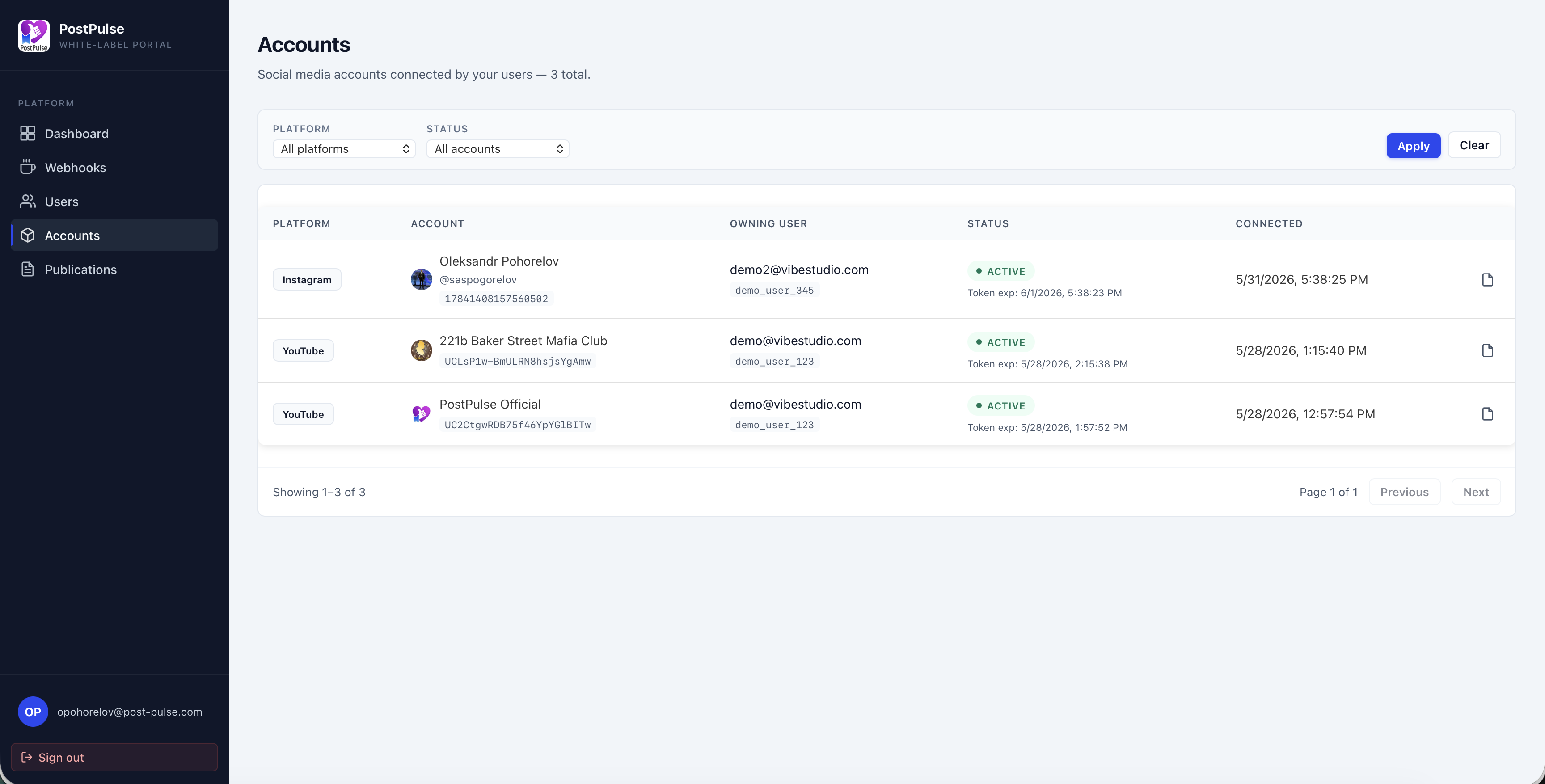
Authenticate once with a single partner credential, then represent each client with their own identity header. Each client connects their own social accounts from a step inside your product — you publish, schedule and track on their behalf through the API, under your agency's brand, and the work never multiplies per platform.
One credential, every client
A single machine-to-machine credential authenticates your backend for all clients. You isolate each client with their own user id — no separate login or app per client.
Resell under your agency brand
There is no PostPulse UI in your client portal — provisioning, scheduling and publishing all run through the API, under your agency's brand. Clients connect their accounts from a step inside your product; only the platform's own permission screen names the app, as with any social API. Bill them on your terms.
Pay for what posts
A flat platform fee plus a small fee per active account — and an account is only billable in a month where it actually publishes. Dormant client accounts cost nothing.
Onboard a client and publish on their behalf
One partner credential covers every client. Provision a client, send a branded Connect URL, then publish and schedule across all 10 platforms with the same request — per client, no new integration.
# 1. One machine-to-machine token covers ALL of your users
curl -X POST https://auth.post-pulse.com/oauth/token \
  -H "Content-Type: application/json" \
  -d '{
    "client_id": "YOUR_CLIENT_ID",
    "client_secret": "YOUR_CLIENT_SECRET",
    "grant_type": "client_credentials",
    "audience": "https://api.post-pulse.com"
  }'

# 2. Provision the end-user once. Idempotent on (client, externalUserId) —
#    safe to re-send. Persist the returned uuid. (No user-id header yet: the
#    user doesn't exist until this call returns.)
curl -X POST https://api.post-pulse.com/v1/connect/users \
  -H "Authorization: Bearer <m2m_token>" \
  -H "x-api-key: YOUR_CLIENT_ID" \
  -H "Content-Type: application/json" \
  -d '{
    "externalUserId": "your_user_42",
    "name": "Jane Doe",
    "email": "[email protected]"
  }'
# → { "uuid": "..." }

# 3. Generate a Connect URL for that user — branded as you.
#    They authorise their own Instagram/TikTok/… on the standard connect step.
curl -X POST https://api.post-pulse.com/v1/connect/authorize-url \
  -H "Authorization: Bearer <m2m_token>" \
  -H "x-api-key: YOUR_CLIENT_ID" \
  -H "X-Connect-External-User-Id: your_user_42" \
  -H "Content-Type: application/json" \
  -d '{ "platform": "INSTAGRAM", "redirectUri": "https://yourapp.com/connected" }'

# 4. Publish on that user's behalf — same API, 10 platforms, one request.
curl -X POST https://api.post-pulse.com/v1/posts \
  -H "Authorization: Bearer <m2m_token>" \
  -H "x-api-key: YOUR_CLIENT_ID" \
  -H "X-Connect-External-User-Id: your_user_42" \
  -H "Content-Type: application/json" \
  -d '{
    "scheduledTime": "2026-06-10T15:00:00Z",
    "publications": [{
      "socialMediaAccountId": 123,
      "platformSettings": { "type": "INSTAGRAM", "publicationType": "REELS" },
      "posts": [{ "content": "Shipped from your product 🚀", "attachmentPaths": ["uuid/reel.mp4"] }]
    }]
}'Per-client plumbing, or one integration
Both serve the same roster. Only one re-does OAuth, tokens and reconnect drills for every client you sign.
- Register and audit a developer app on 10 platforms — before client one
- Re-run OAuth, scopes and media handling for every new client account
- Track and refresh tokens across dozens of accounts, per platform
- Build scheduling, retries and status reporting for your portal
- Field "please reconnect" scrambles whenever a token expires
- Patch every client integration each time a platform changes its API
- Day 0 · One partner credential for your whole agency
- Day 1 · Onboard a client and send a branded Connect URL
- Day 1 · The client authorises their accounts — no audit, no wait
- Day 2 · Publish and schedule for that client across 10 platforms
- Ongoing · Add clients and platforms without new integration work
Every client is an isolated tenant
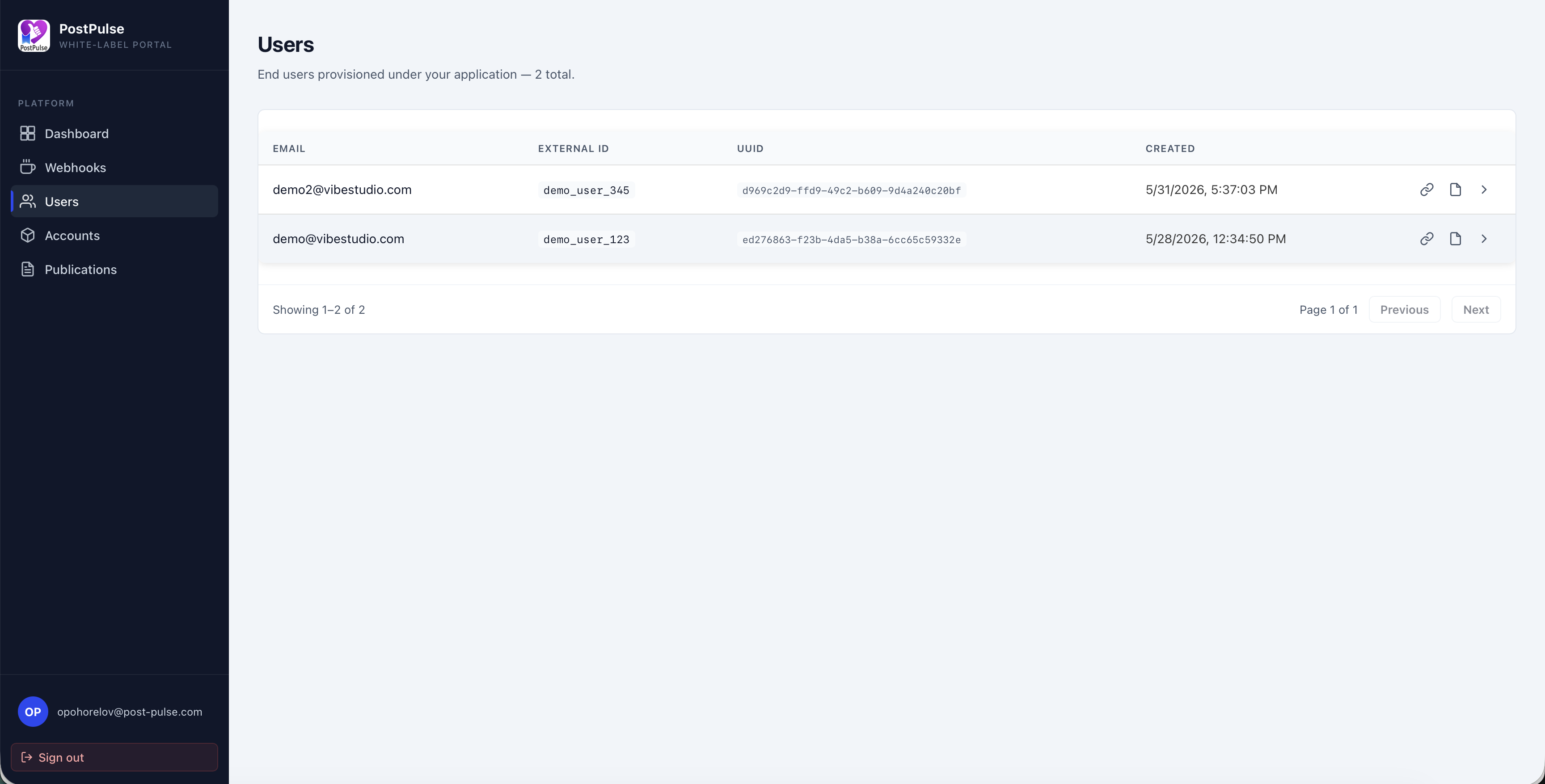
One partner credential represents your whole agency, but each client is a separate identity with their own tokens — so client data never crosses wires.
Per-client token isolation
Each client's OAuth tokens live against their own PostPulse identity and are only used on calls carrying that client's id header. One client can never publish to or read another client's accounts.
Secrets stay in your backend
Your client secret authenticates your agency's backend only and never reaches a browser or a client's device. The signed Connect state is HMAC-sealed, so redirect URIs can't be tampered with mid-flow.
GDPR & data processing
For the tokens and content you send on a client's behalf, PostPulse acts as a processor. Clients are excluded from PostPulse emails and marketing, so you remain the only brand they deal with.
Tenant isolation by default
A client id header scopes every read and write, and provisioning is idempotent on (your client id, your external id) — so re-syncing a client can never collide with another client's data.
Why agencies and operators choose PostPulse
Reviewed on Product Hunt
I use PostPulse with an AI agent via their MCP server. My agent literally posts to social media on its own now. Didn’t expect that to work as smoothly as it did.

$5/month for what would otherwise require a full backend engineer to maintain? Easy yes. The REST API is clean and well-documented too, which is rare.

Tried to get TikTok API access myself. Three weeks, two rejections. Switched to PostPulse and was posting to TikTok the same day. Wish I hadn’t wasted that time.

I’m a Make.com power user and needed to post to 5 platforms from one scenario. The native PostPulse app for Make connected everything in one afternoon. Would’ve taken me weeks to do manually.

I built an n8n automation for a client and needed to add social publishing. The official PostPulse n8n node was literally drag and drop. No headache.

Saved me months of dev work. I was about to start integrating Instagram and TikTok APIs separately — then I found out Meta’s app review alone can take months. PostPulse just handled all of that. Shipped social posting in under a week.

The most flexible pricing model on the market!
I'm building an AI content factory as a side hustle. I'm still in the experimentation phase, so I don't have the budget for expensive tools — but I also needed to get everything up and running quickly, so I integrated with a ready-to-go API instead. PostPulse offers a flexible pay-as-you-go model that let me experiment first without commitment — and now that we have stable traffic, I’ve switched to their $5/month subscription.
Best support on the market — the founder personally emailed me when I hit a client error and walked me through the fix.

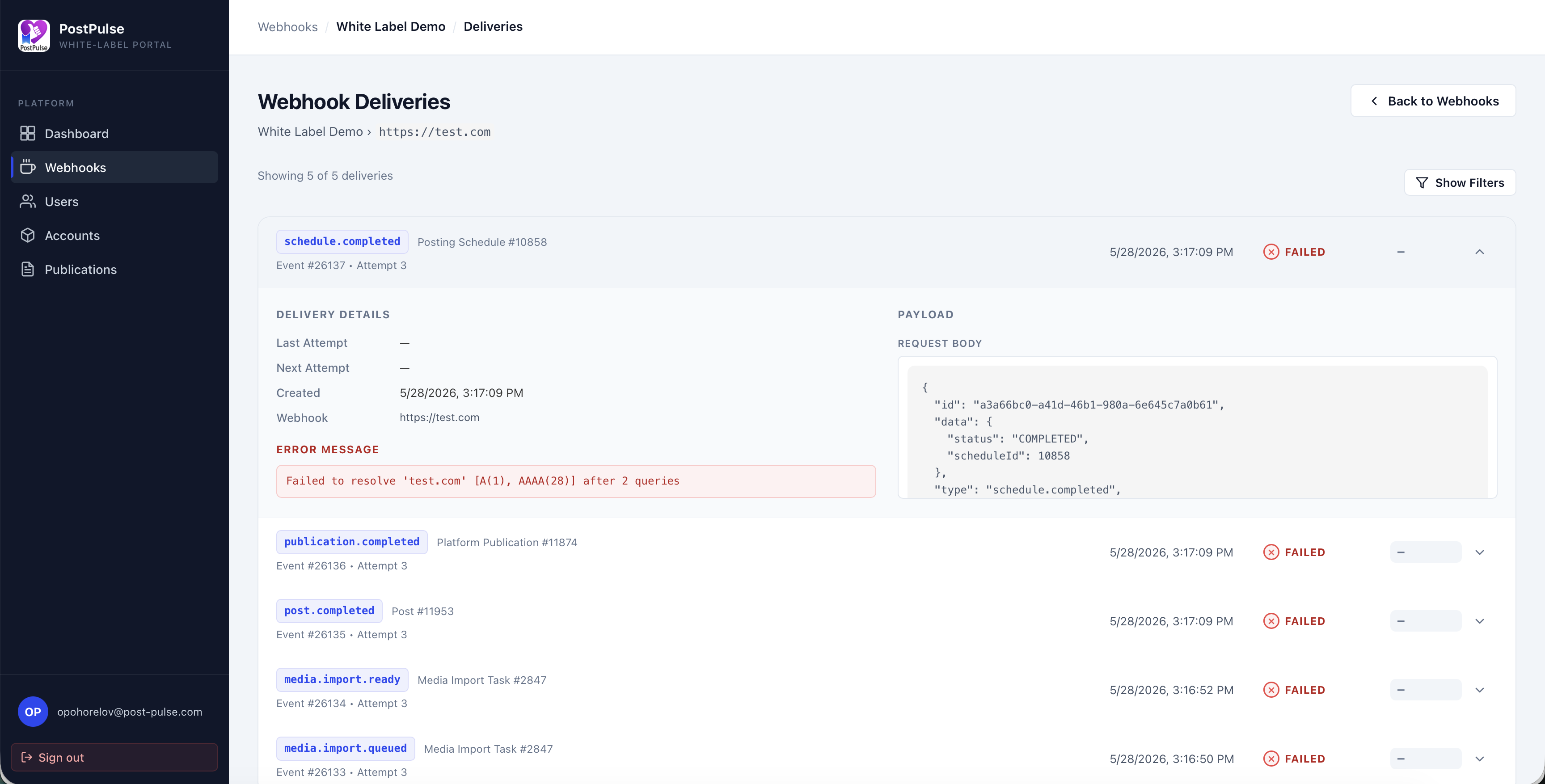
We optimized the posting to 20 twitter accounts. It was a problem to manage such a number, but through the platform everything works out perfectly. Very convenient dashboard for tracking errors. Great product.
Billable hours, not platform plumbing
For an agency the comparison is engineers you could bill out versus a flat fee that protects the retainer.
Engineer-months you don't bill
Ten OAuth flows, three to four platform audits (weeks to months each) and a scheduler are multiple engineer-months — and that capacity is unbillable overhead, not client work.
Per-seat tools erode margin
Off-the-shelf schedulers charge per seat or per connected profile, so your software cost climbs with every client and eats directly into retainer margin.
Buy: $200/mo, margin intact
PostPulse Connect is $200/month plus $1 per active account, idle accounts free. Your cost tracks publishing volume, not headcount, and your engineers stay on billable work.
What PostPulse handles vs. building it per client
Where your retainer margin leaks when you own the plumbing yourself.
| Capability | PostPulse white-label | Build in-house |
|---|---|---|
| Onboarding client number twenty | ✓ Same call as client one — one credential, a new id | Re-run OAuth and media handling for every account |
| Software cost as you grow | ✓ Pay only for accounts that publish that month | Per-seat / per-profile fees scale with the roster |
| A token expires mid-campaign | ✓ A webhook tells you the instant a reconnect is needed | A silent failure and a "please reconnect" scramble |
| Platform audits / app review | ✓ Not required — we own the verified apps | ✗ Meta / TikTok / Google review, per platform |
| OAuth, token refresh & rotation | ✓ Handled server-side, per user | Build and maintain per platform, forever |
| Platforms covered | ✓ 10, one request shape | 10 separate APIs to integrate |
| Post status & delivery | ✓ 14 webhook events across the post lifecycle | Build a queue and poll each platform yourself |
Pricing that protects your margin
A flat platform fee plus a small fee per active account — you pay for accounts that publish, not for every seat or dormant profile on your roster.
How it works
An active account is one that publishes at least one post that month. Connected-but-idle accounts are not billed — connect as many as you like and pay only for the ones that actually post. Your cost tracks usage, not seats or profiles.
- 1,000 connected accountsconnect freely
- 300 active this month300 × $1 = $300
- $200 + $300$500/mo
Frequently asked questions
 Instagram
 TikTok
 YouTube
'%3e%3cpath%20fill-rule='evenodd'%20clip-rule='evenodd'%20d='M4.83333%2039.5H35.1667C37.5599%2039.5%2039.5%2037.5599%2039.5%2035.1667V4.83333C39.5%202.4401%2037.5599%200.5%2035.1667%200.5H4.83333C2.4401%200.5%200.5%202.4401%200.5%204.83333V35.1667C0.5%2037.5599%202.4401%2039.5%204.83333%2039.5Z'%20fill='%23007EBB'/%3e%3cpath%20fill-rule='evenodd'%20clip-rule='evenodd'%20d='M34.0837%2034.0832H28.2963V24.226C28.2963%2021.5234%2027.2694%2020.0131%2025.1303%2020.0131C22.8032%2020.0131%2021.5874%2021.5848%2021.5874%2024.226V34.0832H16.01V15.3054H21.5874V17.8348C21.5874%2017.8348%2023.2644%2014.7317%2027.2492%2014.7317C31.2321%2014.7317%2034.0837%2017.1639%2034.0837%2022.1942V34.0832ZM9.35622%2012.8466C7.45644%2012.8466%205.91699%2011.2951%205.91699%209.38155C5.91699%207.46803%207.45644%205.9165%209.35622%205.9165C11.256%205.9165%2012.7945%207.46803%2012.7945%209.38155C12.7945%2011.2951%2011.256%2012.8466%209.35622%2012.8466ZM6.47629%2034.0832H12.2921V15.3054H6.47629V34.0832Z'%20fill='white'/%3e%3c/g%3e%3cdefs%3e%3cclipPath%20id='clip0_351_18'%3e%3crect%20width='39'%20height='39'%20fill='white'%20transform='translate(0.5%200.5)'/%3e%3c/clipPath%3e%3c/defs%3e%3c/svg%3e) LinkedIn
LinkedIn X (Twitter)
 Threads
 Bluesky
 Facebook
'%3e%3cpath%20d='M33.35%200.920837H6.04995C2.81909%200.920837%200.199951%203.53997%200.199951%206.77084V34.0708C0.199951%2037.3017%202.81909%2039.9208%206.04995%2039.9208H33.35C36.5808%2039.9208%2039.2%2037.3017%2039.2%2034.0708V6.77084C39.2%203.53997%2036.5808%200.920837%2033.35%200.920837Z'%20fill='%2337AEE2'/%3e%3cpath%20d='M15.3582%2031.6943C14.5203%2031.6943%2014.5964%2031.3896%2014.3679%2030.6279L11.9304%2022.6298L30.5925%2011.6611'%20fill='%23C8DAEA'/%3e%3cpath%20d='M15.3582%2031.6943C15.8914%2031.6943%2016.196%2031.3896%2016.5769%2031.0849L20.0046%2027.8095L15.739%2025.2197'%20fill='%23A9C9DD'/%3e%3cpath%20d='M15.7391%2025.2197L26.0223%2032.7607C27.0887%2033.4462%2028.0028%2033.0654%2028.3075%2031.6943L32.4969%2012.0419C32.8778%2010.3661%2031.8114%209.60443%2030.6688%2010.1376L6.21761%2019.5829C4.618%2020.1923%204.618%2021.1826%205.91292%2021.5634L12.2352%2023.5439L26.7078%2014.3271C27.3934%2013.9462%2028.0028%2014.0986%2027.5457%2014.6318'%20fill='%23F6FBFE'/%3e%3c/g%3e%3cdefs%3e%3cclipPath%20id='clip0_378_4761'%3e%3crect%20width='39'%20height='39'%20fill='white'%20transform='translate(0.199951%200.920837)'/%3e%3c/clipPath%3e%3c/defs%3e%3c/svg%3e) Telegram
Telegram Pinterest
Run every client's social from one API
Talk to the founder about white-label access for your agency, or open the app and try publishing first. No per-platform audits, pay only for accounts that post.