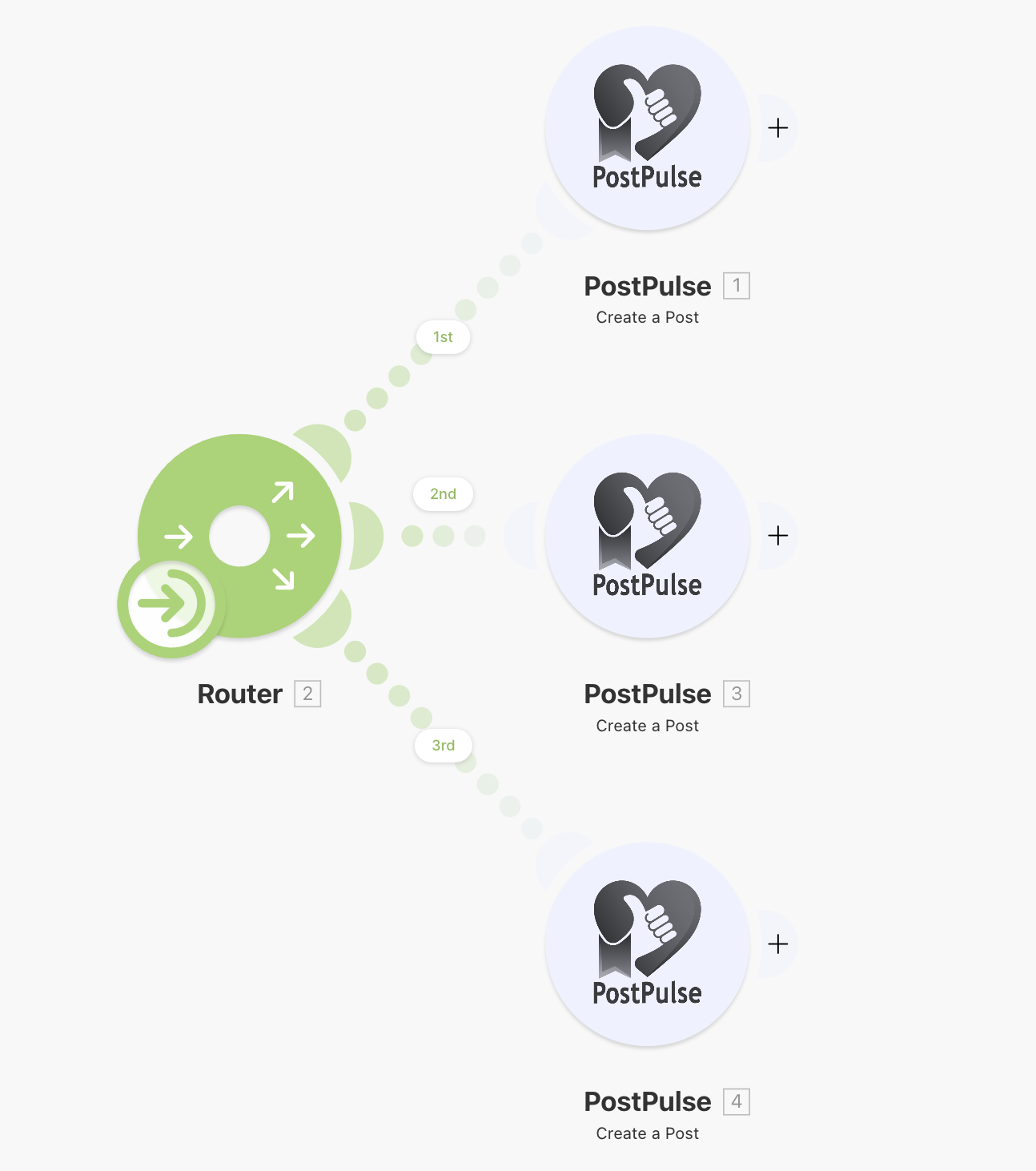
Make Integration Guide
Learn how to use the official PostPulse Make app for automated social media publishing scenarios.
Overview
The PostPulse Make app provides a visual, no-code way to integrate social media publishing into your automation scenarios. Perfect for content creators, marketers, and agencies who want to automate their posting process.
🎯 Visual Scenarios
Build publishing scenarios using Make's intuitive drag-and-drop interface
🔄 Automation
Trigger posts based on schedules, webhooks, or other Make modules
📱 Multi-Platform
Publish to all 10 supported platforms from a single scenario
🔧 No Coding
Set up complex publishing logic without writing any code
Availability
Prerequisites
Create PostPulse Account
Sign up at post-pulse.com/login
Connect Social Accounts
Link your social media accounts at post-pulse.com/app/accounts
Create OAuth Application
Go to PostPulse Developer Portal to create an OAuth app and obtain your Client ID and Client Secret.
Set the default callback URL for Make:
https://www.make.com/oauth/cb/postpulseTelegram Only
Add the PostPulse bot to your Telegram channels.
Authentication
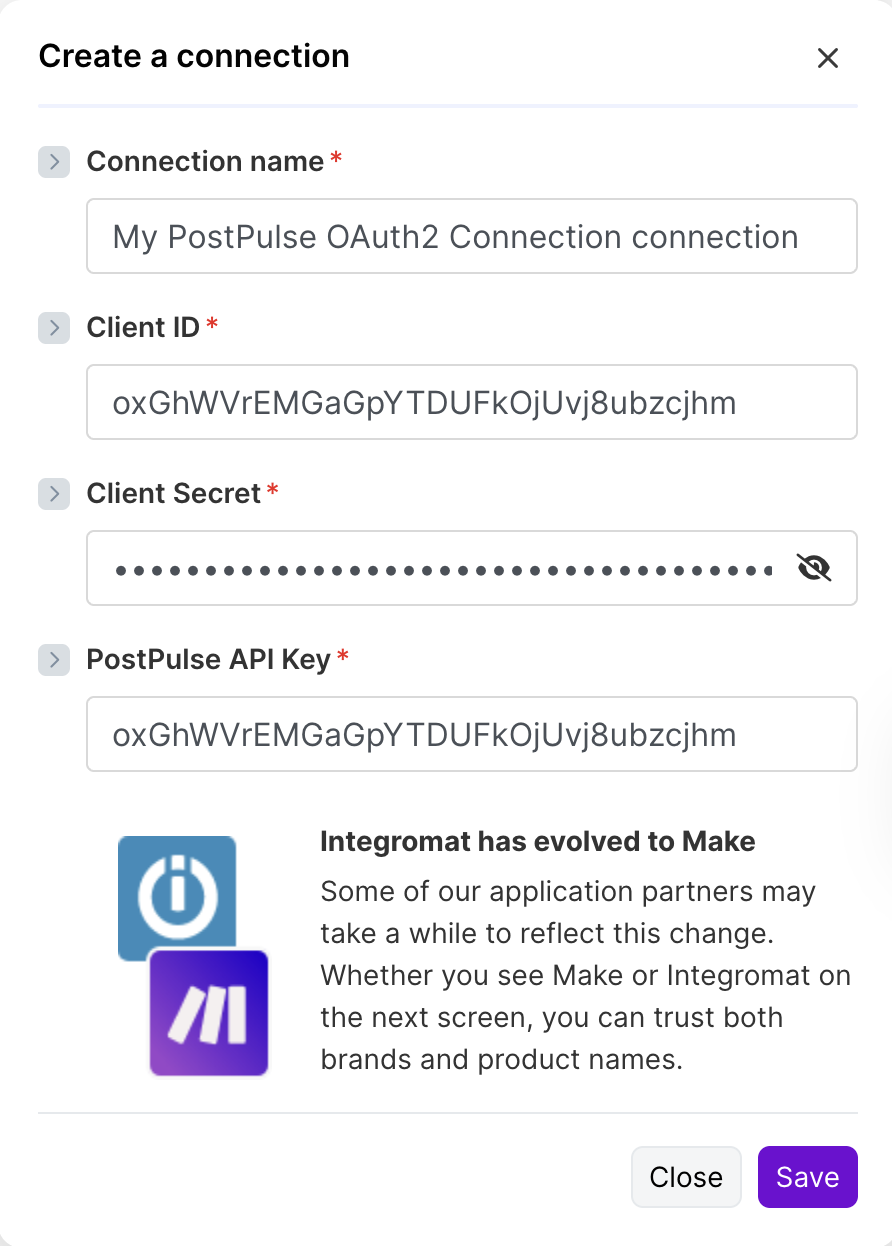
Configure your PostPulse connection in Make to authenticate with the API.
Add any PostPulse module
Drag any PostPulse module into your Make scenario.
Click "Add connection"
Provide:
- Client ID: From your Developer Portal application
- Client Secret: From your Developer Portal application
- API Key: Same as Client ID
Authorize the app
Authorize the app in the popup. Make will store and refresh tokens automatically.
Modules
The PostPulse Make app provides several modules for managing your social media publishing workflow.
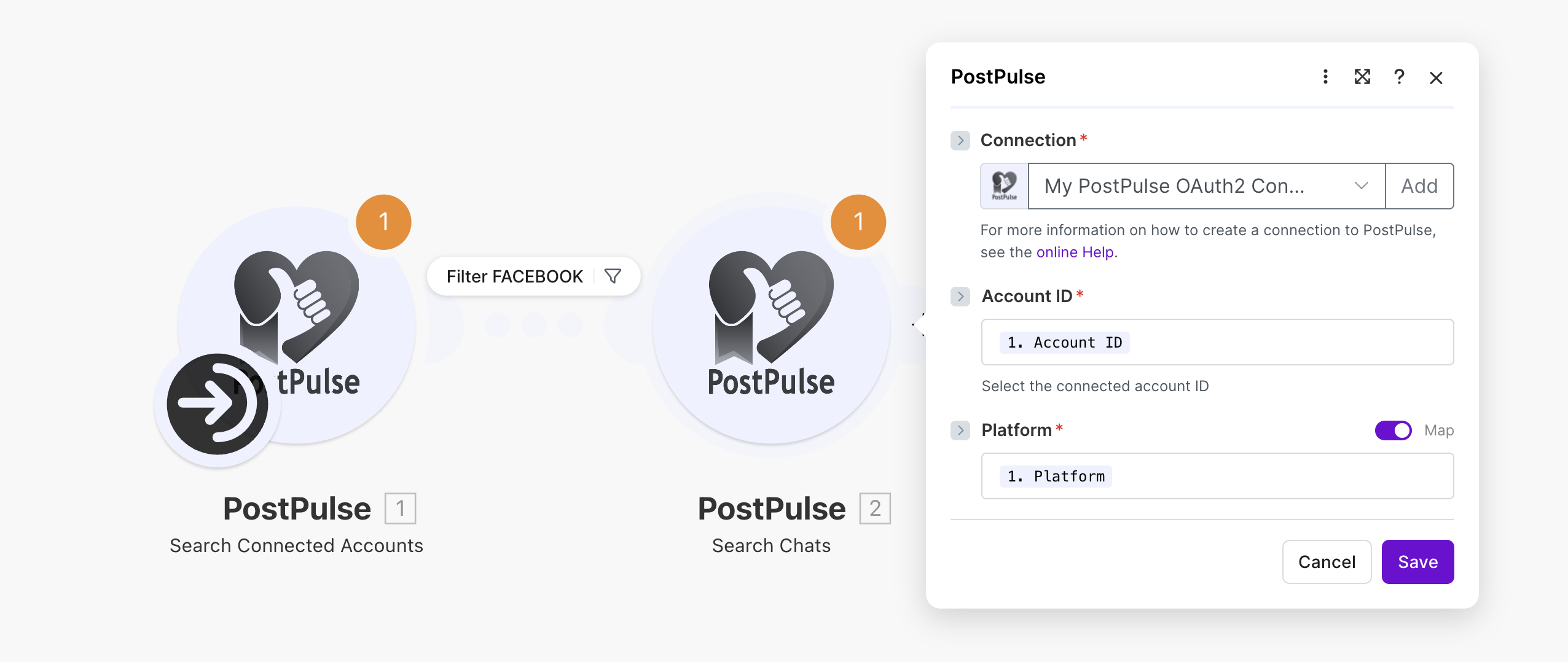
Search Connected Accounts
Returns all connected social media accounts from your PostPulse account. Use this to get account IDs needed for publishing posts.
Search Chats
Should be used for Facebook, Telegram and Pinterest accounts. Returns connected Telegram channels, Facebook pages or Pinterest boards user can publish to.
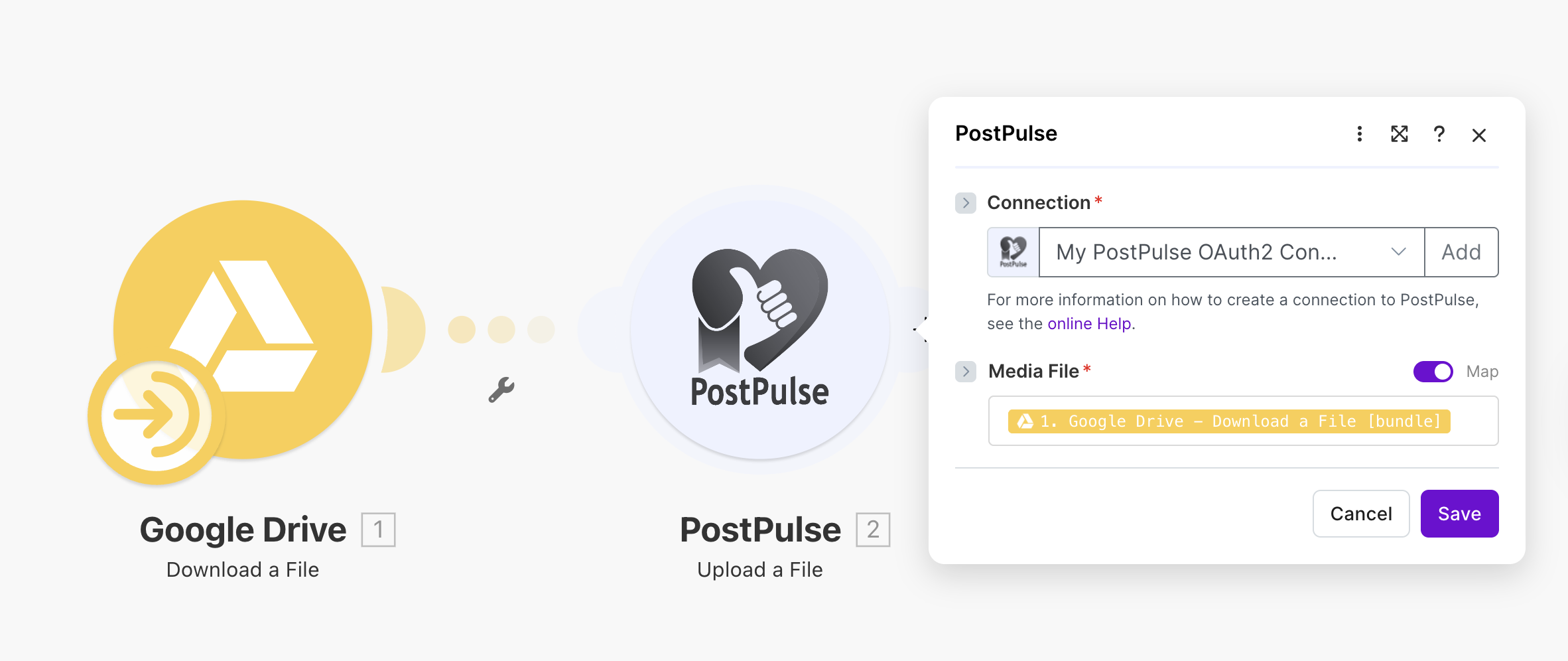
Upload a File
Uploads a media file (binary data) to PostPulse and returns a path. That path should be used in the "Create a Post" module in the "Attachment Paths" input field.
Create a File Import
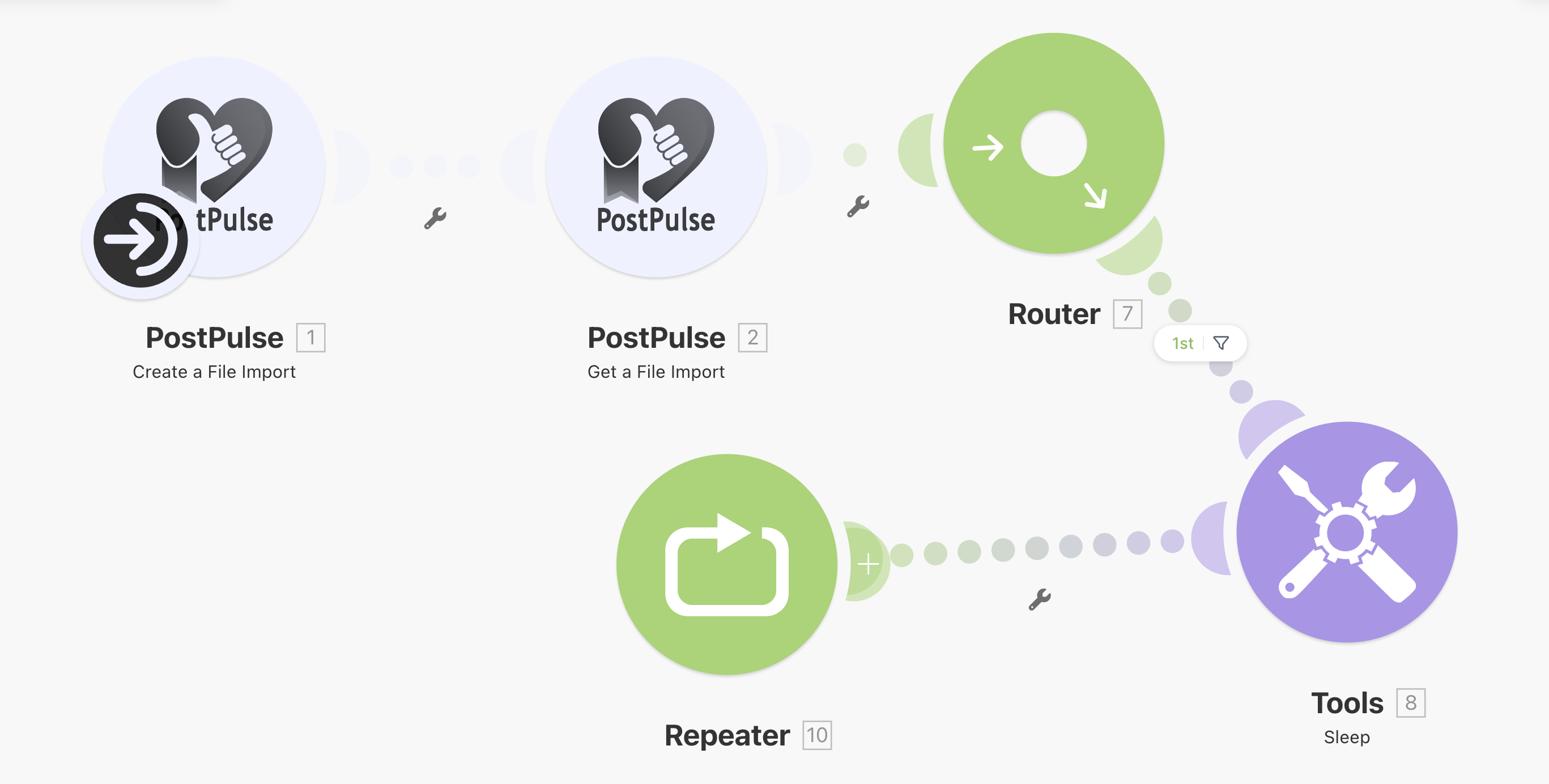
Accepts a public URL to a media file and schedules an import job. Returns an import job ID (to be used in "Get a File Import") and state.
Get a File Import
Returns an import job status by ID. When the file is READY, there will be an s3Key field in response — use it in the "Create a Post" module in the "Attachment Paths" input field.
Create a Post
Simplified single-account scheduling with dynamic fields. The module automatically shows relevant fields based on the selected platform.