LinkedIn API for Developers: The 2026 Developer's Guide
Published on
Tags:
You can get a LinkedIn token, make one successful call, and still feel stuck. The common failure isn't the code, it's the assumption that LinkedIn API for developers behaves like a wide-open social API, when LinkedIn's actual surface is permissioned, product-gated, and easy to misunderstand on day one.
A lot of teams hit the same wall fast. They can sign a user in, but profile reads are limited, posting depends on the right product and scope, and analytics sit behind restricted permissions that don't look obvious until you've already wired the integration. That's why LinkedIn integrations tend to feel heavier than they should, even when the REST calls themselves are straightforward.
Table of Contents
Why LinkedIn Feels Different From Every Other Social API
A developer gets a token, makes a call to GET /v2/me, and expects the next few endpoints to behave the same way. Instead, LinkedIn answers with a narrow, permissioned surface that depends on the product line, the scope, and whether the app was enrolled for the capability the developer thought they had. Microsoft's LinkedIn docs make that segmentation explicit, with access organized around product areas like Marketing, Sales, Talent, and community-management endpoints, not one open public API (LinkedIn developer product catalog).
The part that trips people up
The pain usually starts with a false mental model. Engineers come from platforms where auth means broad access, then discover LinkedIn wants approved use cases, restricted member permissions, and versioned REST behavior that can look like extra ceremony if you're used to more open APIs. Microsoft's docs for member profile analytics even gate basic profile-statistics access behind the r_member_profileAnalytics permission, which is restricted to members (member profile analytics access).
Practical rule: if a LinkedIn endpoint feels strangely empty, assume a permission or product enrollment issue before you assume a parsing bug.
That's the right debugging order because the platform is built around controlled access, not broad discovery. The official docs point developers toward product-specific approval paths, and the access model is designed around compliance rather than casual self-serve experimentation (LinkedIn platform docs). In other words, the friction isn't accidental, it's the operating model.
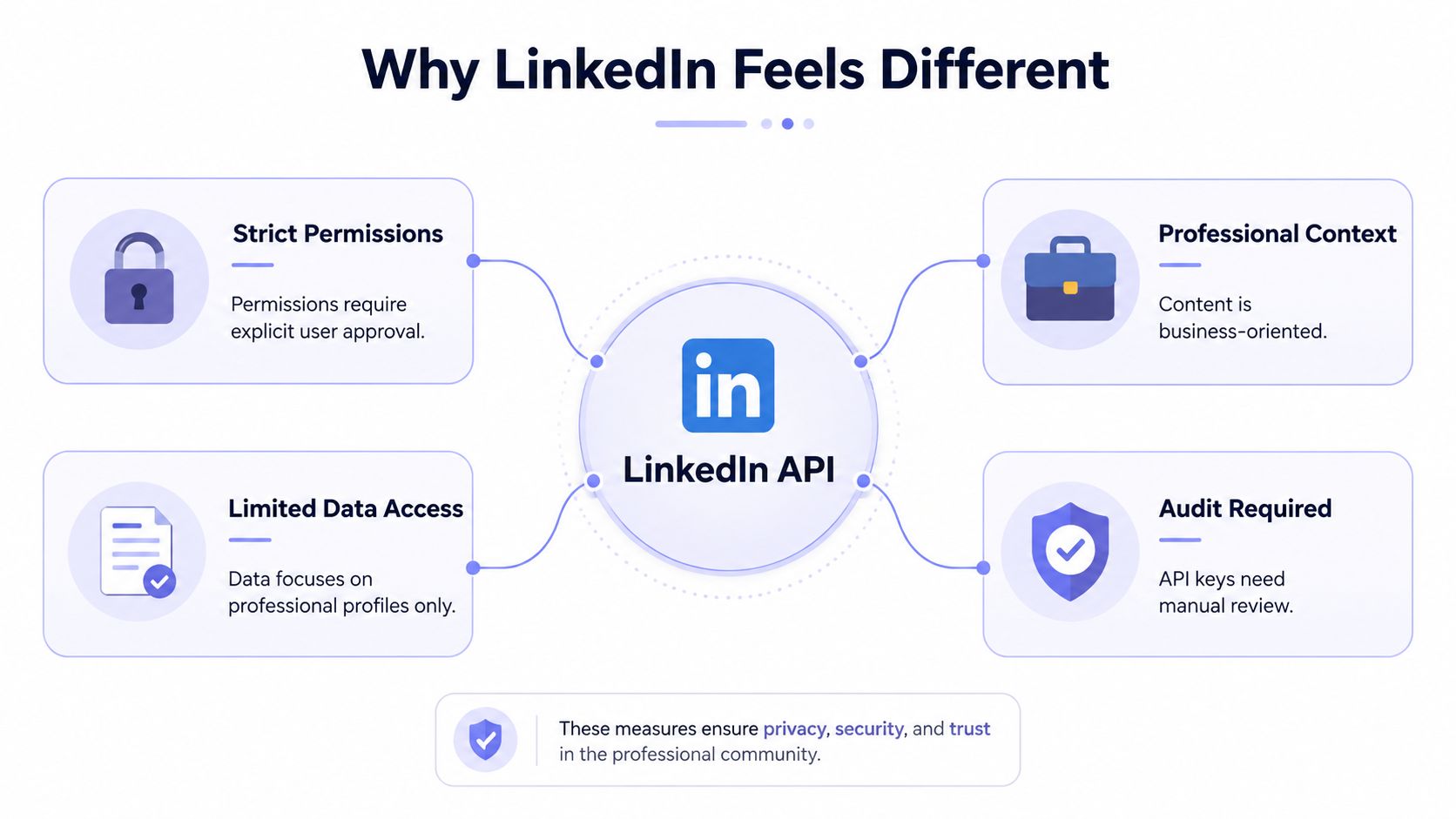 An infographic titled Why LinkedIn Feels Different, detailing the secure and professional nature of the LinkedIn API.
The fastest way to avoid first-week mistakes is to stop treating LinkedIn like a single API. Treat it like a set of gated products with a few self-serve paths, then design your app around the smallest workable scope set. That mindset saves a lot of time when the first “successful” token only proves you can authenticate, not that you can do everything you wanted.
The LinkedIn API Product Map at a Glance
LinkedIn's official surface is easier to use once you stop searching for a universal entry point. Microsoft's docs split coverage across Consumer, Compliance, Learning, Marketing, Sales, and Talent Solutions, so the right path depends on the business problem, not just the endpoint name (LinkedIn docs home).
What each product line is for
Sign In with LinkedIn for basic identity and account linkage. Use this when you only need a user to authenticate and you don't want to ask for broad profile or network access.
Consumer for self-serve member-facing capabilities. Use this when you're building something around a signed-in member rather than a company workflow.
Marketing for organization analytics, page-level insights, and permissioned publishing workflows. Use this when the app needs page data or reporting, and expect an approval step.
Sales for partner-oriented sales workflows. Use this when the product is built around CRM-adjacent use cases and approved access.
Talent for hiring and recruiting workflows. Use this when the integration is tied to talent products and member permissions are part of the design.
Compliance for policy-driven access and regulated workflows. Use this when your use case has governance requirements that can't be handled by generic profile endpoints.
The quick way to pick is simple. If your app only needs sign-in and a minimal identity handshake, stay in the narrowest possible surface. If you need analytics or organization data, you're in a product-specific approval path, and that's where many teams lose a week before they realize the app was never enrolled for the right product.
For teams building on top of a publishing workflow rather than chasing every LinkedIn edge case, the product map matters even more. A practical starting point is a unified layer such as PostPulse's LinkedIn platform support, which is built to sit above the fragmented access model instead of forcing every app team to relearn it.
Use this when
Use Sign In with LinkedIn for identity, Marketing for page and analytics work, and Sales or Talent only when the product fit is real and the approval burden makes sense. If you can't describe the use case in one sentence, you probably picked the wrong product line.
OAuth Authentication and the Token Lifecycle
LinkedIn auth looks standard at first, and then the lifecycle details bite you. You register the app, send the user through authorization, exchange the code for a token, and then keep the token fresh and scoped correctly for the actual endpoint you're calling (LinkedIn profile API).
What the request flow actually looks like
The core pattern is still OAuth 2.0. The modern platform expects a versioned REST contract with the Linkedin-Version: YYYYMM header and X-Restli-Protocol-Version: 2.0.0, and the API lives at api.linkedin.com for REST calls (LinkedIn OpenAPI spec). For identity-style reads, the spec ties profile access to explicit consented permissions like r_liteprofile and r_emailaddress, which is the kind of detail that prevents “why did this endpoint deny me?” debugging sessions.
A basic token exchange is a backend POST, not a browser-side trick. The practical shape is the usual authorization-code flow, and the important operational point is that you must store the resulting token securely, tied to the user who granted consent. LinkedIn's quick-start says developers create a LinkedIn Page, create an app in the Developer Portal, review restrictions, apply under the app's Products tab, and complete the access form before they should expect broader access (LinkedIn quick-start).
What tends to go wrong later
Tokens aren't permanent. Consent can be revoked, product access can change, and a token that once worked can stop working even though the code path hasn't changed. That's why good storage practice means storing the access token separately from the user session, checking expiry on every job run, and never assuming token permanence just because a test call passed yesterday.
Don't build a workflow that depends on one token living forever. Build for consent churn, because the platform is permission-first by design.
For auth plumbing that needs to stay maintainable across multiple services, a dedicated reference like API authentication methods for social integrations is worth keeping nearby. The pattern is the same everywhere, but LinkedIn is less forgiving when the scopes or product enrollment are off.
Core Endpoints Developers Actually Use
The useful LinkedIn endpoints cluster into a few real jobs. You either want the current member, a company page, analytics, or publishing. Anything else tends to be a special case, and special cases are where most integrations burn time on permissions instead of product value.
The endpoints that matter first
GET https://api.linkedin.com/v2/mefor the current member. The People/Profile API says profile reads are subject to the member's privacy settings and require an access token acting on behalf of a user (Profile API).Member profile analytics for profile viewers, follower counts, and search appearances. Microsoft documents these as part of the analytics layer, with
memberFollowersCountsupporting both lifetime totals and time-bounded daily statistics usingmeanddateRangequery modes (follower statistics).Organization analytics for
followerCountsByCountry,followerGains, andtotalImpressions. These are page-level metrics, not casual public reads.Posts on behalf of a member or organization when the app has the right posting permissions and the user or page admin has granted access.
The key divide is self-serve versus gated. Basic identity and limited posting workflows can be built with narrow scopes, but analytics and organization access depend on the product approval path and the exact permission set. That's why many “LinkedIn API” articles mislead people. They talk as if every endpoint is equally reachable, when the practical reality is a much smaller surface unless you've gone through the approval work.
For people who mainly need to turn content into LinkedIn-ready output, a resource like repurpose webinar content for LinkedIn can help shape the workflow before you ever touch the API. The point is to reduce how much raw platform work your app has to do.
Operational note: profile reads are constrained by privacy settings, and organization data only makes sense if the page admin actually authorized the app.
If you're building dashboards, reporting tools, or a publishing UI, treat the analytics endpoints as historical inputs, not as a real-time firehose. The documented dateRange support on follower stats is what makes trend analysis possible, but it also means you have to ask the right question for the right interval instead of expecting one catch-all endpoint.
Required Headers, Versioning, and Rate Limits
LinkedIn's REST surface is strict about the wire format. Every request should carry the versioning and protocol headers the current contract expects, because those headers are part of the stability strategy, not decorative metadata (LinkedIn OpenAPI spec).
The headers that should be on every call
Send Linkedin-Version: YYYYMM and X-Restli-Protocol-Version: 2.0.0 with the requests that need them. That version pinning helps keep integrations from drifting into silent breakage when the platform changes behavior. The failure mode here is ugly because a valid endpoint can act like it doesn't exist if your request shape is off.
Rate limits are also part of the operating contract, even when LinkedIn doesn't surface them as prominently as the auth story. In practice, you should expect per-app and per-endpoint throttling, then design for 429 responses with backoff and retry handling instead of trying to brute-force the API. For analytics dashboards, the useful working constraint is the lookback window of about one year for post-level metrics, which keeps historical reporting bounded and manageable according to independent 2026 guides in the field.
How to keep production stable
Pin versions deliberately. Don't let clients drift across months without a reason.
Handle
429responses. Backoff beats repeated failure every time.Cache what doesn't need live retrieval. LinkedIn data is permissioned, not cheap to re-fetch.
Treat analytics windows as finite. Build reports around the available lookback instead of assuming indefinite history.
The pattern is pretty simple once you accept it. LinkedIn wants explicit contracts on both permissions and request shape, so production stability depends on respecting those contracts every time, not only during initial testing. If a call suddenly starts failing after a platform change, the first thing I'd inspect is the header set, then the enrolled product, then the scope.
Working Code Examples in Node and Python
The fastest way to understand LinkedIn's API is to wire the smallest possible request. The examples below do two things developers need first, exchange an authorization code for a token, then create a post with the correct headers and a minimal payload.
Node.js token exchange and post creation
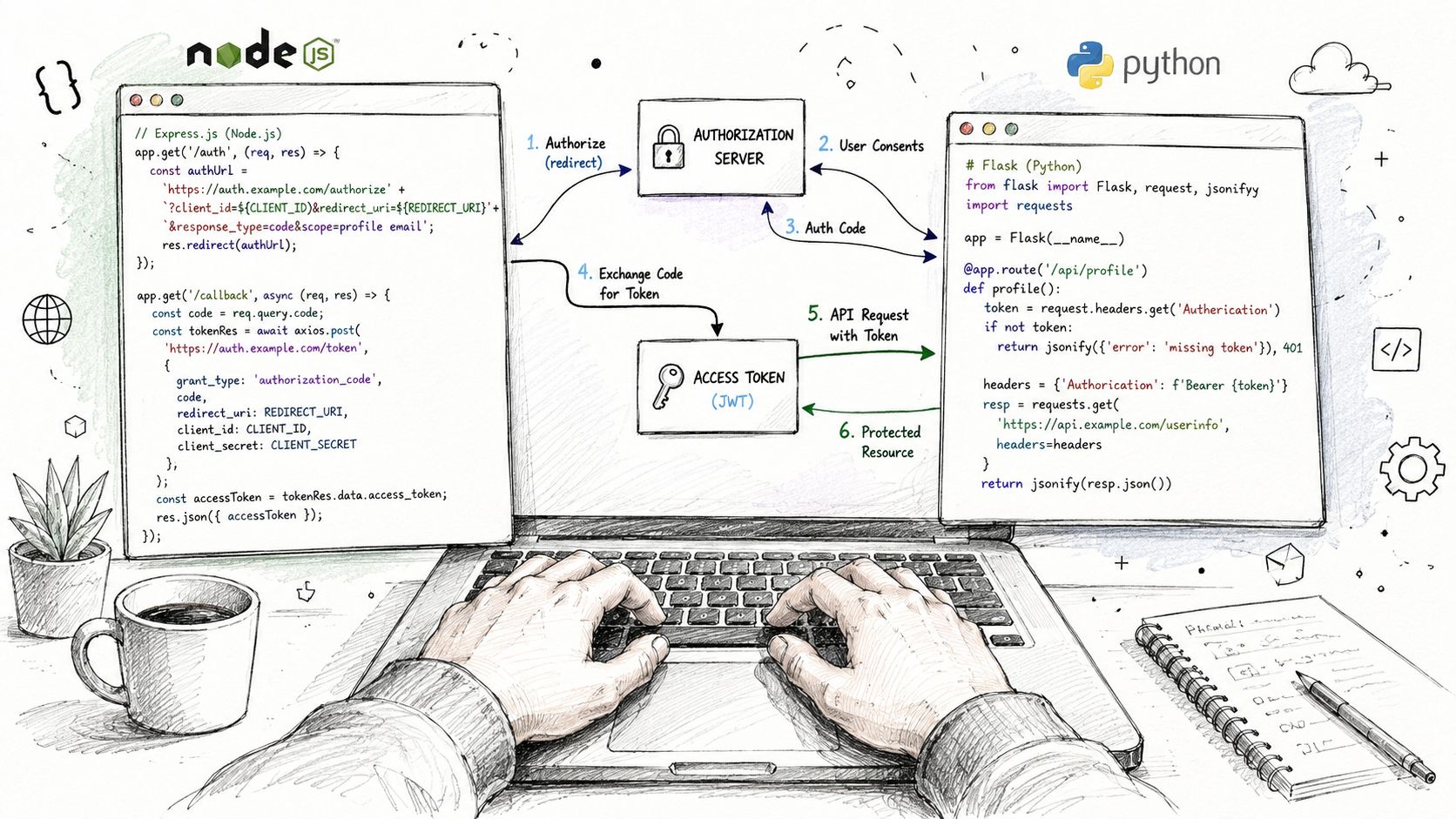 A hand-drawn illustration showing a laptop displaying Node.js and Python code for integrating an authorization flow.
Python token exchange and post creation
If you're building a broader automation stack, creative automation with MCP is a useful adjacent reference because it shows how teams increasingly think about orchestration instead of one-off platform code. That's especially relevant once LinkedIn becomes just one destination in a larger publishing pipeline.
The common failure modes are predictable. A 401 usually means the token path broke or the token is no longer valid, a 403 usually means the scope or product enrollment is wrong, and a bad author URN or malformed payload will get you nowhere fast. The code above is intentionally thin because heavy SDKs tend to hide the exact request shape that matters when something breaks.
Troubleshooting the Failures You Will Actually Hit
The weird part of LinkedIn work isn't that it fails. It's that it fails in the same four ways over and over, and each failure looks just plausible enough to waste an afternoon if you don't know the pattern.
The usual suspects
A 401 one hour after authentication usually means the app never exchanged the short-lived code flow result into a usable long-lived access token, or the stored token is no longer valid because consent changed. A 403 on a scope you thought you enabled usually means the app never had the right product under the Products tab, so the scope exists in theory but not in your actual app enrollment.
A silent empty array from analytics is usually not a data problem at all. It's often a date-range issue, a page-access issue, or both, because the analytics endpoints only return what the app is allowed to see. The last common headache is the publishing job that sits in IN_PROGRESS forever after a media-heavy request, which usually points to an upload or asset registration step that didn't complete cleanly.
If the data looks strangely absent, check access first, payload second, and your code last.
What to check first
Token lifecycle: confirm the token you stored is still valid and consent hasn't been revoked.
Product enrollment: verify the app was added to the right product surface.
Author and org URNs: make sure the entity you're posting as is real and authorized.
Date range and permissions: especially for analytics, where empty results can just mean the caller isn't allowed in.
Regional availability and policy changes make this worse for global teams. A token or scope that worked for one customer can break for another customer type if the underlying approval path differs, so production code needs to assume permission churn instead of treating the access model as static.
When a Unified Publishing API Is the Better Bet
Direct LinkedIn integration makes sense when you need deep analytics or a restricted product that only LinkedIn can expose. It makes a lot less sense when your actual problem is publishing across multiple social networks, because then you're really signing up for repeated auth work, repeated approvals, and repeated maintenance.
The trade-off is usually maintenance, not code
A unified publishing layer can remove a lot of that friction. PostPulse is one option in that category, it provides a REST API for publishing to multiple platforms, including LinkedIn, and it also offers white-label and private-label flows for app developers who don't want to manage every platform's auth quirks themselves. That matters when your product needs publish-once, manage-many behavior, not a bespoke LinkedIn project with separate token logic per customer.
The cost shape is different too. Direct integration means platform audits, token handling, and version upkeep across every platform you support. A unified layer shifts that work into one contract, which is much easier to maintain when your product team needs to ship features instead of babysitting policy changes.
When it's the wrong choice
Deep sales or recruiting workflows still belong in the native product ecosystem.
Heavy analytics still need the actual LinkedIn permission model.
Enrichment and outreach are not magically solved by a wrapper.
For broader social workflows, a platform like API for social media can be a better fit than stitching together five different vendor SDKs. The point isn't that wrappers replace LinkedIn, it's that they often eliminate the parts of the integration that don't create product value.
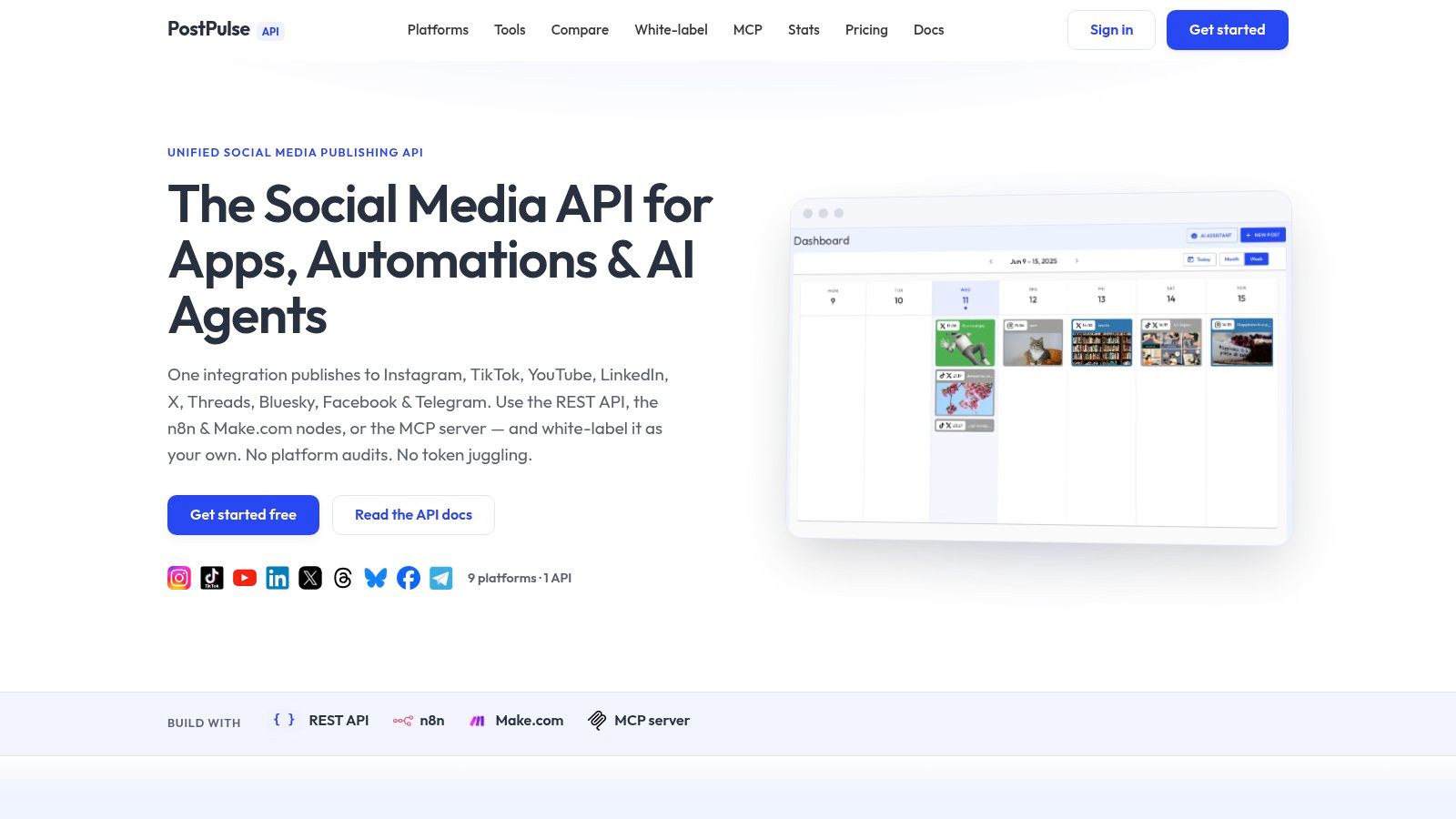 Screenshot from https://post-pulse.com
If your team is spending more time on approvals, token lifecycle handling, and version pinning than on the actual product experience, the unified route deserves a serious look. The native API is still the right answer for some jobs, but it's not the right default for every publishing workflow.
Quick Reference Card
Operation | Endpoint | Scope | Gate |
Authenticate a member |
|
| Self-serve for sign-in flows, product-dependent for broader access |
Read the current member |
| Explicit consented profile scope | Self-serve, privacy settings still apply |
Read member analytics | Member analytics endpoints, including |
| Restricted to members |
Post as a member | Posts API under | Posting scope tied to the member flow | Product and permission dependent |
Read organization analytics | Organization analytics endpoints | Organization analytics permission set | Product approval required |
Post as an organization | Posts API with organization author URN | Organization posting scope | Page admin access required, product dependent |
Watch out for: version headers. Keep Linkedin-Version: YYYYMM and X-Restli-Protocol-Version: 2.0.0 on the calls that need them, or the request can fail in ways that look unrelated to auth.
Developer FAQ
Can I build a publish-once, manage-many workflow without special access? Yes, for limited publishing cases, but not for broad CRM, outreach, or enrichment use cases. LinkedIn's access model stays narrow unless you're in a product and permission path that supports more.
Is LinkedIn's API surface stable across regions? Operationally, it's fragile enough that you should design for permission changes and approval differences. Don't assume every customer will have the same available endpoints.
Can I automate outreach or large-scale data extraction on the official API? No. The official surface is permissioned and approval-based, and the useful public self-serve path is much narrower than the marketing copy makes it sound.
How long does Marketing Developer Platform approval take? LinkedIn's docs don't promise a public timeline, and that uncertainty is part of the problem. Build your product so it doesn't depend on a fast approval cycle.
What should I use if I need LinkedIn plus other platforms? Use the native API only when LinkedIn-specific capabilities matter. If your real job is broad publishing, a unified layer can cut out a lot of token maintenance and approval overhead.
If you're building LinkedIn publishing, identity, or analytics into a product and don't want to spend your next sprint untangling scopes and approvals, take a look at PostPulse. It gives apps a single publishing surface for LinkedIn and other networks, so you can keep the integration work focused on product value instead of platform plumbing.
About the Author

Founder of PostPulse — a social media scheduling platform for creators and teams. Software engineer with a passion for building developer tools and simplifying complex API integrations across social media platforms.