How to Schedule Instagram Stories: 2026 Guide
Published on
Tags:
You've queued an Instagram Story for 9:00, verified the asset, and gone to bed. In the morning, the Story never appeared. The access token expired, the media container was still processing, or Meta rejected the creative because it violated a policy rule. The calendar said “scheduled,” but the publishing system had never reached a successful delivery state.
That's why how to schedule Instagram Stories is partly a publishing question and partly an API engineering problem. Instagram Stories became a major publishing format after Instagram introduced them in August 2016, and Meta has reported that more than 500 million people use Stories every day (industry summary citing Meta data). Consistency matters at that scale, but consistency comes from controlling authentication, media readiness, account eligibility, and policy validation, not from selecting a time and hoping the queue behaves.
Table of Contents
Why Story Scheduling Keeps Breaking
A Story can be queued successfully at 9:00 and still fail before anyone sees it. The scheduler accepted the job, but publication later encountered an expired token, unfinished media processing, or a policy rejection. Treating “scheduled” as proof of delivery hides the failure.
A production scheduler crosses three boundaries.
The first is authentication. A connection that works when someone creates the schedule may be invalid at delivery time. Tokens can expire, permissions can change, account connections can be revoked, and login configurations can become outdated. Store token status with the job, check it before publication, and surface a clear failure instead of retrying an unauthorized request indefinitely.
The second boundary is media readiness. An image or video may still be processing after the upload request succeeds. Track upload, processing, ready, failed, and published states separately. Poll or retry within defined limits, then run a final readiness check before sending the publication request. A successful upload does not prove that Instagram can publish the asset.
The third is policy compliance. Meta's Platform Policy says Stories must not include logos, watermarks, calls-to-action, or other promotional content (Meta Platform Policy). Validate the creative before it enters the queue, and stop or flag it when the check fails.
Practical rule: Treat a scheduled Story as a workflow with states, not as a calendar entry.
Stories remain available for 24 hours, creating a limited visibility window rather than a permanent post (Instagram Stories statistics summary). Timing supports launches, reminders, polls, event updates, and behind-the-scenes content, but a missed delivery can make the asset irrelevant before the team detects the problem.
The reliable sequence is straightforward: validate the account before enqueueing, confirm media readiness before delivery, verify the destination and timezone, then record the result for each frame. Scheduling Stories is orchestration across authentication, media processing, account configuration, and platform policy.
Scheduling Stories in Meta Business Suite
Before building an integration, establish a working baseline in Meta Business Suite. Meta's native flow gives you a visible schedule and removes much of the OAuth and background-job complexity that makes a custom implementation hard to debug.
On desktop, use the Planner or Content area and choose Create Story. Select Instagram as the destination, upload the vertical media, set the publication date and time, and confirm Schedule Story. Meta's documented mobile sequence is similar: open Content, select Stories, tap Create, add media and text, tap Next, choose Schedule for later, select the date and time, and tap Schedule (Meta Business Help).
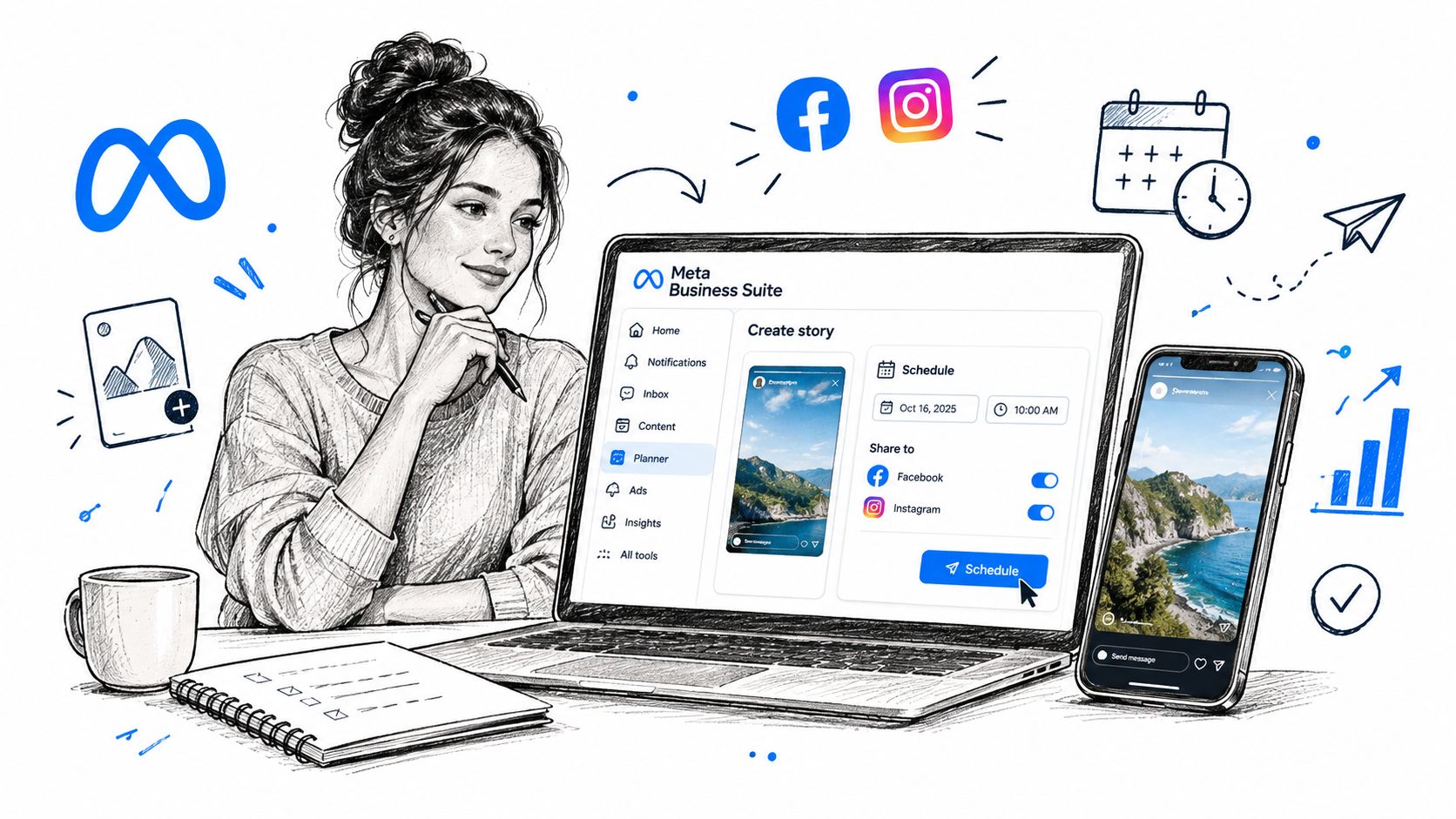 A woman using a laptop to schedule Instagram stories on the Meta Business Suite platform.
Use the native workflow as a control test
Prepare the asset before opening the scheduler:
Choose a vertical 9:16 file. This gives the Story the intended full-screen format.
Keep critical text away from interface overlays. Captions, buttons, and account controls can obscure text placed too close to the top or bottom.
Select only the intended destination. Confirm that Facebook isn't selected if the content is meant for Instagram alone.
Attach the correct timezone. Don't assume the browser, account, and audience all use the same local time.
Review Planner after scheduling. The item should show the intended account, timestamp, and destination.
A common operational mistake is treating the final click as proof of success. Open Planner and inspect the scheduled item. If it isn't visible there, treat it as unscheduled and resolve the connection or permission issue before moving on.
Native scheduling is especially useful for teams that need straightforward review and auditability. If you're evaluating how the native workflow compares with a publishing platform, this comparison of PostPulse and Meta Business Suite provides another reference point, but Meta Business Suite remains the cleanest first test because it exposes the final publishing destination directly.
Use Meta's interface for manual campaigns, approval-driven work, and low-volume publishing. It becomes less convenient when your product needs to create schedules dynamically, coordinate multiple social platforms, or let customers publish under your own interface.
Understanding the API Requirements and Limits
A scheduler can fail before publication if it accepts the wrong account type or stores an incomplete connection. Meta documents the Instagram Platform for professional Business and Creator accounts, with publishing available through supported API configurations (Instagram Platform overview). A personal account should not be treated as API-publishable just because its owner can create Stories in the consumer app.
Authentication determines how the connection is created, refreshed, and diagnosed. Instagram Login and Facebook Login for Business use separate configurations with different setup and token requirements. Store which path created each connection, expose token failures, and validate the connection before the scheduled publication time. The Instagram Business API guide provides background for teams assessing a direct integration.
Creator accounts gained Content Publishing API access in June 2023, while Stories became an eligible media type for businesses. Meta also states that developers with approved access to the relevant Content Publishing permissions did not need a separate App Review solely because Stories were added (Meta developer announcement).
Model the publishing job explicitly
A production scheduler should represent the job as five separate stages:
Connection validation: Confirm account eligibility and required permissions.
Asset preparation: Store the media reference, destination account, publication time, and timezone together.
Readiness checking: Wait until media processing is complete before attempting publication.
Delivery: Submit the publication and record the platform response.
Reconciliation: Mark the job as published, failed, or requiring intervention.
Meta documents a limit of up to 25 single images, videos, Reels, or carousel posts per day for Instagram Business accounts publishing through third-party developer platforms. The quota covers those listed media categories, so an implementation should not assume that Stories have a separate unlimited allowance. Count successful publication attempts, handle rate-limit responses, and show quota errors clearly to the operator.
The practical rule is to fail before the scheduled time. If a token is invalid, the account is disconnected, media processing is incomplete, or the quota is exhausted, surface the problem early enough to replace the schedule or reconnect the account.
Choosing Between Native Tools and Automation
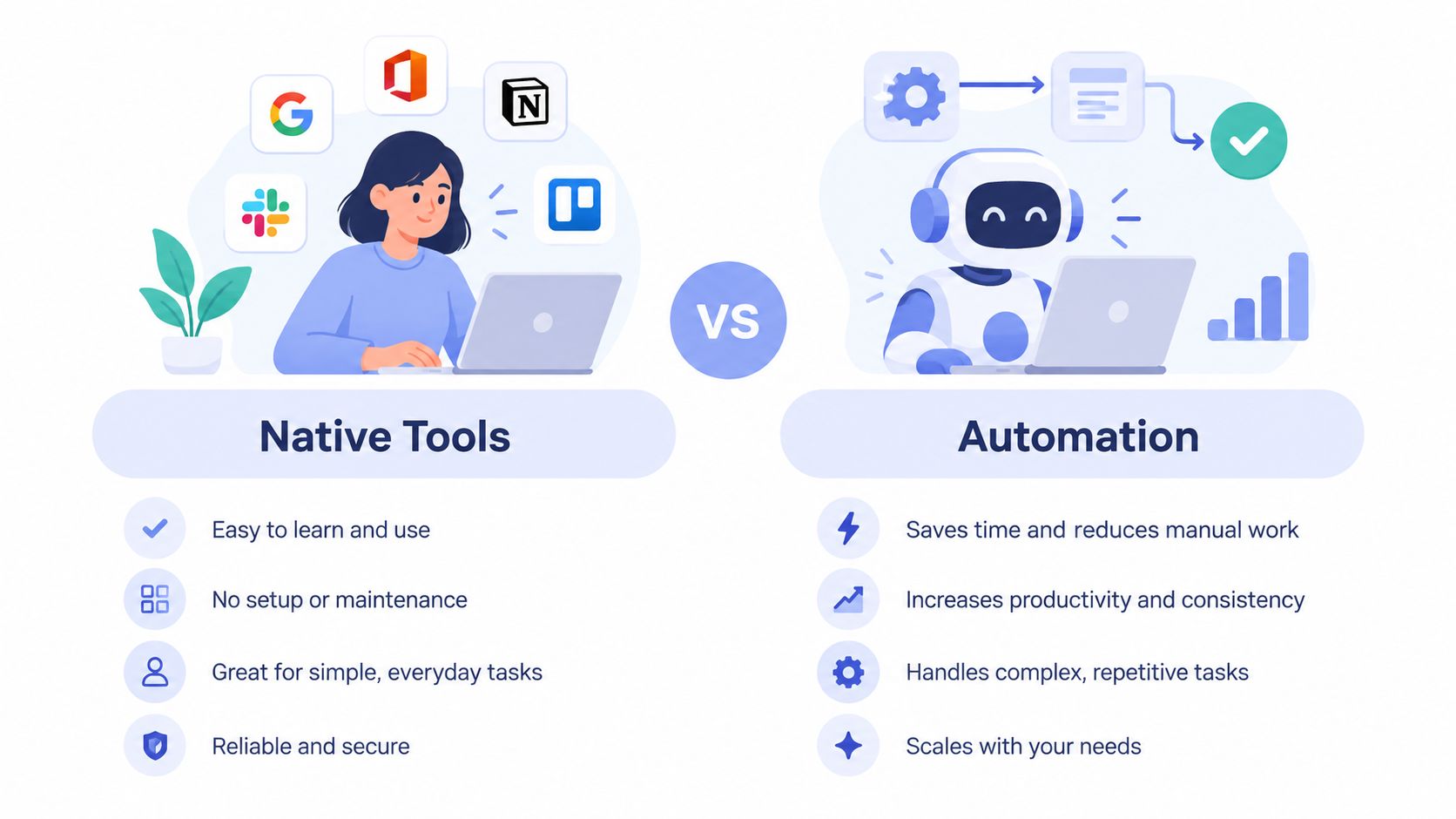
Native scheduling and programmatic publishing solve different problems.
Meta Business Suite wins when the team values simplicity, visibility, and a short operational path. The user selects an account, uploads media, chooses a time, and can inspect the result in Planner. There's no custom token store, background worker, retry policy, or customer-facing error state to maintain.
Automation becomes worthwhile when publishing is part of another product. A SaaS application may need customers to connect their own accounts. An AI agent may need to create and queue content. A no-code workflow may need to publish the same approved asset across several platforms. In those cases, asking every user to operate Meta Business Suite defeats the purpose of the product.
Decision area | Meta Business Suite | Programmatic automation |
Token management | Mostly handled through the Meta product experience | Your system must manage connection state and failures |
White-label experience | Not designed for your brand | Can be embedded in your own application |
Multi-platform coordination | Focused on Meta destinations | Can coordinate several publishing APIs |
Operational control | Strong visibility through Planner | Custom retries, webhooks, queues, and audit logs |
 An infographic comparing native tools and automation for business efficiency and workflow management.
The trade-off isn't “manual versus modern.” It's managed complexity versus owned complexity. Native tools reduce engineering work, while direct integrations give you control over the user experience and workflow behavior.
For teams designing an operational process rather than a full API product, these best practices for Story scheduling are useful when deciding how far ahead to plan, how to organize assets, and how to handle approval steps. Keep the native route when publication is occasional and account ownership is simple. Choose automation when token handling, multi-platform coordination, or white-label publishing is part of the product requirement.
Implementing Story Scheduling with PostPulse
PostPulse can act as an integration layer for teams that don't want to maintain each platform connection separately. It exposes one publishing surface for Instagram and eight other platforms, with access through a REST API, official n8n and Make.com nodes, or an MCP server. The implementation still needs account validation and content-policy checks, but your application doesn't have to build every platform connection from scratch.
A practical rollout starts with the same sequence regardless of transport:
Connect the professional account. Confirm that the Instagram account is eligible for the intended publishing path.
Store the schedule with a timezone. A timestamp without timezone context is an avoidable production bug.
Validate the media before enqueueing. Check format, orientation, overlays, and the intended destination.
Submit the Story job. Use the Story publication type and the selected timestamp.
Handle failure states. Surface authentication errors, rejected media, quota failures, and delivery failures instead of leaving the job marked as scheduled.
Reconcile the result. Keep an audit record so operators can see what was attempted and what happened.
For a direct REST implementation, keep the publishing request separate from the user-facing schedule form. The form creates a durable job. A worker later submits that job, retries only safe failures, and stops when the platform reports a policy or quota problem.
In n8n or Make.com, use an approval step before publication and route failures to a notification branch. This is safer than allowing an AI-generated asset to publish immediately. With MCP, expose publishing as a constrained tool, require the account and scheduled time explicitly, and reject missing policy metadata before the agent can enqueue content.
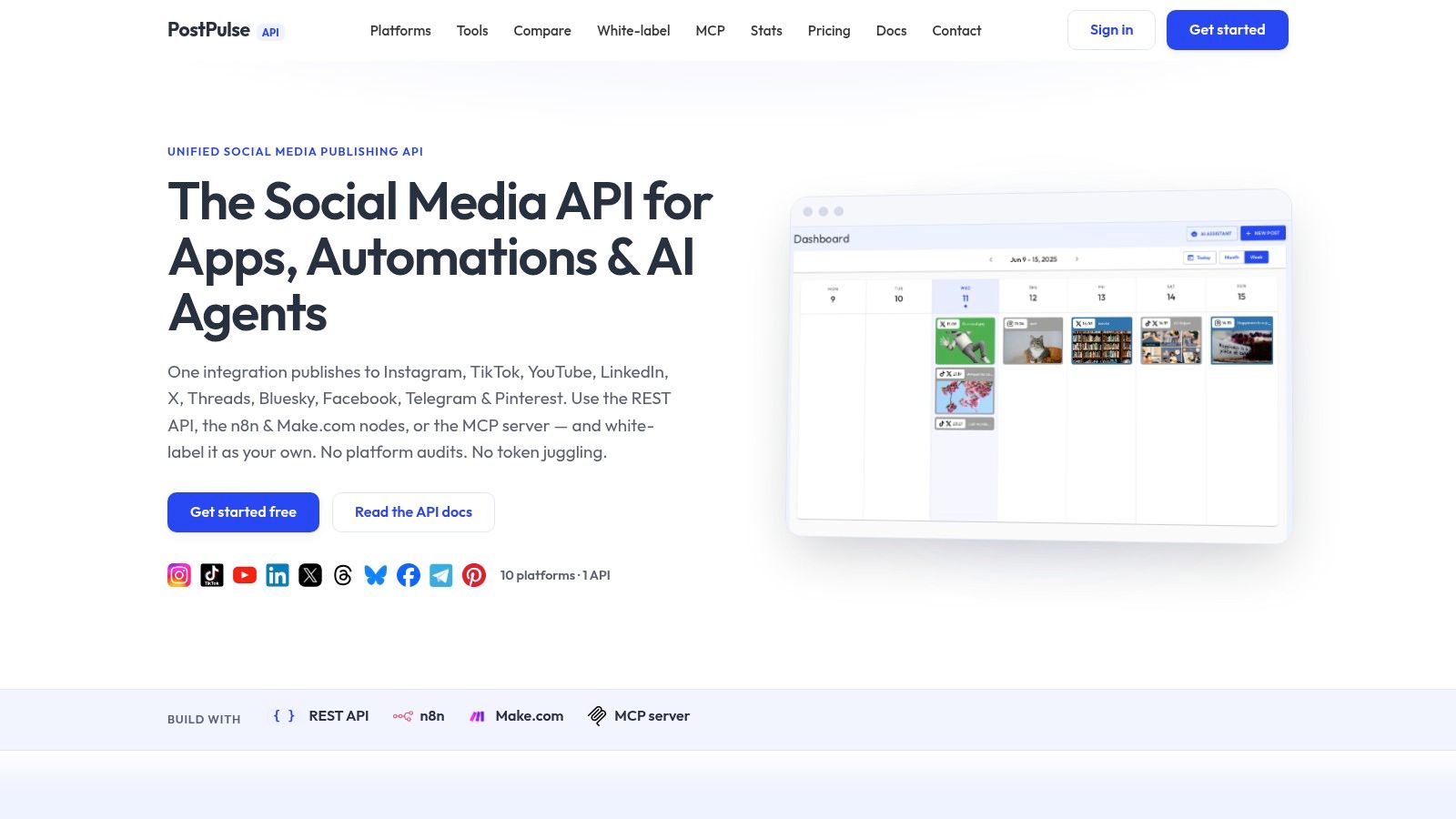 Screenshot from https://post-pulse.com
The PostPulse integration guides are the natural starting point for choosing between REST, n8n, Make.com, and MCP. The engineering decision should follow your product surface, not the novelty of the transport.
Avoiding Policy Blocks and Improving Retention
A technically valid upload can still fail policy review. Meta's Platform Policy restricts Stories containing logos, watermarks, calls-to-action, or other promotional content. Run a preflight check before an asset enters the queue, especially when templates, automated generation, or reposting are involved. Store the result with the job so operators can see why an item was held.
Attributed Stories also need to be unique and personal rather than generic. Clicking the Story should lead to an experience that enhances it or lets the viewer create their own Story. File validation cannot cover those requirements. Track asset provenance, review generated creative, and define the intended viewer interaction before publication.
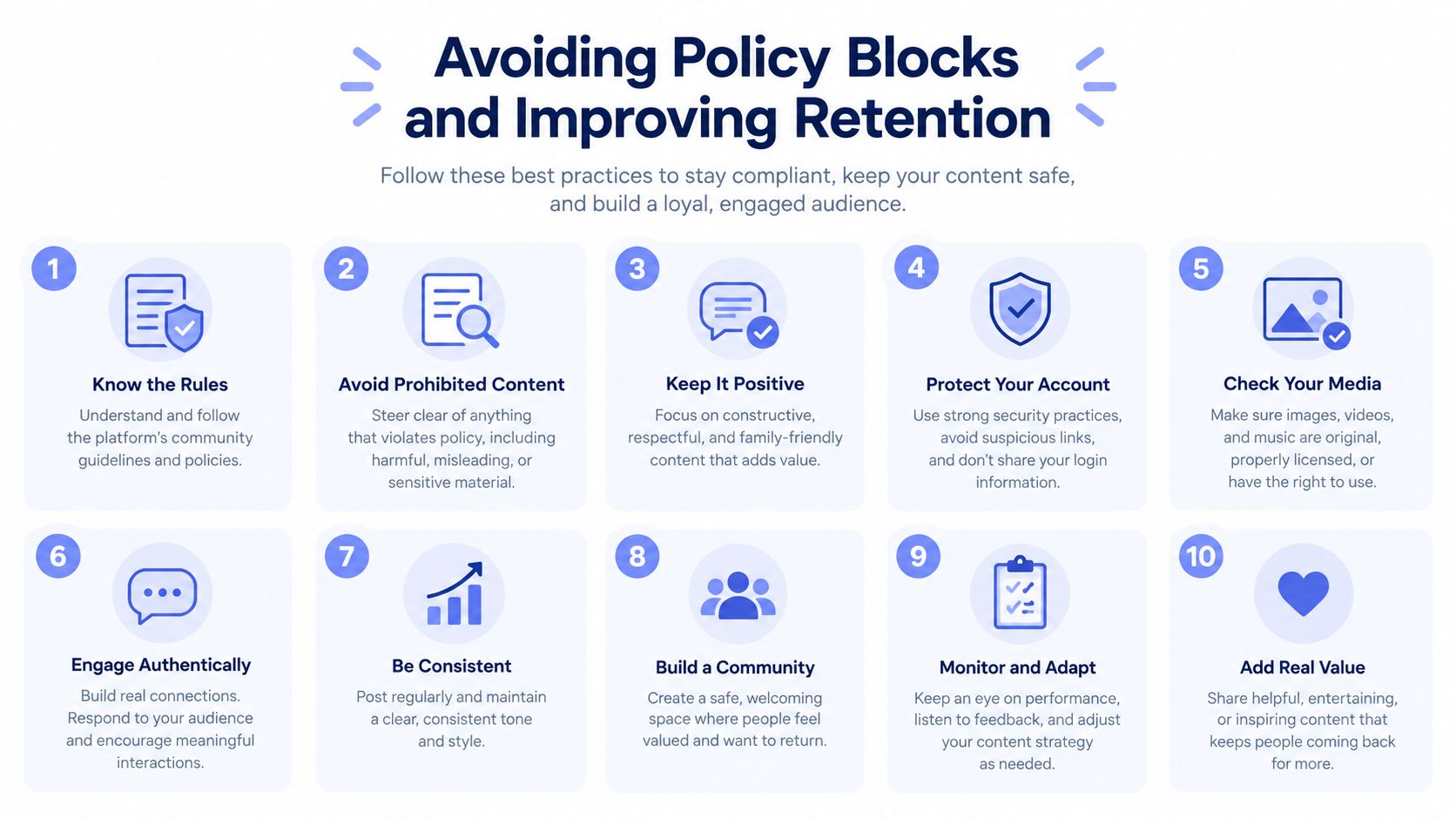 A ten-point infographic providing best practices for social media compliance and audience retention strategies.
Optimize the sequence, not only the timestamp
Industry summaries report that approximately one-third of the most-viewed Stories come from businesses (Instagram Stories statistics summary). Business reach matters, but scheduling only for impressions misses the role Stories play in reminders, replies, launches, and ongoing relationships with followers.
Retention often drops at the start of a sequence. One benchmark summary reports a 23.8% exit rate on the first Story frame, falling to roughly 13% to 15% by frames four through nine. Treat those figures as directional, since industry, geography, follower size, creative quality, and distribution type can change the result.
Design the schedule around the narrative:
Open with the value immediately. Tell viewers why they should continue on the first frame.
Keep connected sequences short and purposeful. A Socialinsider summary reports that the second Story receives about 81% as many views as the first, the third about 77%, the fourth 72%, and the fifth 70%.
Place interaction after the hook. Polls, questions, and other interactive elements need context before they can support it.
Reserve the final frame for one action. Competing instructions make completion and response harder to interpret.
Use Instagram Insights to select local-time windows, then test two or three windows for four to six weeks with comparable sequences. Compare median reach, completion, exits, replies, sticker interactions, and link-click rate. Review the pattern monthly because audience behavior changes, using HubSpot timing and Instagram engagement guidance as a reference for testing considerations.
Publishing behavior also depends on the Story elements and delivery route. Certain stickers, music, product tags, links, or mentions may require a final manual step based on the tool, plan, account type, or publishing path (Later scheduling documentation). Browser-driven fallbacks introduce another failure surface. Teams investigating that behavior can review diagnosing Playwright detection flags, while a compliant API workflow should remain the preferred path.
Before releasing a scheduler, verify the account, timezone, destination, media state, policy status, quota state, and frame-level analytics. Publish one clean Story first, inspect its scheduled record, confirm delivery, and only then add sequences and automation.
PostPulse provides a unified REST API, official n8n and Make.com integrations, and an MCP server for scheduling Instagram Stories and other social content. Developers can review the available integration options at PostPulse.
About the Author

Founder of PostPulse — a social media scheduling platform for creators and teams. Software engineer with a passion for building developer tools and simplifying complex API integrations across social media platforms.