Best MCP Servers for Developers: 10 Picks Compared
Published on
Tags:
You're wiring social publishing into your app, and your coding agent confidently generates an integration against an outdated API. The request fails, the deployment log contains the useful clue, and the agent can't see it. You end up copying documentation, error messages, and account details between tabs while checking that you haven't pasted a secret into the conversation.
The model isn't necessarily the main problem. It's missing the connections that would let it inspect the right documentation, repository, browser session, or deployment.
An MCP server exposes capabilities through a common interface so an AI application can retrieve context or invoke tools. The official MCP server concepts documentation distinguishes tools, which perform operations, resources, which provide read-only context, and prompts, which provide explicitly invoked instruction templates. That distinction matters: fetching documentation and publishing a post shouldn't carry the same permissions.
The best MCP servers for developers are the ones that close a specific context gap without opening unnecessary access. AppJet's guide to coding agents provides broader context for choosing an agent; choosing its connections deserves just as much care.
The picks below are organized around the work you need done: publishing, repository work, browser debugging, documentation lookup, backend investigation, payments, and project coordination. Each ends with a concrete limitation and a safe starting configuration. Don't install everything. Pick the job you're currently doing.
Table of Contents
How the best MCP servers compare on hosting, auth, pricing signals, and fit
Start With One Server, Scope It Tightly, and Add the Next Only When Needed
1. PostPulse
 PostPulse
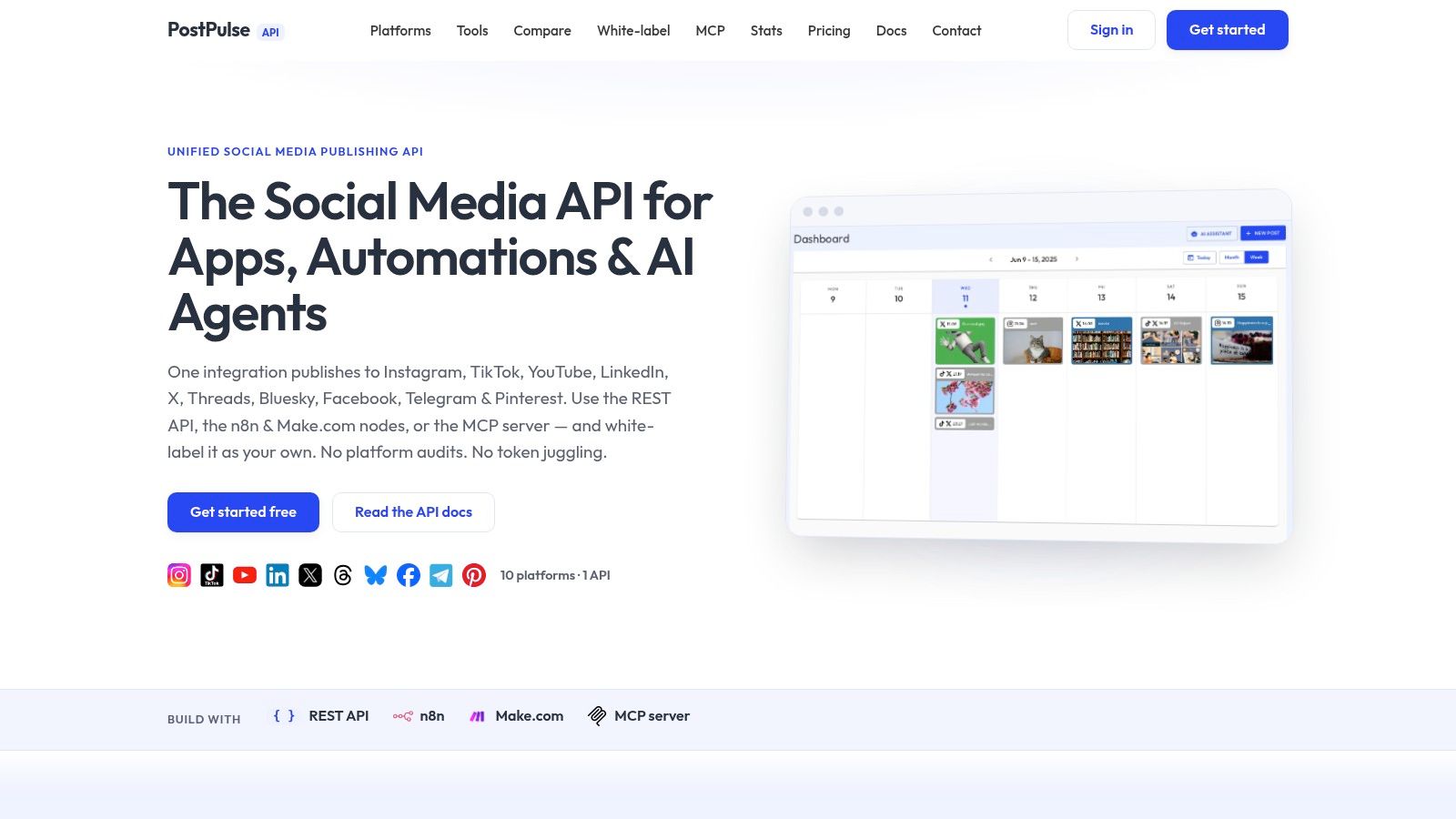
Best for publishing from an agent without maintaining separate social integrations. Treat PostPulse as the pick for the publishing job: the agent's output leaves your system as a post, so scope it around destinations and approvals rather than code context.
The PostPulse website lists nine supported networks: Instagram, TikTok, YouTube, LinkedIn, X, Threads, Bluesky, Facebook, and Telegram. It says OAuth, token refresh, rate limits, and platform API version changes are handled for you, and its verified Meta, TikTok, and Google apps are meant to skip the long developer-app review cycle.
Choose the publishing boundary first
Private-label fits internal tools and private workflows where users connect accounts inside PostPulse and you publish through the REST API, n8n, Make.com, or MCP. White-label fits a product where connection and posting should look native under your brand.
Pricing trade-off: private-label is $0.20 per publication pay-as-you-go or $5 per account each month ($48 per account yearly); white-label is a $200 monthly platform fee plus $1 per active social account, with connected-but-idle accounts not billed as active.
Operational trade-off: delegated tokens and platform maintenance do not delegate responsibility for what gets posted, where it goes, or who approved it.
Buying check: confirm the exact MCP tools exposed for publishing, whether a call can target multiple destinations, and whether your plan qualifies for waived startup fees while still in beta.
Ask for the current MCP tool definitions before rollout and test one real account and media path end to end. Limitation: this is a publishing integration, so it will not help with debugging, docs lookup, or repository work. Safe starting configuration: connect a noncritical account, require approval before publication, and enable one explicitly selected destination.
2. GitHub MCP Server
 GitHub MCP Server
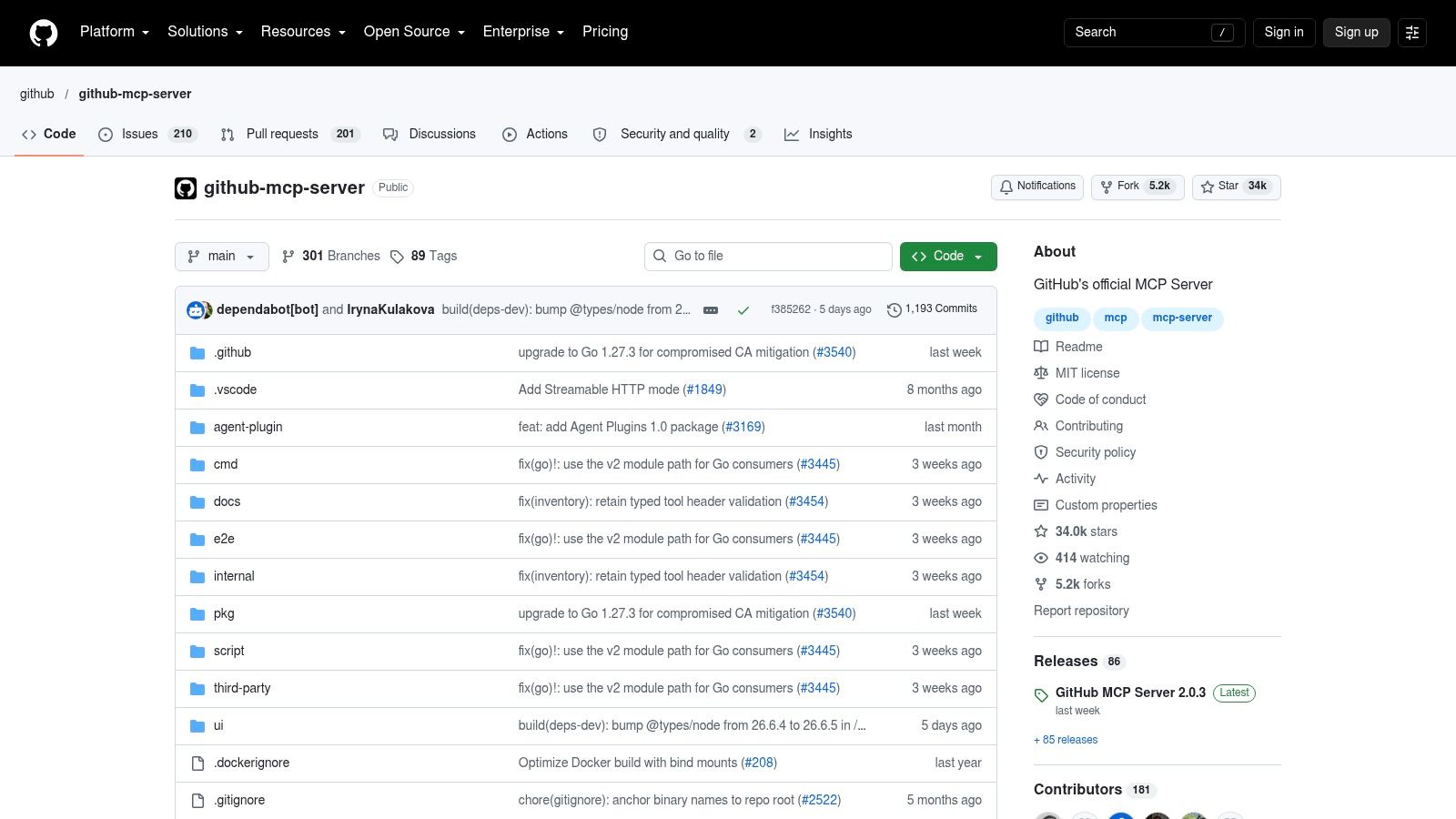
A repository question shouldn't require pasting an entire repository into chat. GitHub MCP Server is the natural choice when the agent needs repository context, issue history, pull requests, or workflow information.
The official GitHub MCP Server repository documents hosted and self-managed connections, repository and code-search capabilities, issue and pull-request operations, and GitHub Actions tooling. Available operations depend on the configured tools and the account's permissions.
For investigation, keep the assignment narrow: find the relevant call sites, inspect the associated pull request, and explain the likely failure. Creating issues or updating pull requests is a separate permission decision, not an automatic next step.
Practical rule: Give an agent permission to investigate before giving it permission to change the system it's investigating.
The broad toolset is useful across a development workflow, but unnecessary tools complicate permission review. If the task is repository exploration, don't enable unrelated write operations just because they're available.
Use the MCP server security best practices guide to plan credential storage, tool selection, and approval boundaries before granting access to private repositories. Review the resulting configuration rather than relying on an instruction that tells the agent to be careful.
Limitation: It requires appropriate GitHub access, and its breadth can exceed a narrow task's needs. Safe starting configuration: Use read-only access restricted to the repository you're investigating, with write tools disabled.
3. Playwright MCP
 Playwright MCP
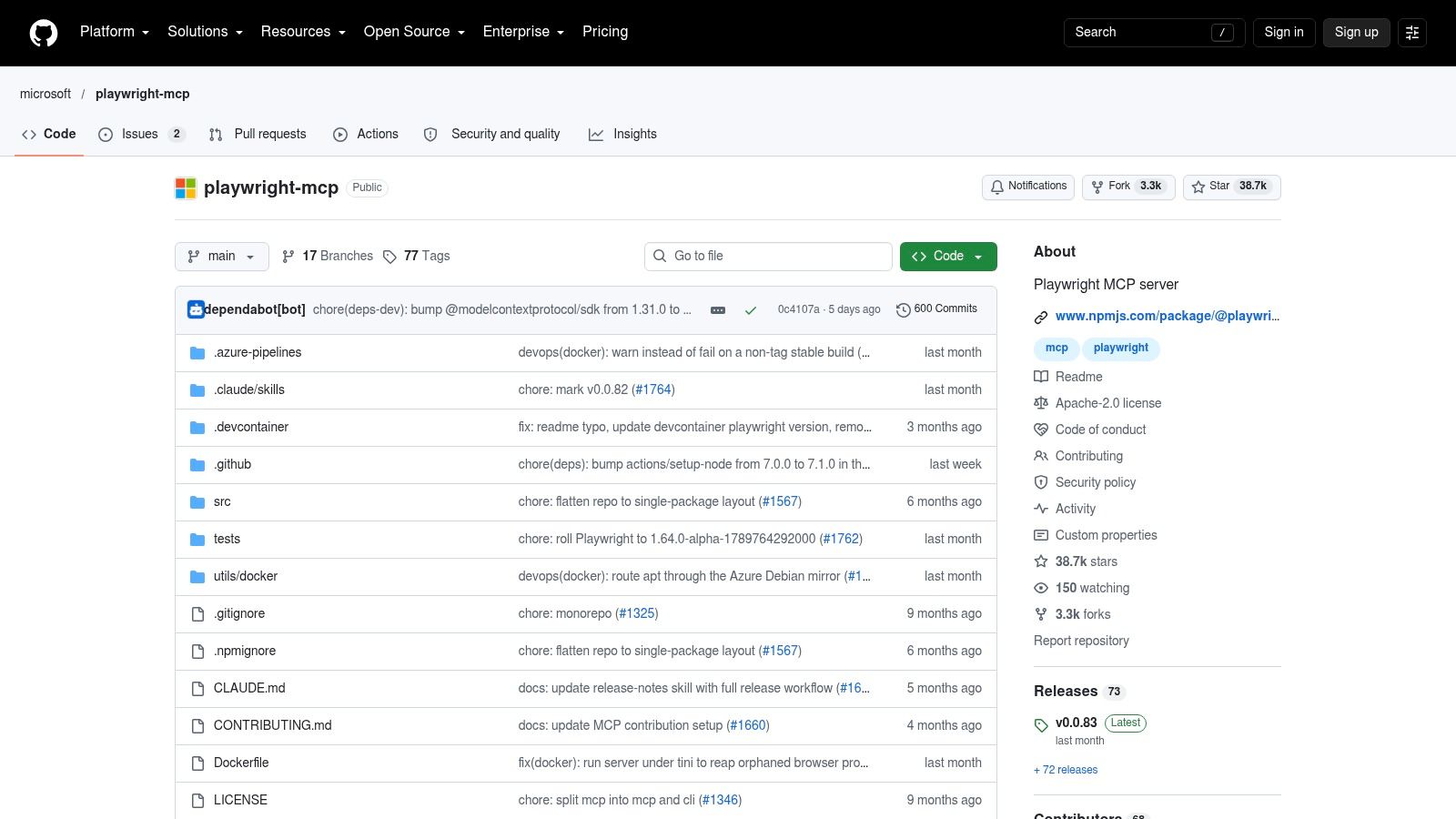
Choose Playwright MCP when the agent needs to operate your application, not merely read its source. A useful assignment is to walk through a staging signup flow, submit test input, and describe where the expected interaction fails.
Microsoft's Playwright MCP documentation describes browser automation using structured accessibility snapshots rather than relying exclusively on screenshots. It also documents local setup requirements, compatible clients, and the possibility that its CLI is a better fit for some high-throughput coding-agent tasks.
Browser access is still action access
A browser session can carry meaningful permissions. Treat the account used for that session as part of the server's security configuration, especially when the application contains publishing, billing, or administrative controls.
Good fit: Exploring a workflow, reproducing a UI bug, or checking how a form behaves.
Trade-off: Page snapshots and tool definitions add context overhead, while changing interfaces can require revised automation instructions.
Scope: Use an isolated test account rather than your everyday authenticated session.
If you're designing a narrower browser-facing integration, the guide to building an MCP server provides a useful starting point for thinking about explicit operations instead of unrestricted automation.
Playwright MCP is worth installing for interactive application work. It's less compelling when a deterministic existing test or a direct command already answers the question.
Limitation: It requires browser dependencies and isn't a replacement for a maintained test suite. Safe starting configuration: Use staging, disposable test data, and an account without administrative or production privileges.
4. Chrome DevTools MCP
 Chrome DevTools MCP
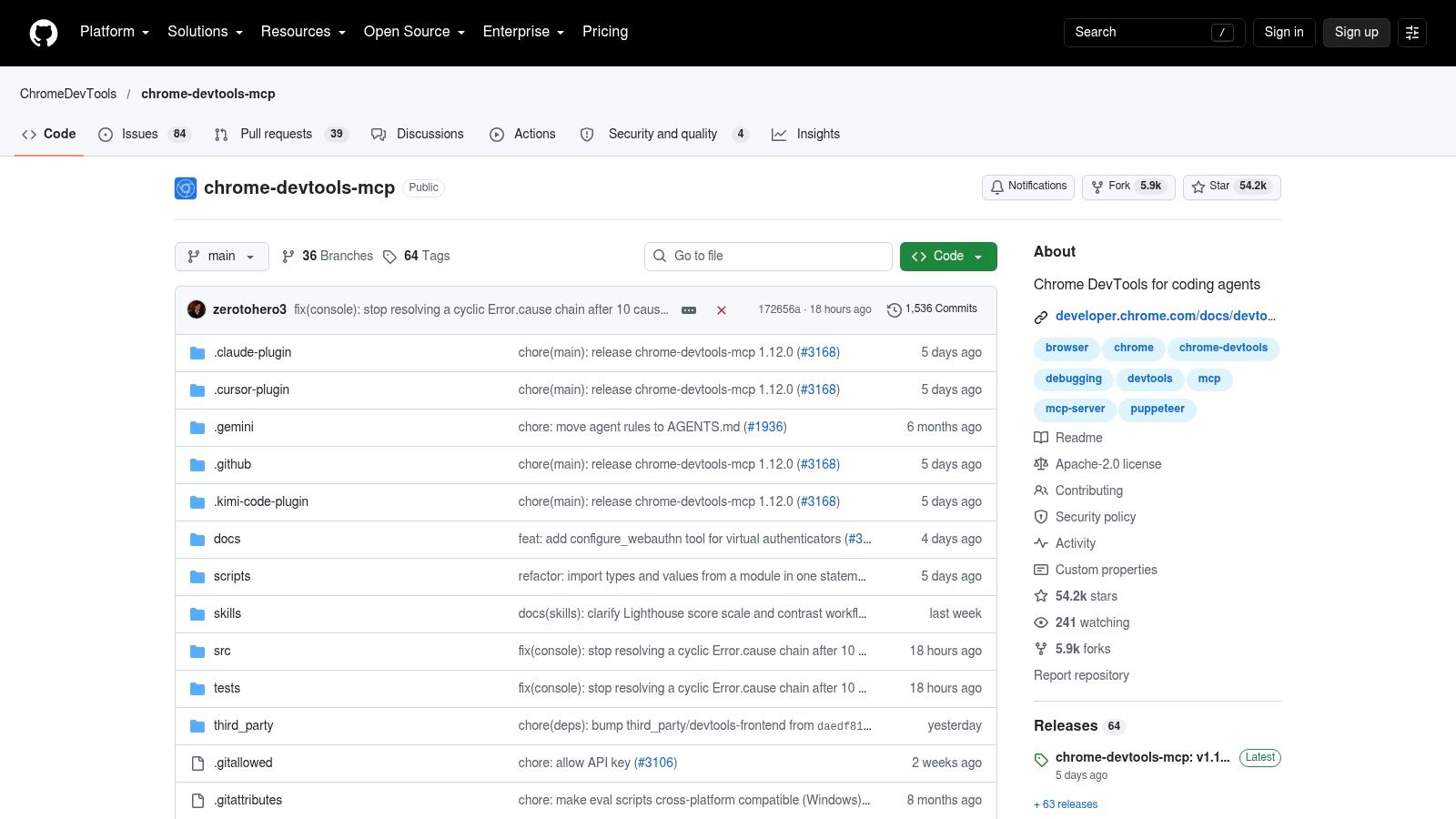
A page loads, but clicking Save produces no visible result. That's the moment Chrome DevTools MCP earns its place: the useful evidence may be in console output or a network request rather than the page's appearance.
The Chrome DevTools MCP documentation describes browser interaction, console and network inspection, screenshots, and performance traces. It also documents tool-category configuration, a slim toolset, and controls for usage statistics, which are enabled by default unless disabled.
Playwright and Chrome DevTools overlap, but I'd choose between them by the immediate job. Start with Playwright for workflow interaction; choose Chrome DevTools when the task specifically requires browser diagnostics or performance investigation.
Keep the debugging session separate
The project documents support for Google Chrome and Chrome for Testing, without guaranteeing other Chromium browsers. It also warns that browser content is exposed to the connected MCP client.
That makes session selection important. Don't attach an agent to a browser full of unrelated customer dashboards, personal tabs, and administrative sessions just because that browser is already open.
Review telemetry settings during setup, and disable tool categories you don't need. Ask for a concrete artifact, such as the failed request details or a captured trace, rather than a speculative explanation.
Limitation: It requires a compatible Chrome installation and Node.js, and exposes connected browser content. Safe starting configuration: Use a dedicated browser profile, a staging application, selected diagnostic tools, and explicitly reviewed usage-statistics settings.
5. Context7 MCP
 Context7 MCP
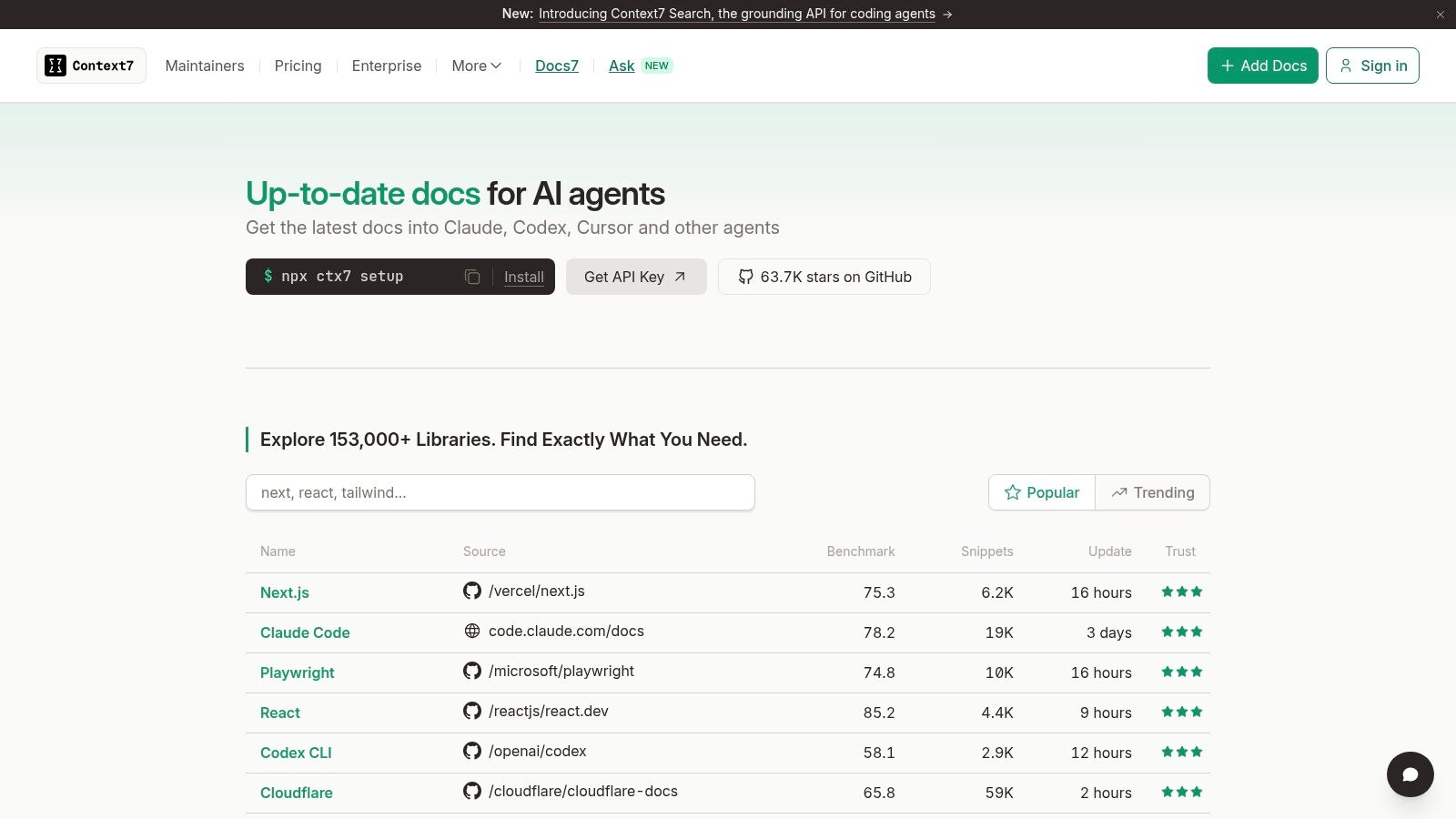
When the agent imports a method your installed package doesn't have, more repository access may not help. Context7 MCP targets the documentation gap: retrieve the relevant library information before proposing an implementation.
Context7's official website describes current, version-specific documentation and code examples for coding agents. Public-library lookups have a free starting tier with account-based usage limits, while paid offerings add private-repository access and team features.
The permission profile is different from a database or publishing connector. For public documentation work, you're asking for reference material, not granting an agent permission to change application state.
Better documentation can ground an implementation. It can't prove that the implementation works in your repository.
Make the lookup precise. Ask for documentation matching the package and version your project uses, then require the agent to explain how its proposed change follows that documentation.
Strength: Addresses stale or invented library API usage without requiring production-system access.
Trade-off: Free usage is limited, and private documentation requirements can change the purchasing decision.
Verification: Keep type checking, tests, and code review in the workflow after retrieval.
This is often a better first installation than a powerful write-enabled connector. It addresses a common failure without requiring broad operational authority.
Limitation: Documentation retrieval doesn't validate generated code, and private access requires an appropriate plan. Safe starting configuration: Use public-library lookups only, specify the installed version, and leave private repositories disconnected.
6. Supabase MCP Server
 Supabase MCP Server
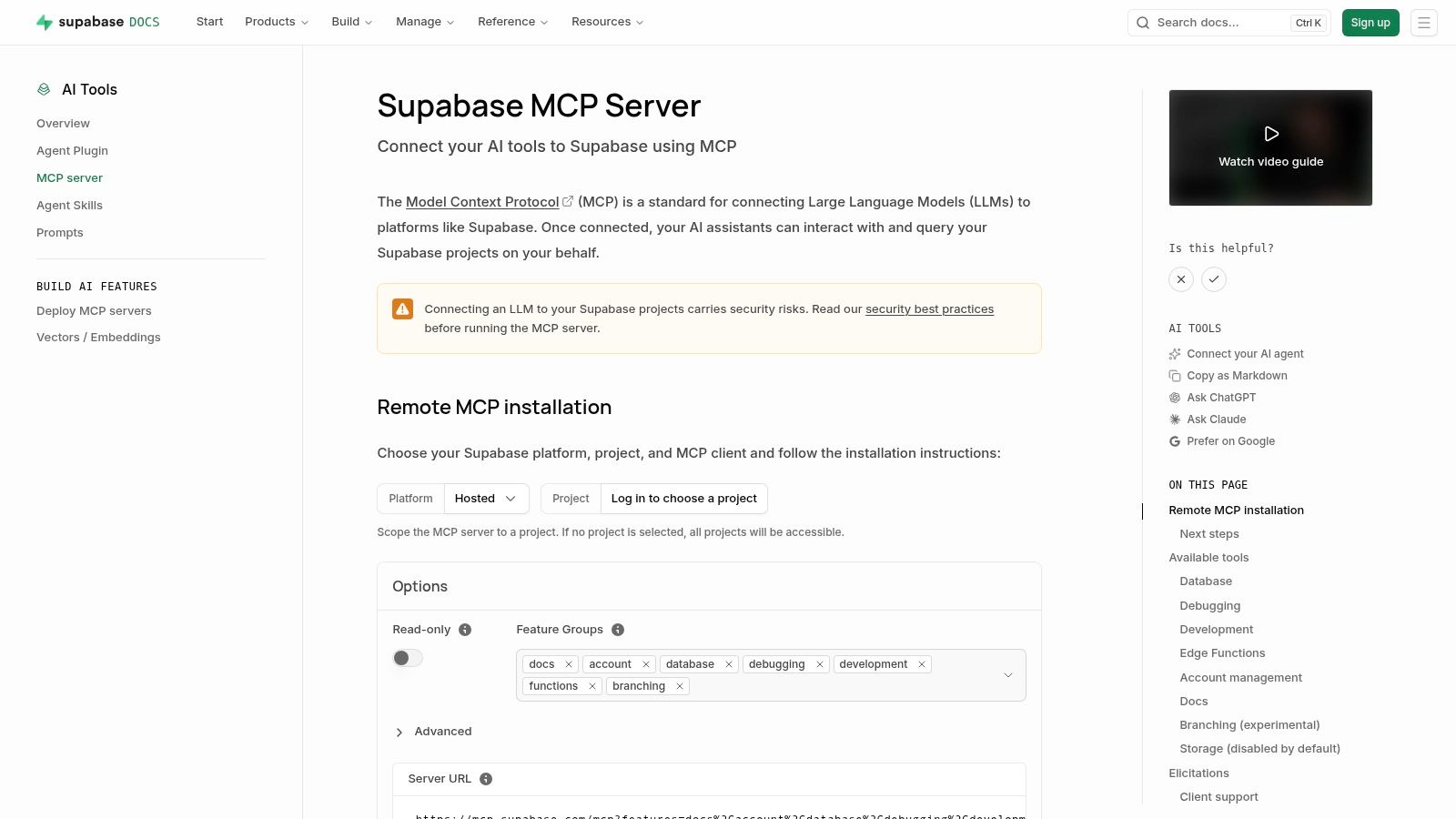
Database access deserves a stricter boundary than documentation access. Supabase MCP is useful when an agent needs to understand a Supabase backend, but schema inspection and schema modification shouldn't be treated as equivalent permissions.
The official Supabase MCP guide documents SQL execution, schema and migration work, project logs, advisories, TypeScript type generation, and hosted authentication options. It also describes project scoping and read-only configurations, and advises against exposing this developer-oriented server to application end users.
Separate investigation from migration
A sensible initial task is to explain the relevant tables and inspect logs for a development failure. A proposed migration should remain a reviewed artifact before it becomes an executed operation.
Read scope: Restrict the connection to the project needed for the investigation.
Write scope: Treat SQL execution and schema changes as explicit escalation.
Audience boundary: Keep developer tooling separate from your application's end-user authorization design.
The MCP server hosting guide can help frame the local-versus-hosted decision. Hosting choice doesn't replace database permission review, so examine both independently.
Don't connect production just to save the effort of preparing representative development data. Start with the least sensitive environment that can reproduce the problem, then justify any broader access.
Limitation: It's specific to Supabase workflows, and enabled tools can modify data or schema. Safe starting configuration: Select a development project, enable the documented read-only option, and review migration proposals outside the agent's execution path.
7. Sentry MCP
 Sentry MCP
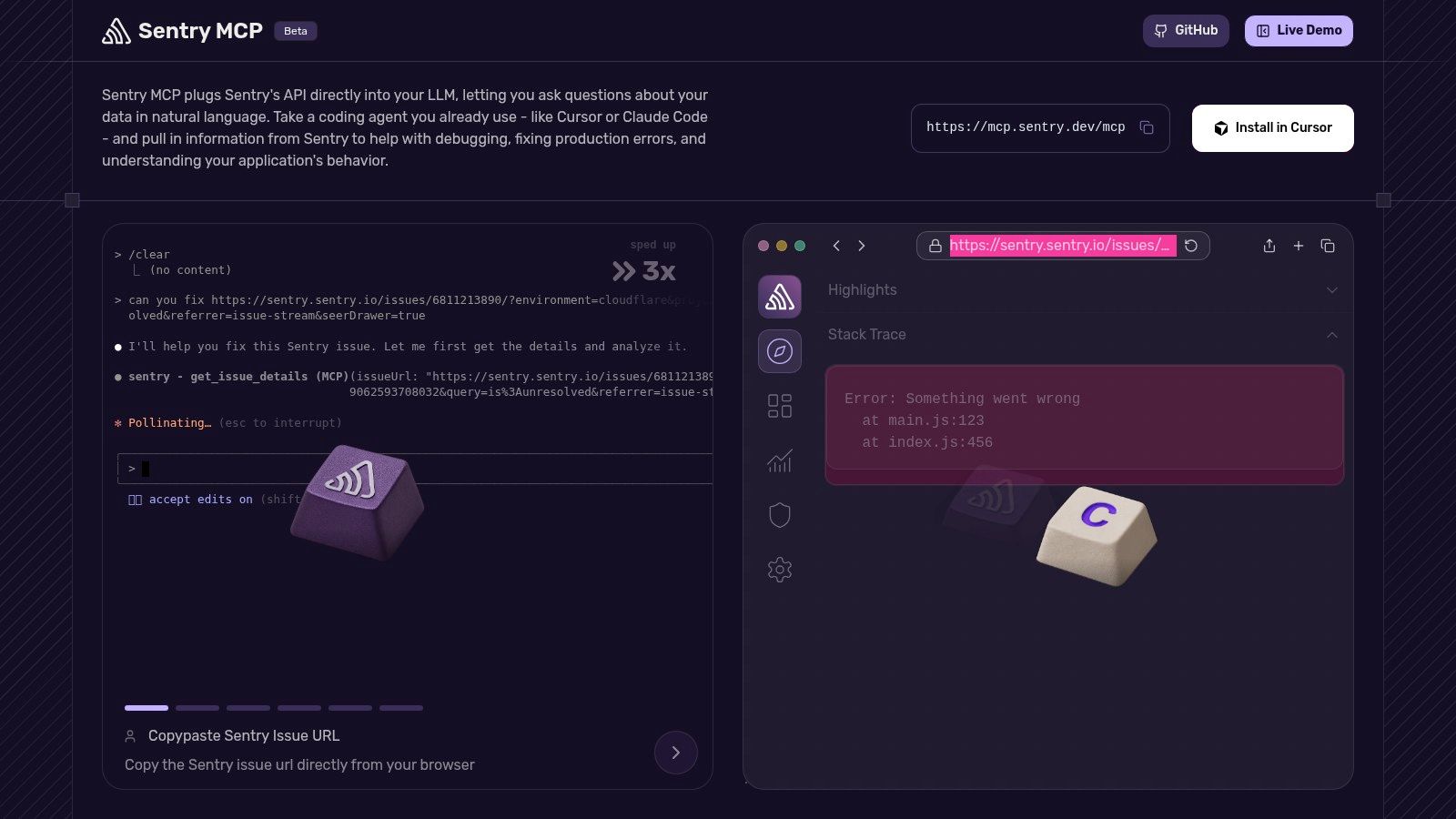
A pasted stack trace is often an incomplete debugging handoff. Sentry MCP is a better fit when the agent needs the actual issue and related event context from a project you already monitor in Sentry.
Sentry's official MCP documentation describes a hosted remote server with OAuth, issue search, issue details, and event information. Organization and project path constraints can narrow the connection.
The advantage is a focused debugging workflow without maintaining a local server. Ask the agent to identify the relevant issue, retrieve its supporting event information, and distinguish observed evidence from its proposed explanation.
Monitoring access still needs review
Read-oriented investigation isn't the same as unrestricted access to monitoring data. Review which project the agent can inspect and whether the information available there is appropriate for the connected client.
A useful handoff should include the issue being investigated, the evidence retrieved, and the code change proposed for review. Don't let an explanation become an automatic production fix merely because the error looks familiar.
Sentry MCP is a narrow installation with a clear purpose. If your team doesn't use Sentry, it won't help you investigate logs stored somewhere else.
Limitation: It requires a Sentry account and relevant organization or project access. Safe starting configuration: Constrain the connection to the affected project, use a least-privilege account, and keep remediation as a separately approved action.
8. Stripe MCP
 Stripe MCP
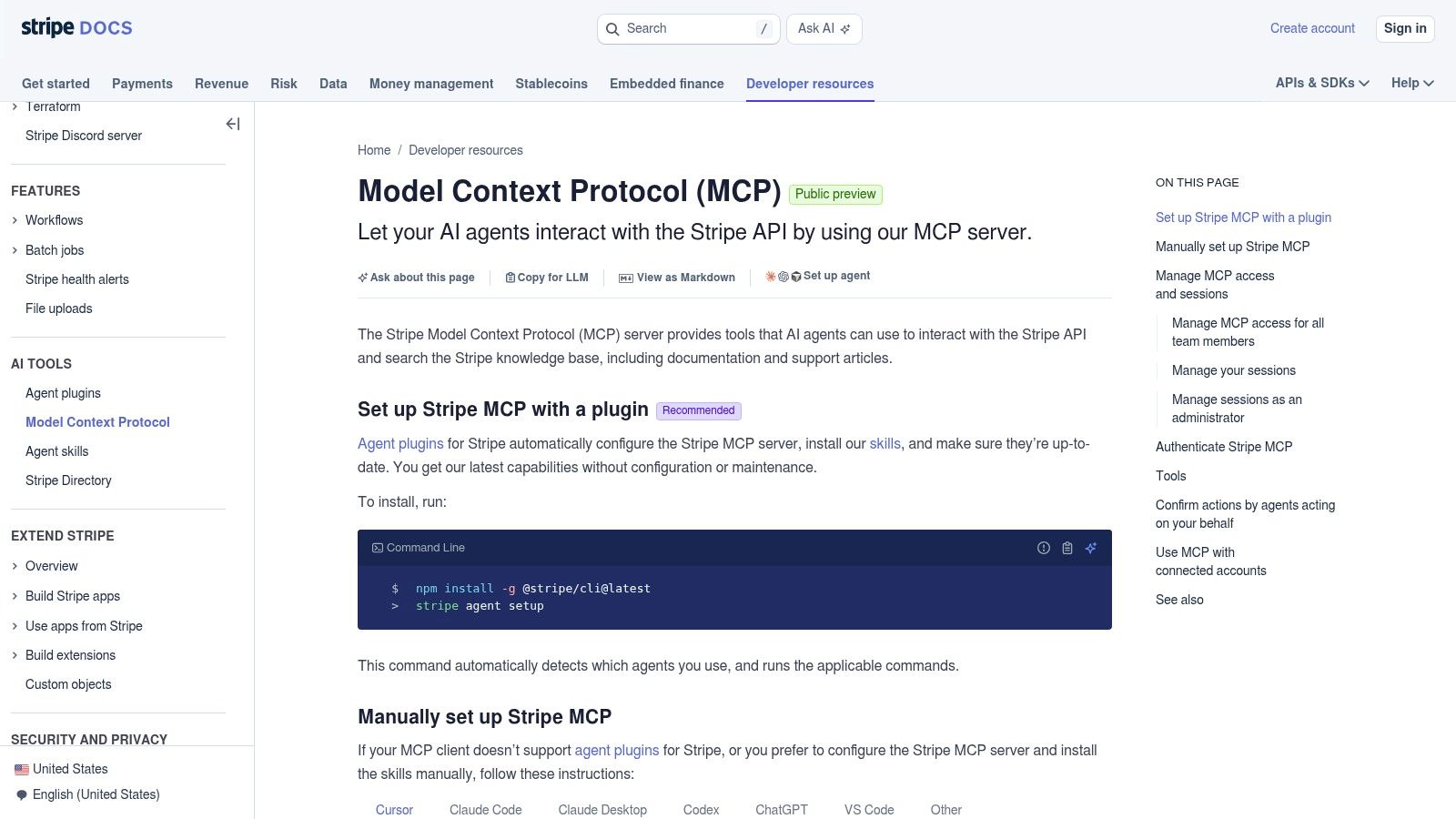
Stripe MCP is for payment integration work, not a general operational assistant. Start by deciding whether the agent needs documentation, account context, or permission to execute a workflow. Those are different requirements.
The official Stripe MCP documentation describes connecting AI clients to Stripe documentation, data, and API workflows through Stripe-hosted infrastructure with OAuth. Review the documented tool inventory and authorization options before connecting an account.
For an implementation question, documentation may be enough. If the task requires account-specific information, grant only the access needed to answer it rather than authorizing every available operation.
Permission boundary: Needing to explain a payment workflow doesn't imply needing to change payment-related resources.
Use a concrete assignment: explain an integration against the documentation, inspect permitted test data, or propose a change for review. Avoid broad instructions such as handling billing problems autonomously.
The hosted connection removes server-deployment work, but it doesn't remove Stripe account permissions or product-access requirements. Separate the cost of the MCP connection from any underlying service usage when reviewing the purchase.
Limitation: Its value is specific to Stripe, and available tools may include write operations. Safe starting configuration: Begin with documentation and sandbox or test-mode work, inspect the granted permissions, and require explicit approval before any live write action.
9. Linear MCP Server
 Linear MCP Server
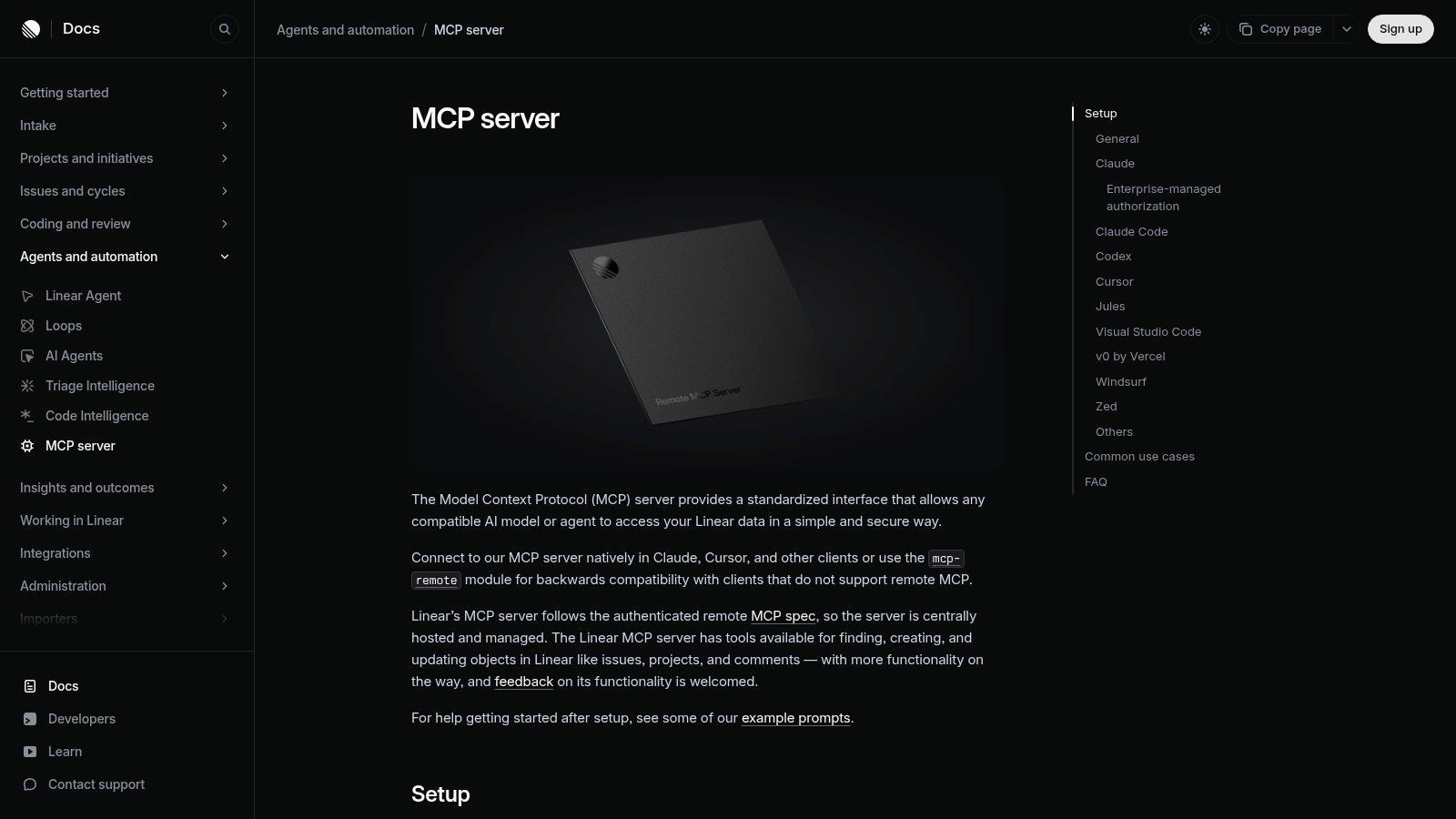
Issue triage is a good agent task when the agent can read the actual backlog. Linear MCP Server supplies that connection without requiring a custom issue-tracker integration.
Linear's official MCP documentation describes finding, creating, and updating issues and projects through a hosted server. It documents OAuth, API-key authentication options, and read-only connection choices.
Read the backlog before editing it
Start with investigation: find related issues, summarize existing decisions, and propose a comment or status update. That's useful work even if the agent can't modify the workspace.
Read-only option: Use the documented read-only endpoint or OAuth scope for triage.
Write escalation: Enable changes only when creating or updating issues is part of the intended workflow.
Workspace check: Verify the authenticated workspace before accepting an action, particularly when you belong to several.
The biggest practical distinction is between drafting a useful project update and applying it. Keeping those steps separate gives a human reviewer a chance to catch incorrect ownership, priority, or status assumptions.
A hosted server is convenient, but it still needs an account with appropriate workspace access. Don't reuse a broadly privileged identity just to shorten setup.
Limitation: It only helps with Linear workspaces you can access, and multiple workspaces may need separate authentication contexts. Safe starting configuration: Choose read-only access in the intended workspace and have the agent draft updates without submitting them.
10. Vercel MCP
 Vercel MCP
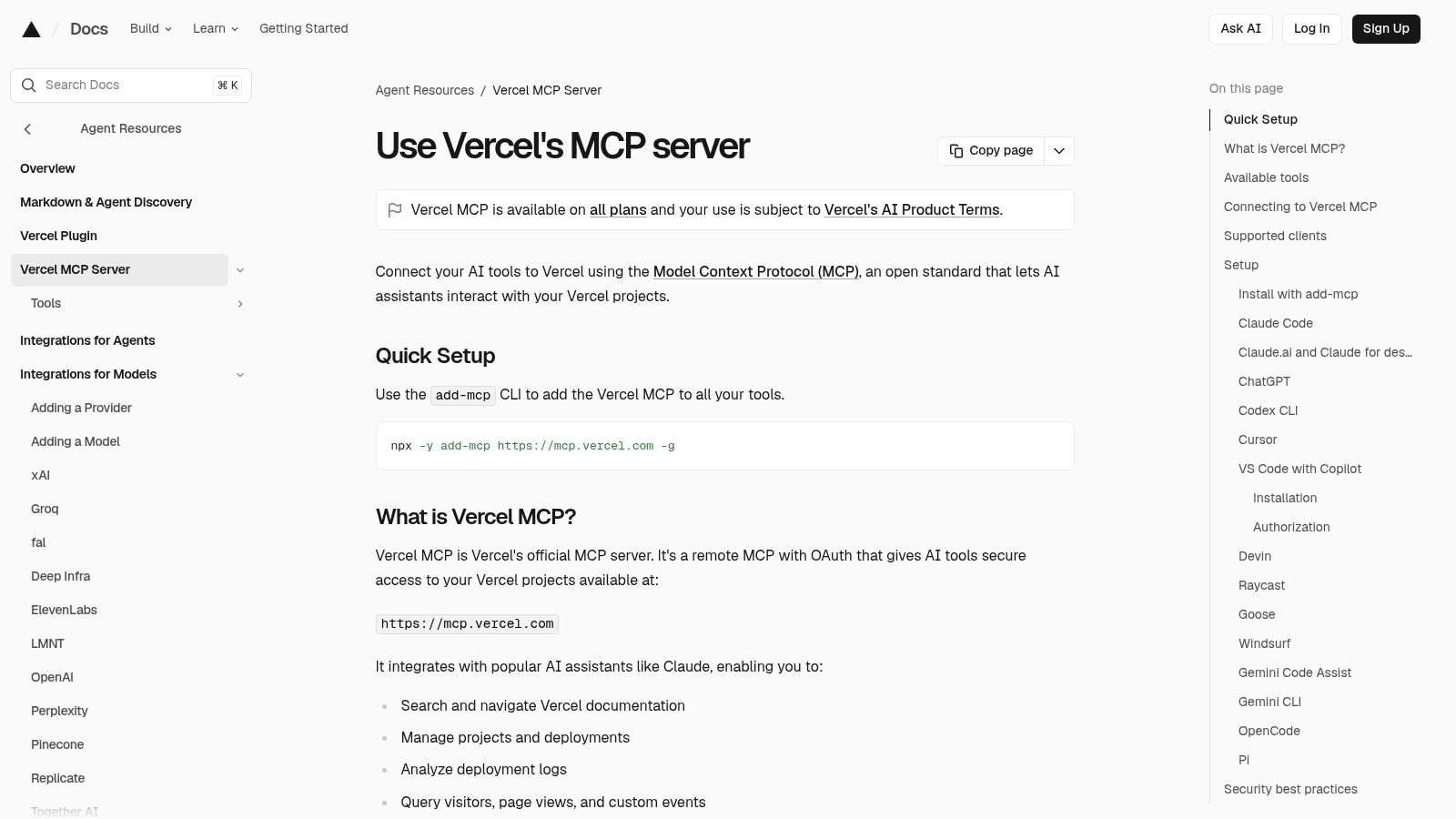
When a deployment fails, the missing context is often the deployment itself. Vercel MCP is the relevant choice when your agent needs Vercel documentation, project information, or deployment logs.
The official Vercel MCP documentation describes a remote OAuth connection for documentation search, project and deployment access, and log analysis. Its documented availability is beta across Vercel plans, so review the current behavior and terms before making it part of a critical workflow.
Give it a bounded debugging assignment: inspect the failed deployment, identify the relevant log output, and propose the smallest justified change. Don't combine diagnosis and infrastructure changes into an open-ended request.
Inspect before managing
Documentation access and project-specific access have different authorization needs. Start with documentation when the question is generic; connect the relevant account only when the investigation needs private deployment information.
Check the tools exposed to your client before assuming the connection is inspection-only. A server that supports project management deserves a different review from a documentation search tool.
This is a strong specialist pick for Vercel users. It's not a substitute for observability across infrastructure that lives elsewhere.
Limitation: It's platform-specific and documented as beta, with authorization required for project information. Safe starting configuration: Use a nonproduction project, inspect deployment logs first, and approve any enabled management action separately.
How the best MCP servers compare on hosting, auth, pricing signals, and fit
Hosting tells you who operates the server, and authentication tells you what the agent can reach once connected. Pricing matters here because most of these servers charge nothing themselves but sit in front of accounts that do.
Item | Hosting Model | Authentication | Pricing Signal | Best For |
PostPulse | Hosted API, integrations, and MCP server | OAuth managed by PostPulse | Pay-as-you-go at $0.20 per publication; $5 per account per month or $48 per year for unlimited posts; white-label at $200 per month plus $1 per account active that month | Publishing to social platforms from apps, automations, and AI agents |
GitHub MCP Server | Hosted or self-managed | GitHub account and repository permissions | No separate server fee; access follows the GitHub account's plan and repository permissions | Repository exploration, code review, issues, and pull requests |
Playwright MCP | Locally configured server | No remote login; it acts through the browser profile on your machine | Runs on your own machine, so there is no hosted tier to pay for | Browser automation, testing, and web workflow exploration |
Chrome DevTools MCP | Locally configured server with Chrome | No remote login; it attaches to the local Chrome instance | Runs against your local Chrome install with no hosted fee | Front-end debugging and browser performance analysis |
Context7 MCP | Hosted documentation service | Account-based access | Free public-library tier; paid tiers add private repositories and team features | Current, version-specific library documentation for coding agents |
Supabase MCP Server | Hosted or self-hosted | OAuth for hosted server | No MCP-specific fee; billing follows the connected Supabase project | AI-assisted development and management of Supabase projects |
Sentry MCP | Hosted remote server | OAuth | No separate server fee; tied to the Sentry organization's plan | Investigating application errors with Sentry issue data |
Stripe MCP | Stripe-hosted remote server | OAuth | Billing stays on the authorized Stripe account; the server lists no separate charge | Stripe integration development and payment workflow support |
Linear MCP Server | Linear-hosted remote server | OAuth or API key | No MCP-specific fee; cost follows the Linear workspace plan | Issue triage and project updates in Linear |
Vercel MCP | Vercel-hosted remote server | OAuth | Beta across Vercel plans | Inspecting deployments, logs, and projects on Vercel |
Read the Authentication column as the permission scope. A local server like Playwright or Chrome DevTools inherits whatever your browser profile can already reach, while an OAuth grant on a hosted server is bounded by the scopes you approve at setup. Where the server itself carries no fee, the connected account's plan is the real cost of running it.
Start With One Server, Scope It Tightly, and Add the Next Only When Needed
Choose the server that answers the question currently blocking you. An outdated library example points toward Context7. A failed browser interaction suggests Playwright or Chrome DevTools. A production error might justify Sentry, while a failed Vercel deployment calls for deployment context rather than another repository search.
Start read-only wherever the vendor offers it. For servers that can publish, modify schemas, change project data, or perform payment-related operations, use staging or a sandbox before connecting production. Don't treat a prompt telling the agent to avoid writes as equivalent to removing write permission.
Test the boundary, not just the happy path
Ask a question outside the intended project and confirm that the configured account or server boundary prevents access. Try an incomplete request and check whether the agent asks for clarification rather than choosing a destination or resource on its own.
For write-enabled workflows, review authorization at the operation level. The official MCP tools specification says servers should validate authorization against relevant handles on every call and describes user-consent considerations for model-controlled tools. An approval at connection time shouldn't become an assumption that every later action is acceptable.
Keep the active toolset small enough that you can explain why every connected server is there.
More servers introduce more tool schemas and more choices for the agent. Microsoft's Playwright documentation explicitly calls out context overhead as a consideration; apply the same restraint when deciding which integrations need to remain active for a task.
agentcentral's Amazon MCP server comparison offers another comparison perspective, but the deciding question remains local to your workflow: what does the agent need to read or change, and what access would be unnecessary?
Before you install
Confirm the identity and permissions: Check the authenticated account, workspace, project, and enabled operations.
Verify the hosting model: Make sure local execution or a hosted connection fits your security policy and credential-handling requirements.
Check pricing against usage: Review account charges, activity-based fees, subscription limits, and underlying service costs.
Review the stated limitation: Make sure you're accepting a relevant trade-off rather than installing a server for a job it doesn't solve.
Define approval and recovery: Decide who approves writes, how you'll record actions, and how you'll respond to a mistaken operation.
The best setup isn't the longest configuration file. It's a small set of useful connections with permissions you understand and failure behavior you've tested yourself.
PostPulse gives apps, automations, and AI agents a shared social-publishing integration through its REST API, n8n, Make.com, and MCP options. Visit PostPulse to compare private-label and white-label publishing, confirm your destination support, and test an approval-gated workflow before enabling autonomous publication.
About the Author

Founder of PostPulse — a social media scheduling platform for creators and teams. Software engineer with a passion for building developer tools and simplifying complex API integrations across social media platforms.