How to Schedule Posts on TikTok Without the Headaches
Published on · Updated on
Tags:
You've uploaded the video, written the caption, and set a future time. Then the workflow falls apart. The token expires, TikTok asks you to move from your phone to a desktop browser, or the post appears to sit in a pending state while nobody knows whether it'll publish. Scheduling posts on TikTok looks like a simple creator task, but reliable publishing is an engineering workflow with platform-specific edges.
TikTok now supports native planning through its web upload flow and TikTok Studio, while developers can also use official Content Posting API paths or a publishing layer such as PostPulse. The right choice depends on whether you're scheduling an occasional video, coordinating a team, or building automation that has to survive token rotation and API changes.
Table of Contents
Why Scheduling on TikTok Feels Harder Than It Should
The most common failure starts before the video reaches TikTok. A developer connects an account, stores an access token, tests a publish request, and assumes the integration is finished. Later, the credential stops working, the scheduled job fails, and the only useful clue is an authorization error in a log nobody was watching.
Creators hit a different version of the same problem. They record and edit on a phone, but native scheduling has historically lived in TikTok's web workflow. Moving the exported file to a desktop, finding the upload screen, and rebuilding the caption is a poor fit for a mobile-first production process. Current TikTok scheduling guidance and recent explainers still describe native scheduling through TikTok Studio or the web, while many creators continue to look for ways to schedule directly from the mobile app.
The platform's scheduler also has a defined planning window. TikTok introduced built-in video scheduling on July 16, 2021, allowing creators and Business Accounts to schedule videos from 15 minutes up to 10 days ahead through the web upload flow, as documented by TikTok for Business. That change mattered operationally. TikTok moved beyond an almost entirely real-time publishing model and gave brands, agencies, and developers a native foundation for planned content operations.
The three workflows you're choosing between
Native web or Studio scheduling is the least complicated path when a person can upload the finished file manually and the planning horizon fits TikTok's controls. It avoids OAuth implementation, but it also keeps the process tied to TikTok's interface and a desktop-oriented handoff.
A third-party scheduler adds calendars, team workflows, and broader planning controls. It can be useful when the bottleneck is coordination rather than publishing code, though you're trusting another system with account connections and media delivery.
An API workflow gives your application control over assets, metadata, timing, retries, and status tracking. It also creates maintenance work around authentication and platform changes unless another service owns that layer.
For a plain-language overview of the creator side, how to schedule TikTok videos is a useful companion. The rest of this guide focuses on the decisions underneath the button: how native scheduling works, where it stops being practical, how official API publishing is structured, and how to diagnose failures without guessing.
How to Schedule Natively on TikTok Web and Studio
TikTok's native scheduler belongs to the normal upload process. You don't create a separate automation job. You upload the media, finish the post details, enable scheduling, and select a future publishing time.
The web upload workflow
Open TikTok on the web or use TikTok Studio. Sign in to the account you want to publish from. Scheduling is associated with the user-facing creation flow, not with a standalone publishing API.
Upload the finished video. Add the caption, hashtags, cover selection, privacy settings, and other available post details. If the video was edited on a phone, use the exported media file rather than assuming a mobile draft will be available in the web interface.
Find the scheduling control. After upload and editing, look for the schedule toggle or the schedule option in the publishing controls. TikTok's web scheduler allows a post to be set from 15 minutes to 10 days in advance, according to TikTok's official scheduler announcement.
Choose the date and time. Treat the displayed time as the publishing time for the account and interface you're using. Before scheduling a campaign, verify the browser, account, and team's timezone assumptions with a small test.
Confirm the post. Once scheduled, the post is held for future publication. TikTok documents that scheduled content appears with drafts in Profile view, giving you a place to check whether the post was queued.
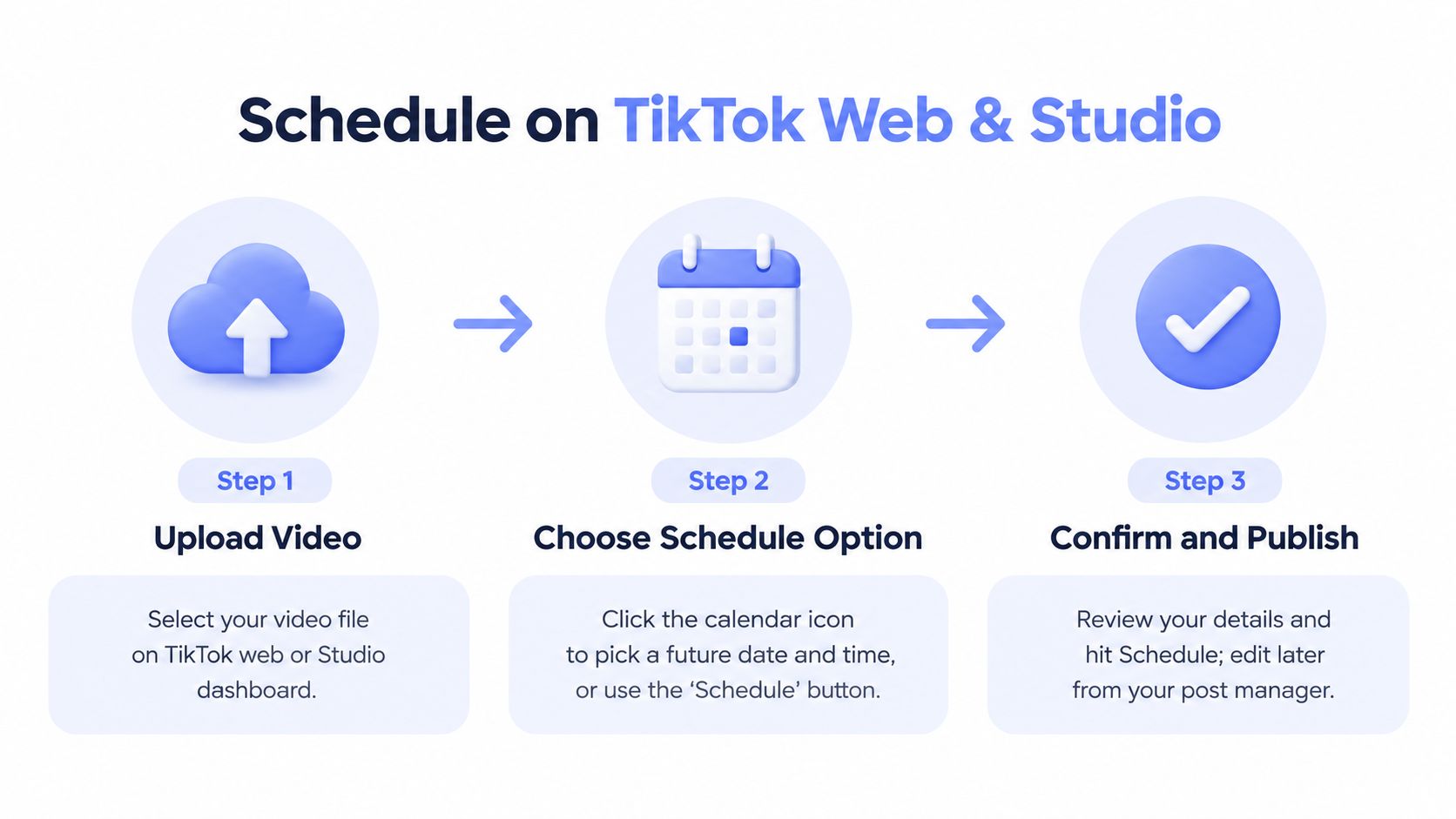 A simple three-step infographic showing how to schedule videos on TikTok web and Studio dashboard.
What to verify before you click Schedule
The native workflow is intended for supported account and post configurations. TikTok's own help-center documentation for scheduling posts places scheduling inside the standard creation experience, so a missing control usually means you're in the wrong surface, account setup, or publishing flow rather than that a hidden API switch needs enabling.
The mobile gap deserves special attention. If your entire process lives in the TikTok app, native scheduling won't provide a clean phone-only handoff. Export the video, move it to a desktop workflow, and upload it again, or use a separate scheduler that supports the workflow your team follows.
Media preparation matters too. Don't treat scheduling as a way to bypass TikTok's normal upload requirements. Validate the file locally, check the preview, review the caption, and make sure the cover frame is intentional. For a separate reference on TikTok advertising formats and specifications, consult definitive TikTok ad specs by AdStellar AI, then confirm that your organic publishing path accepts the asset you're preparing.
Key takeaway: Native scheduling is convenient when a person can work from TikTok's web or Studio upload flow. It isn't a mobile-first publishing pipeline, and its future window is limited to the range TikTok exposes.
For teams that need a central destination for TikTok publishing documentation and workflows, the TikTok platform page provides a practical place to keep that integration context alongside the rest of a social publishing stack.
Native Scheduler Limits and When You Need Another Tool
Native scheduling works for a narrow workflow: one account, finished videos, manual review, and a publication time inside TikTok's available window. The constraint appears when the requirement becomes an operating process with approvals, reusable assets, multiple accounts, and visible delivery failures.
A calendar changes planning, not publishing reliability. Every scheduled job still needs an authenticated account, valid media, correct metadata, and a clear result when delivery fails. TikTok keeps those concerns inside its interface. A third-party or API workflow exposes more control, but your team then owns another system and its failure modes.
Native TikTok Scheduler vs Third-Party Schedulers
Capability | Native Web Scheduler | Third-Party / API Scheduler |
Publishing surface | TikTok web upload or Studio | External dashboard, API, or automation node |
Planning horizon | 15 minutes to 10 days, based on TikTok's native control (TikTok for Business) | Depends on the provider and implementation |
Bulk workflow | Manual upload flow | May support batch operations, depending on the provider |
Calendar and approvals | Limited native planning context | Often designed around calendars, review, and team coordination |
Cross-platform publishing | TikTok-focused | May combine TikTok with other networks |
Authentication ownership | TikTok handles the user-facing session | The provider or your application handles connected accounts |
Diagnostics | Primarily interface and account notifications | Can expose job status, logs, retries, and webhooks if supported |
Analytics context | TikTok's own account tools | May combine reporting across channels |
The engineering trade-off is control versus maintenance. Native tools reduce setup and keep authentication in TikTok, but they provide limited queue control, diagnostics, and cross-platform coordination. API tools can expose job states, retries, and logs, yet they require a dependable account connection and an owner for operational support. Build that layer only when manual coordination costs more than running it.
Use recent signals, not imaginary certainty
TikTok content analytics commonly emphasize recent account history. Third-party guidance describes the Content tab as typically showing about 60 days of data for creator analysis, as discussed by Avocado Social's scheduling guidance. Use that window as a working feedback loop, not a promise that past performance predicts the next post.
Review recent first-24-hour views, follower activity, like rate, comment rate, and completion rate. Then adjust the next batch. These signals provide a current baseline, but they do not explain every change in reach. A third-party scheduler earns its place when it brings account review, approval status, and publishing results into one workflow.
Choose native when simplicity and direct control are the priority. Choose another tool when account switching, repeated coordination, or undetected failures create more operational work than maintaining an additional publishing layer.
Automating TikTok Scheduling With PostPulse API and No-Code Nodes
Manual scheduling solves a publishing task. Automation solves a system problem. Your application needs to accept media, associate it with an account, assign a future timestamp, send the request through an approved publishing path, and report whether the job succeeded. If your team also owns OAuth, refresh handling, rate limits, and platform version changes, the integration becomes an ongoing maintenance project.
PostPulse can sit between your product or automation and the social platforms as a unified publishing surface. It handles the connected-account layer, including OAuth, token refresh, rate limits, and API version changes, so the application calling it doesn't need to maintain separate platform-specific account logic. It supports REST API publishing, official n8n and Make.com nodes, and an MCP server for AI-agent workflows.
A practical API flow
Start with the asset, not the timestamp.
Connect the TikTok account. Send the user through the account-connection process exposed by the publishing layer. Store your own internal account reference, not raw platform credentials in every scheduled job.
Prepare the media and metadata. Keep the video URL or upload reference, caption, privacy setting, and requested publication time together in one job record. Validate required fields before the job enters a queue.
Create the scheduled publication. PostPulse supports a
scheduledTimefield for future publishing. The exact timestamp should be generated consistently, ideally from a timezone-aware input rather than by concatenating local date strings.Track the result. Save the provider's job or post identifier, status, error detail, and last attempt time. A scheduler without observable state is just a delayed blind request.
Handle retries safely. Retry transient transport failures, but don't blindly duplicate a post after an ambiguous response. First query the job status or reconcile the provider's identifier.
TikTok's official Content Posting API documentation describes separate publish paths, including Direct Post and an inbox or draft flow. Its documented lifecycle includes endpoints such as /v2/post/publish/video/init/ and /v2/post/publish/content/init/. Those paths are useful when you're building directly against TikTok, but they also illustrate the amount of platform-specific behavior your integration has to understand.
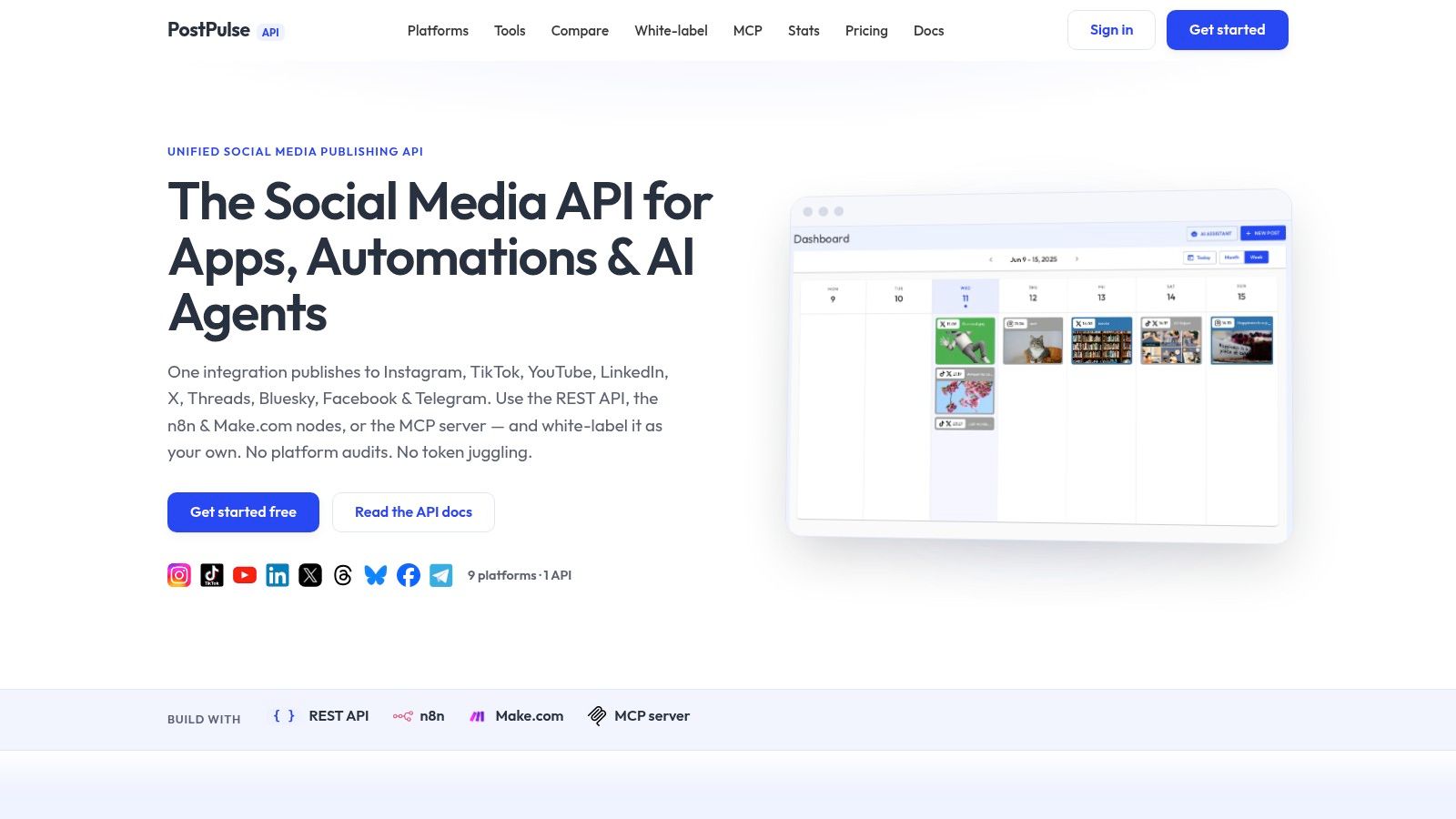 Screenshot from https://post-pulse.com
No-code and agent options
The official n8n node is a good fit when a workflow already begins with a form, database, content generator, or approval step. Make.com works similarly for teams that prefer scenario-based automation. Both let you keep scheduling logic visible to operators instead of burying every decision inside custom backend code.
For AI agents, the MCP server provides a tool-oriented interface. An agent can create a scheduled post through a schedule_post action, passing TikTok as the platform and supplying the scheduled time. You still need guardrails around approval, media validation, account selection, and timezone conversion. An agent that can publish should not also be the only system deciding whether a post is ready.
The main reason to use a unified layer is not convenience alone. It's reducing the number of platform audits your team has to perform. PostPulse provides verified Meta, TikTok, and Google apps, and the same publishing surface covers ten platforms, including Instagram, TikTok, YouTube, LinkedIn, X, Threads, Bluesky, Facebook Pages, Telegram, and Pinterest.
For implementation patterns around workflow orchestration, the n8n and social media automation guide is a relevant reference. Pricing depends on how you integrate: private-label usage can be pay-as-you-go at $0.20 per publication, or subscription-based at $5 per account per month, with an annual option of $48 per account. White-label deployments have a $200 per month platform fee plus $1 per active social account, where an account is active only if it publishes during that month. Those figures come from the publisher information supplied for this article.
Timing and Cadence Tips That Actually Move Views
A scheduler can make a bad publishing plan more consistent. It can't make weak content stronger, and it can't identify your audience's timezone by magic. Treat timing as an input to test against recent account behavior, not as a universal rule copied from a generic chart.
The clearest lever is cadence. An analysis of 11.4 million TikTok posts found that accounts publishing 2 to 5 times per week received about 17% higher views per post than accounts publishing once weekly. The same analysis reported roughly 29% higher per-post views for accounts publishing 6 to 10 times per week, and about 34% higher for accounts publishing 11 or more times per week. The source also reported median views near 500 regardless of frequency, so increasing volume didn't guarantee that every post would attract more viewers. See the Search Engine Journal analysis of TikTok posting frequency for the methodology and context.
Build a testable publishing rhythm
Start with a batch that your team can produce without quality decay. Two to five posts weekly is a defensible starting range because it creates enough publishing opportunities to compare results while keeping production manageable. Scale only when the videos, captions, and review process remain stable.
Timing still needs an audience lens. Hootsuite's 2025 data identifies Thursday morning, 6 to 9 a.m., and Saturday midday, 10 a.m. to 6 p.m., as starting windows, while its summarized TikTok guidance recommends 1 to 4 posts per day. Those windows aren't a universal clock rule. Use follower-activity analytics and account timezone data before treating them as schedule defaults, as explained in Hootsuite's TikTok timing guidance.
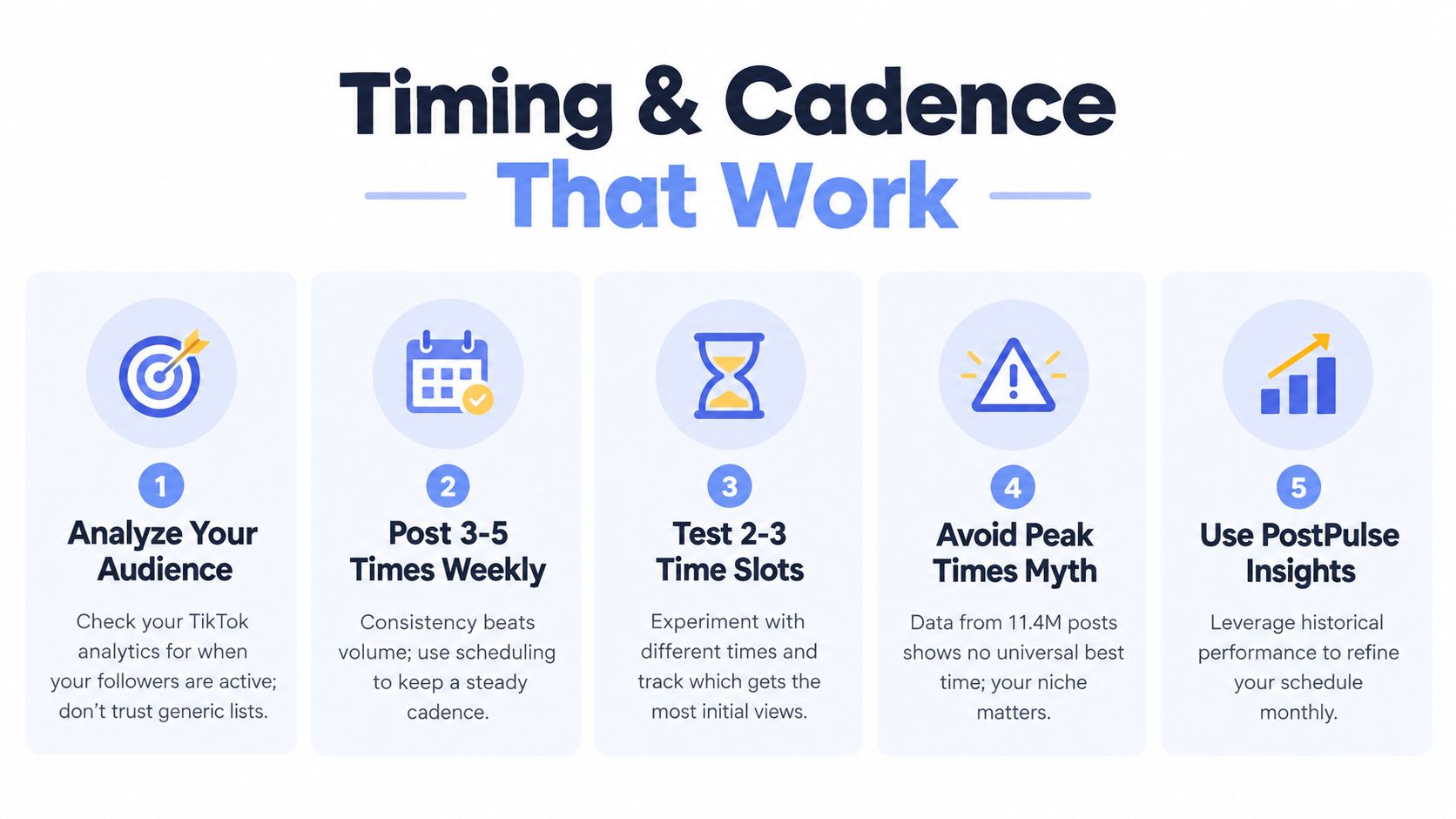 An infographic detailing five best practices for TikTok posting timing and cadence to optimize audience engagement.
Use this operating checklist:
Batch the evergreen work: Prepare several finished videos together, but keep reactive ideas outside the queue.
Space the releases: Separate posts throughout the day when publishing multiple times, rather than creating an audience saturation problem.
Test a small set of slots: Compare a few timezone-aware windows against recent performance signals.
Watch early engagement: Review first-24-hour views, likes, comments, and completion behavior.
Protect quality: Reduce volume when production starts producing rushed hooks, weak edits, or repetitive captions.
The proven TikTok pillars for creators can help structure the content being scheduled. For timing-specific planning, use the best time to post on TikTok guide as a starting reference, then replace general assumptions with your own follower-activity data.
Troubleshooting Scheduling Failures and What to Do Next
A scheduled post showing up in a dashboard doesn't prove it will publish successfully. It proves that one system accepted a future job. You still need to verify the account, asset, timestamp, and delivery state.
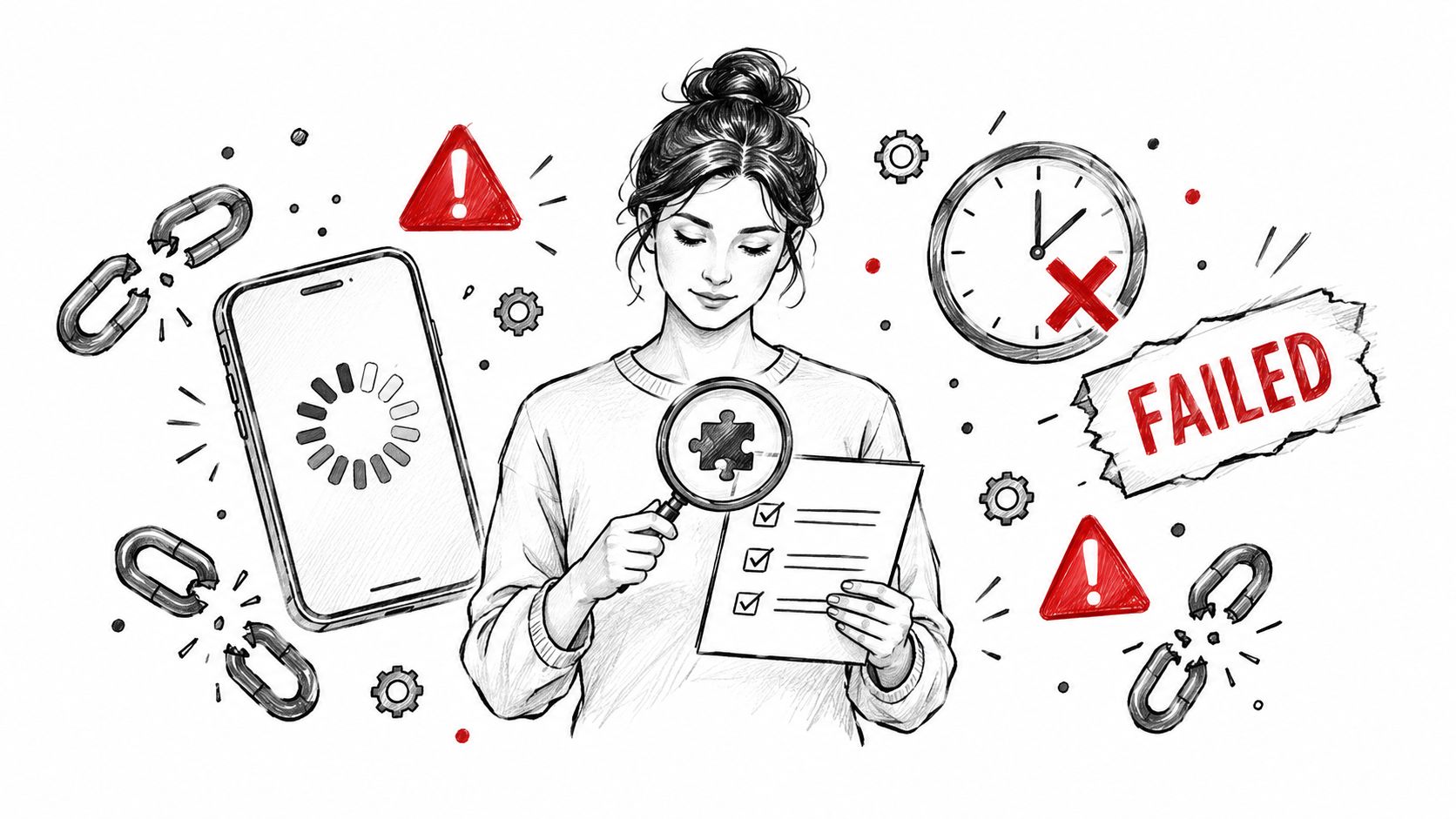 A sketched illustration of a woman looking at a checklist while experiencing technical delays and failed tasks.
Common failure points
The token has expired: The publisher can no longer authorize the account. Reconnect or refresh through the supported account flow, then retry only after confirming the account is valid.
The job remains pending: The request may still be processing, or the media lifecycle hasn't completed. Query status rather than submitting the same video repeatedly.
The media type is wrong: The selected API path or metadata doesn't match the asset. Validate the media and use the documented TikTok publishing lifecycle.
The timezone is wrong: The job is valid but scheduled for an unexpected local time. Store timestamps with timezone information and display the resolved time before confirmation.
The mobile file never reaches the queue: The video remains an app draft or was never exported. Move a real media file into the web, Studio, or external publishing workflow.
The post failed after acceptance: Inspect the provider response, TikTok status, and account notifications. Don't treat an HTTP success from an earlier step as proof of final publication.
Confirm the outcome
For native scheduling, check the scheduled area in TikTok's profile or Studio interface before the planned time, then verify that the video appears as a published post afterward. For API workflows, record the post identifier and reconcile the final state from the publishing service rather than relying only on the initial create response.
The assumption to challenge is that scheduling removes operational risk. It removes the need to remember the upload, but it doesn't remove authentication failures, malformed media, timezone mistakes, or ambiguous delivery states. Native web scheduling works well for straightforward manual publishing. A third-party dashboard adds planning structure, while an API workflow gives developers control over queues and observability.
If you're automating TikTok publishing, start with one account, one validated video, and one future timestamp. Confirm the complete lifecycle before adding batch jobs, multiple platforms, or AI-generated publishing decisions.
PostPulse gives apps and automations one publishing surface for TikTok and other social platforms through a REST API, official n8n and Make.com nodes, or an MCP server for AI agents. If you want OAuth, token refresh, rate-limit handling, and platform maintenance outside your application, visit PostPulse and evaluate the private-label or white-label workflow for your scheduling setup.
About the Author

Founder of PostPulse — a social media scheduling platform for creators and teams. Software engineer with a passion for building developer tools and simplifying complex API integrations across social media platforms.