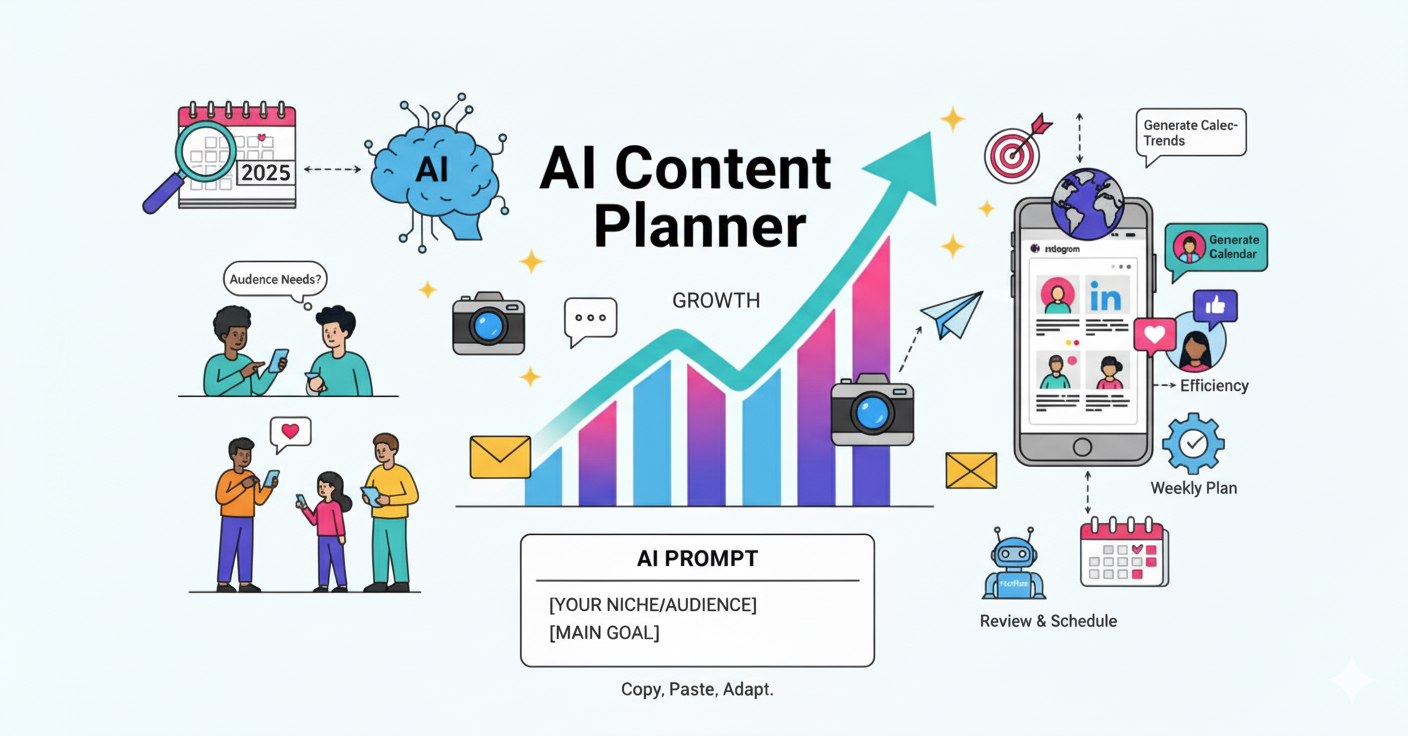
How to Quickly Create an Event Calendar with AI in 2025 (Trending Topics & Smart Planning)
Published on · Updated on
Tags:
At the beginning or end of each month, smart businesses plan key events, holidays, and industry-specific occasions. These dates can be used for promotions, campaigns, or other activities. Having a marketing calendar ensures you don’t miss important dates and can choose the most relevant or interesting events for your audience.
1. Plan Key Events and Dates Before the Month 🎯
Successful businesses don’t wait until the last minute. Before the new month begins, identify the most important dates — holidays, seasonal events, and industry-specific occasions. These will form the backbone of your promotions, campaigns, and content ideas. Planning ahead ensures you won’t miss key opportunities and helps you stay consistent with your audience engagement.
Types of Events to Include:
International holidays and events — e.g., World Charity Day, International Literacy Day
National holidays and events — e.g., Labor Day, Independence Day
Regional or local events — e.g., city festivals, local awareness days
Industry-specific or professional holidays — e.g., Engineer’s Day, Teacher’s Day, National Doctors’ Day
Unofficial or fun holidays — e.g., Smile Day, Pokémon Day, National Coffee Day
Think about what you want to achieve with each event:
Promotions — discounts, special offers, campaigns
Awareness — highlight a cause or participate in global days
Engagement — contests, challenges, or interactive activities
🤔 How to do it: Make a list of 5–10 key dates for the upcoming month, assign a purpose to each, and note which events are relevant for your region or niche. This will form the foundation of your event calendar and guide your marketing actions.
2. Generate an Event Calendar 📅
In addition to planning posts, you can use AI to generate a calendar of key events, holidays, and industry-specific occasions for your niche or country. This helps entrepreneurs plan not just posts, but also promotions, campaigns, or special activities around important dates.
Blank AI Prompt for Event Calendar:
"Generate a monthly calendar of relevant events, holidays, and industry-specific occasions for [COUNTRY / REGION] in [MONTH]. Focus on [INDUSTRY / NICHE], including the date and event name. Format it as a simple list that can be easily used for planning posts, campaigns, or promotions."
Example Filled AI Prompt:
"Generate a monthly calendar of relevant events, holidays, and industry-specific occasions for the United States in September. Focus on small e-commerce businesses. Include the date and event name, formatted as a simple list that can be used to plan posts, promotions, or campaigns."
Example Output:
01.09 — Labor Day 05.09 — International Charity Day 07.09 — Clean Air Day 08.09 — Literacy Day 15.09 — International Day of Democracy 21.09 — International Day of Peace 29.09 — World Heart Day
This approach allows you to quickly generate a calendar tailored to your niche and region, which you can then combine with your content plan to align posts, promotions, or campaigns with relevant dates.
3. Use PostPulse AI Assistant to Make Event Calendar 📅
Next, we’ll show you how to use AI prompts effectively, we’ll walk you through how to craft AI prompts that generate post ideas tailored to your audience and goals. This will help you make the most of PostPulse AI Assistant when filling your event calendar.
Send your filled prompt to PostPulse AI Assistant
Open PostPulse and navigate to the AI Assistant tool.
Copy your customized prompt (like the example we created for an event content calendar).
Paste it into the input field and submit it.
The AI will start analyzing trends, events, and news in your niche to generate content ideas.
 Event Calendar Prompt
And enjoy the result:
 Event Calendar With PostPulse
Post Pulse AI Assistant even provides ideas on how to properly use these events and what promotions and events can be held:
 Pro Tips From PostPulse AI Assistant
You can ask the AI Assistant to save the entire calendar or just a part of it, as in the example:
 Saving the Сalendar
Now the AI assistant has scheduled these posts on various social networks, it will publish them automatically, and you can use this saved time to prepare events for these posts, such as Promotions, etc.
 Event Calendar From PostPulse AI Assistant
By following these steps, you can turn your AI prompts into a ready-to-use event calendar across multiple platforms. With PostPulse AI Assistant, planning, scheduling, and managing your posts and campaigns becomes faster and more efficient — so you can focus on creating engaging content that aligns with key dates and resonates with your audience.
Final Thoughts ✨
Creating an event calendar doesn’t have to be complicated. With AI, you can generate a full month of key dates in minutes, giving you a clear overview for campaigns, promotions, or other activities. Smart planning around relevant dates is the key to consistent and effective marketing! 🚀
About the Author

Hnatiuk Dmytro is a Content Manager at PostPulse, experienced in copywriting, localization, and social media marketing. Skilled in creating engaging content strategies, managing multi-platform campaigns, and optimizing posts for audience engagement. He also has technical skills in HTML, JavaScript, Node.js, and C#, with a background in cybersecurity. Outside of work, Dmytro is a musician, enjoys playing and listening to music, stays active through sports, and values connecting with people