7 Practical N8n Workflow Examples for Social Automation
Published on
Tags:
You've wired up your first n8n workflow, and then reality hits. The post text looks fine in one platform and broken in another. A token expires at the worst possible time. A scheduled run fails at 2 a.m., and nobody notices until the content gap is public. Social APIs are where simple demos go to die.
That's why most basic n8n workflow examples stop being useful the moment you need reliability. Social publishing isn't just “take text from A and send it to B.” It's approvals, retries, media validation, environment separation, and a clean way to publish the same content across multiple networks without turning your workflow into spaghetti.
n8n is a strong fit for this kind of work because it supports self-hosting, complex branching, and a developer-friendly architecture. By 2024, it hosted over 200,000 production-ready workflows and 30,000 community-contributed templates in its gallery, according to the verified usage data provided above. It also integrates with over 500 apps and APIs, which is a big reason teams keep reaching for it when they want practical automation instead of a full custom app.
If you're building social media automation, the hard part isn't getting the first post out. It's building a workflow that still works next month, under failure, across platforms, with human approval where it matters. These seven examples focus on that layer.
Table of Contents
1. 1. The Content Everywhere Engine
 1. The 'Content Everywhere' Engine: RSS to Multi-Platform Publishing
The pain is familiar. You publish a blog post, then burn another half hour turning it into platform-specific variants. That's fine once. It falls apart when content volume goes up.
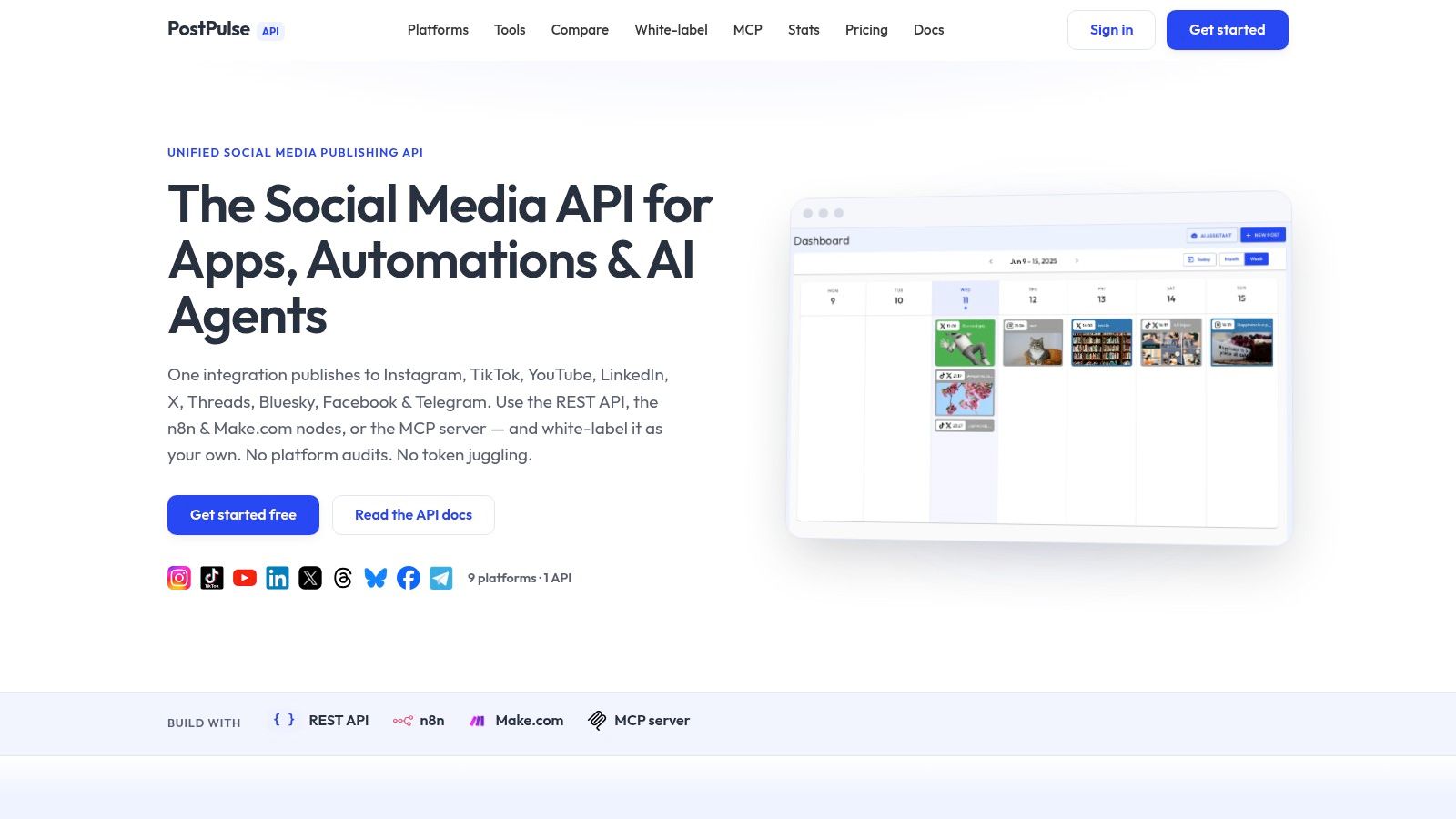
The clean version is RSS Trigger → Function or Set → optional AI summary step → one publishing node. If you're using PostPulse, a single node can fan the content out to connected profiles instead of making you build separate branches for X, LinkedIn, Facebook, Threads, and the rest. That's the first real productivity win. Fewer branches means fewer silent failures.
Use one trigger and one publishing surface
Use the RSS Feed Trigger as the deterministic start. That matters. Official AI workflow guidance for n8n says workflows should start with a deterministic trigger such as Webhook, Schedule, or Manual Start before adding AI behavior, because repeatability and auditability come first in production automation, as summarized in this n8n workflow examples reference on trigger patterns.
Then map the feed fields into a payload that stays simple:
Title field:
{{$json.title}}Canonical URL:
{{$json.link}}Excerpt or summary: generated in a Set node or AI node
Profile group: a fixed label like
Blog Promotion
Node setup that stays maintainable
A pattern that works well is:
RSS Feed Trigger: Fires on new post.
Set node: Build a clean object with
title,url,summary, andimage.IF node: Skip drafts, empty titles, or posts missing a canonical URL.
PostPulse node: Publish to the selected profile group.
For the actual post text, keep it template-driven:
{{$json.title}}\n\n{{$json.summary}}\n\nRead more: {{$json.url}}
Practical rule: Don't branch per network unless a platform truly needs different media or copy. Unified publishing is easier to reason about, easier to retry, and much easier to audit later.
If you want to extend this pattern into richer distribution, the RSS to AI avatar video workflow in n8n is a useful next step because it turns the same feed-driven trigger into a larger content pipeline.
2. 2. The Set and Forget Scheduler
 2. The 'Set and Forget' Scheduler: Airtable as a Content CMS
A full CMS is often unnecessary for social scheduling. What's needed is one place where marketing can fill in copy, attach media, set a date, and mark approval status without pinging engineering.
Airtable works well for that because the schema is obvious. I'd keep it boring: Post Text, Media URL, Publish At, Status, Platform Group, and Notes. Then let n8n poll that base on a schedule and only pick records that are approved and ready.
Airtable fields that keep the workflow sane
The workflow is simple:
Schedule Trigger: Run every morning or every hour.
Airtable node: Fetch records from a view like
Ready to Schedule.IF node: Guard against missing
Post Textor missingPublish At.PostPulse node: Send with
schedule_at.Airtable Update node: Mark the record as
Scheduledand store the publish response ID.
This works because the content planning side stays human-friendly while the execution side stays deterministic. That split matters more than people think.
n8n's open-source community has built more than 5,000 custom nodes and workflow extensions through over 1,200 contributors, based on the verified platform data above. That breadth is part of why Airtable-centric n8n workflow examples tend to age better than brittle one-off scripts. You can usually adapt them instead of rewriting everything.
The timezone trap
Timezone bugs are what usually make schedulers feel flaky. Airtable stores dates one way, your workspace has another timezone, and your social API expects a different format again.
My default fix is to normalize in one place only, inside a Code node or Date & Time node, before the publish call. Don't let each downstream node reinterpret time independently.
Store Publish At in UTC if your team can tolerate it. If they can't, convert once inside n8n and log both the original value and the normalized timestamp so debugging doesn't turn into archaeology.
Airtable views also give you a low-friction approval layer. One view for draft copy, one for approved content, one for failed posts. That's enough process for most small teams.
3. 3. The AI Content Co-Pilot
 3. The AI Content Co-Pilot: From a Single Idea to a Finished Post
This is the workflow people want first. One idea in, finished social post out. The mistake is letting the model publish directly with no review, no fallback label, and no constraints on what tools it can call.
The safer pattern is Tally form or Webhook → LLM draft → image generation → human approval → publish. That follows a documented guardrail pattern from real n8n AI agent workflows where agents should propose a plan first, use confidence thresholds, and fall back to “Needs human review” when the model isn't sure, as described in these n8n AI workflow automation examples.
Keep AI in propose first mode
Use a deterministic trigger first. For social workflows, Webhook is usually the cleanest entry point when an app or form submits the idea. Then keep the AI portion scoped to low-risk tasks:
Generate draft copy
Suggest hashtags
Produce image prompt
Classify the topic or campaign type
What it shouldn't do automatically is publish without a gate.
n8n's AI-driven workflow examples increased in adoption by 45% in 2024, according to the verified usage report above. That tracks with what most builders see in practice. Teams want AI in the workflow. They just don't want the workflow becoming opaque.
A prompt that produces usable drafts
A battle-tested prompt is short, opinionated, and structured. Long prompts often produce generic sludge.
Write one social post for LinkedIn and one shorter variant for X.Audience: SaaS founders and automation builders.Goal: educate, not hype.Include one concrete takeaway.Avoid clichés and vague claims.If confidence is low, return exactly: Needs human review.
Then pass the result into an approval step. In n8n, that can be Slack, email, an Airtable status update, or even a simple internal form.
If you want the practical version of this pipeline, the AI social post workflow for n8n is the kind of implementation detail most “AI content” tutorials skip. It's less about magic and more about keeping the model fenced in.
4. 4. Mastering Instagram
 4. Mastering Instagram: Publishing Carousels & Reels Without the Headaches
Instagram is where otherwise good automations start feeling cursed. The container is created but doesn't finish. One media URL is invalid. The post format is slightly off. You get a generic failure and no useful explanation.
That's why I don't recommend hand-rolling the full publish sequence unless you need absolute control. Instagram carousel and Reel flows are operationally annoying enough that a unified publishing layer saves real time.
The JSON shape that avoids chaos
For carousels, keep the payload explicit. Don't shove loosely structured arrays through multiple nodes and hope the downstream API sorts it out.
A clean pattern is:
Webhook or Manual Start
Set node with caption and ordered public media URLs
IF node to reject private or malformed URLs
PostPulse node with carousel payload
Slack node for success or failure notification
The payload should clearly separate caption from media, and the media array should preserve order. That matters for carousels more than for almost any other social format.
For Reels, use the same discipline. One public video URL, one caption, one publish target. No hidden transformations in random Function nodes.
What usually breaks
The biggest recurring problem is media accessibility. If Instagram can't fetch the asset reliably, the workflow won't save you. The second problem is trying to reuse the same branch for image posts, carousels, and video posts with too much conditional logic jammed into one path.
Keep Instagram format-specific. One branch for single image posts, one for carousels, one for Reels. Shared utilities are fine. Shared publishing logic usually isn't.
If you're publishing heavily to Instagram, the automatic Instagram publishing pattern for n8n is worth studying because it hides the container creation and polling complexity behind a cleaner interface. For teams focused on format ideas as much as implementation, this 2026 guide to Instagram content creation is also a useful creative counterpart.
5. 5. The Bulletproof Publisher
 5. The Bulletproof Publisher: Building Workflows That Don't Fail Silently
A workflow that fails undetected is worse than a manual process. At least with manual posting, someone notices the work didn't happen.
Production-minded n8n workflow examples distinguish themselves from tutorial content. Reliability is a feature. If you don't build for retries, alerts, and inspectable failure paths, you don't have automation. You have deferred confusion.
Retries for transient failures
Turn on retry behavior for nodes that call external APIs. Network hiccups happen. Temporary upstream errors happen. You don't want a one-off timeout to become a missed campaign.
The practical pattern is:
Primary publish workflow
Trigger
Content fetch or build
Publish node with retry enabled
Status write-back
Failure capture
Catch unrecoverable errors
Send structured alert
Store payload for replay
There's strong evidence that n8n is well suited to repetitive deterministic work. In a controlled business case study for automated lead processing, an n8n workflow cut average execution time from 185.35 seconds to 1.23 seconds across 25 consecutive runs with zero observed errors in that configuration, as documented in the published benchmarking study on low-code automation with n8n. Social publishing is a different domain, but the lesson carries over. Rule-based automation behaves well when you keep the path deterministic.
A separate error workflow
Use n8n's Error Trigger in a second workflow. Don't bury your alerting logic inside the main publisher. When the main workflow is half-broken, you still need error handling to fire reliably.
Send the alert to Slack with:
Workflow name
Execution ID
Platform target
Relevant input data
Error message
A replay link or stored payload reference
Expired credentials, invalid media, and payload schema mistakes are the ones that deserve immediate human attention. Transient timeouts usually don't.
6. 6. The Agency Workflow
 6. The 'Agency Workflow' White-Label Content Approval with Slack
Agencies and internal social teams have a different problem than solo builders. Publishing isn't the hard part. Approval is. You need a client-friendly intake layer, an internal review step, and an audit trail that survives disputes and forgotten Slack threads.
The workflow I'd use is Form submission → create internal review object → Slack approval buttons → schedule publish → notify the requester. That structure stays readable and keeps the approval authority explicit.
Approval before publish
The important design choice is human approval before any tool-calling action that changes the outside world. That aligns with the practical guardrail pattern used in n8n AI agent workflows, where actions happen only after a human proposes or approves the plan.
In Slack, send a message with the draft content, media preview links, publish target, and two actions: Approve or Reject. On approval, post the event back into n8n through a webhook and continue to scheduling. On rejection, update the item status and notify whoever submitted it.
n8n released official integration with over 100 AI models in 2023, which drove a 50% surge in workflow templates for AI agent coordination and batch inference processes, according to the verified platform history above. That makes approval gates more important, not less. More AI in the stack means more places where you need a human checkpoint.
White label trade offs
This is also where the ecosystem has a visible gap. Public workflow libraries are great for importable JSON. They're much less helpful if you need to hide the underlying automation engine and ship the capability as part of your own product.
Independent analysis of the market angle around n8n workflow distribution highlights that white-labeling and IP protection are poorly addressed in most public tutorials, even though demand for embedded automation is rising and more than 4,300 workflows exist in the broader public ecosystem, according to the verified editorial analysis above. If you're building for clients, that matters.
A tool like PostPulse fits naturally here because it can sit behind your product or internal process rather than forcing every client to understand the publishing infrastructure underneath.
7. 7. The Dev vs. Prod Switch
 7. The 'Dev vs. Prod' Switch: How to Test Social Automations Safely
Every team says they'll be careful. Then somebody posts “test 123” to a live brand account because one credential was reused across environments.
This isn't a beginner problem. It happens in mature systems too, especially when multiple people clone workflows and tweak them under deadline pressure.
The switch logic
The simplest safe pattern is one Switch node right before the publish step. Feed it either an environment variable or an incoming field like mode.
Example logic:
If
mode = dev, publish to sandbox accountsIf
mode = prod, publish to live accountsIf missing, fail closed and send an alert
That last branch is important. Don't default to production. Ever.
Use the same upstream content generation path for both environments so you're testing the actual workflow. Only the credentials and destination profile groups should differ.
Credential separation that actually helps
Give dev and prod their own credentials, their own profile groups, and ideally their own approval channels. Separation only works when it's hard to confuse the two.
Security is the part public examples usually skip. A 2026 analysis by independent researchers scanned over 4,300 public workflows and found widespread issues such as hardcoded API keys, unauthenticated AI agents connecting to unknown endpoints, and vulnerable MCP clients, according to the verified editorial angle above. That's exactly why environment separation and secret hygiene belong inside your n8n workflow examples, not in a footnote.
Production safety starts with boring decisions. Separate credentials. Explicit switches. Fail-closed logic. No secret values in exported workflow JSON.
n8n: 7 Workflow Examples Compared
Example | Implementation Complexity 🔄 | Resource Requirements ⚡ | Expected Outcomes ⭐ / 📊 | Ideal Use Cases 💡 | Key Advantages |
1. Content Everywhere Engine: RSS to Multi-Platform Publishing | Medium, configure RSS trigger, summary formatting, PostPulse profile group | Low–Medium, n8n, PostPulse account, RSS-enabled blog | ⭐ High, consistent multi-platform distribution; 📊 improves reach & saves manual posting time | Bloggers, small publishers needing wide distribution | Unified API handles network-specific formatting; single broadcast |
2. Set and Forget Scheduler: Airtable as a Content CMS | Low, design Airtable base and a scheduled workflow | Low, Airtable (free), n8n scheduler, timezone handling | ⭐ Medium, reliable scheduled publishing; 📊 reduces last-minute workload | Editorial calendars, small teams planning content | Simple approval flows via views; uses schedule_at for precise timing |
3. AI Content Co-Pilot: From a Single Idea to a Finished Post | High, integrate LLM, image-gen API, and publishing nodes | High, LLM credits, image-generation API, prompt engineering | ⭐ Very High, end-to-end content creation; 📊 accelerates output & consistency | Solo creators, agencies needing rapid content production | Automates copy + visuals + hashtags; reusable battle-tested prompts |
4. Mastering Instagram: Carousels & Reels | High, handle container creation, polling, exact JSON payloads | Medium–High, Instagram API access, public media hosting, PostPulse support | ⭐ High, reliable carousel/reel publishes; 📊 reduces debugging time significantly | Creators repurposing long-form video to Instagram; social teams | Provides exact JSON templates; PostPulse manages container lifecycle |
5. Bulletproof Publisher: Workflows That Don't Fail Silently | Medium, add retries, error-trigger workflow, alerting logic | Low–Medium, Slack or alerting channel, n8n error trigger, monitoring | ⭐ High, greater reliability; 📊 faster issue detection & remediation | Mission-critical publishing where uptime matters | Retry on fail + explicit error notifications; prevents silent failures |
6. Agency Workflow: White-Label Content Approval with Slack | Medium, form intake, interactive Slack messages, approval hooks | Medium, Slack workspace, form tool, white-label PostPulse config | ⭐ High, auditable approvals; 📊 improves client experience & ops | Agencies managing client content and approvals | Branded experience, approve/reject buttons, auditable scheduling |
7. Dev vs. Prod Switch: Safe Social Automations Testing | Low, implement Switch node and environment flag logic | Low, sandbox accounts, separate PostPulse credentials | ⭐ Medium, prevents accidental live posts; 📊 safer deployment/testing | Development teams, CI for social automations | Simple safe toggle between sandbox and production; credential separation |
From Automation to Autonomy
The difference between a toy workflow and a useful one is rarely the core action. Posting to a social platform is the easy part. The hard part is everything around it: triggers you can trust, structured inputs, approval points, retries, alerts, media validation, and a clean path from testing to production.
That's why these n8n workflow examples matter as patterns, not just recipes. The RSS publisher works because it starts from a deterministic trigger and keeps distribution unified. The Airtable scheduler works because content operations and execution are separated cleanly. The AI co-pilot works because the model drafts and classifies, but a human still approves. The Instagram workflow works because format-specific logic is isolated instead of crammed into one giant branch. The agency flow works because approval is explicit and auditable. The dev-versus-prod switch works because it assumes mistakes will happen and designs around them.
n8n has become a serious platform for this kind of automation. It grew from an open-source German project launched in 2019 to more than 200,000 production-ready workflows by 2024, and by 2025, AI agent and LLM orchestration examples represented about 40% of its most downloaded templates, according to the verified platform data above. That lines up with where social automation is going. Less one-off scripting, more repeatable systems with AI used carefully inside them.
There's also a practical business reason to build this way. n8n's lower long-term cost model compared with heavier per-task automation tools has helped small businesses and startups automate repetitive work without writing full applications, and workflow deployments for eCommerce and sales automation grew 25% year over year between 2023 and 2024, according to the verified dataset above. Social teams benefit from the same economics when they stop rebuilding the same brittle flow for every platform.
If you're assembling a real publishing pipeline, PostPulse is one relevant option because it gives you a single publishing surface through a REST API, an official n8n node, and white-label paths for product teams that don't want to expose the underlying infrastructure. But the larger point stands even if you use something else. Keep the workflow deterministic where possible, put humans in the risky steps, and make failures impossible to ignore.
Pick one pattern and build it properly. That usually beats importing ten flashy templates you can't trust in production.
If you want to ship social publishing from n8n without wiring every platform separately, PostPulse is built for that. It publishes to 9 platforms through one integration, supports official n8n workflows and white-label product flows, and handles the OAuth and token churn that usually turns social API work into maintenance overhead.
About the Author

Founder of PostPulse — a social media scheduling platform for creators and teams. Software engineer with a passion for building developer tools and simplifying complex API integrations across social media platforms.