The Top 10 Desktop Apps for Instagram: A 2026 Guide
Published on
Tags:
You open Instagram on a desktop because that's where your files are, your keyboard is faster, your analytics tabs are already open, and your client approvals happen. Then the platform reminds you it still wants to be a phone app first. Some features work, some are oddly missing, and the answer for half the internet is still “just use an emulator” or “switch to Business Suite.”
That gap is real. Instagram reached 3 billion monthly active users in Q3 2025, and desktop isn't some rounding error. As of January 2026, desktop users account for 43% of global Instagram traffic and about 46% of total time spent on the platform, while mobile accounts for 56% of traffic. Average visit length on Instagram.com is 12 minutes and 46 seconds, and Instagram.com ranks as the fourth most-visited website globally behind Google, YouTube, and Facebook, according to Hootsuite's Instagram statistics roundup. People absolutely use Instagram seriously on desktop. Instagram just doesn't support every serious desktop workflow equally well.
That's why desktop apps for Instagram split into a few camps: official wrappers, browser extensions, Android emulators, workspace browsers, and API-driven publishing stacks. Each solves a different pain. If you're trying to keep up with format changes, keep latest Instagram Story guidelines bookmarked too, because desktop tooling only helps if the asset itself is right.
Table of Contents
1. Instagram for Windows (Microsoft Store PWA)
If you want the least weird option on a PC, start with the official Instagram for Windows app in the Microsoft Store. It's basically Instagram's web experience packaged like a desktop app, which sounds underwhelming until you've dealt with flaky wrappers or extensions that break after every UI change.
The upside is trust and simplicity. You get Start menu launch, taskbar pinning, notifications, DMs, Stories, and the same basic posting flow the web version supports. For a lot of users, that's enough.
Where it works best
This is the version I recommend to anyone who says, “I just want Instagram on my desktop without doing anything sketchy.” It's also the easiest place to start if you're managing a business presence and need a stable baseline before you add scheduling or API tooling through something like PostPulse's Instagram publishing options.
Best fit: Windows users who want the official experience with minimal setup.
Big win: It behaves like a desktop app without adding another browser tab to your life.
Main limit: It still inherits web-parity gaps. If the browser version can't do it, this app usually can't either.
Practical rule: Treat the Windows app as a clean shell around Instagram Web, not as a full replacement for the phone app.
Meta has expanded desktop access for professional workflows over time, especially around business account management and insights. That matters because desktop is where a lot of deeper review work happens, even if creation still leans mobile. When your job is mostly replying to DMs, checking notifications, reviewing comments, and doing light publishing, this is the safest desktop app for Instagram on Windows.
2. INSSIST (Chrome/Edge desktop extension)
 INSSIST (Chrome/Edge desktop extension)
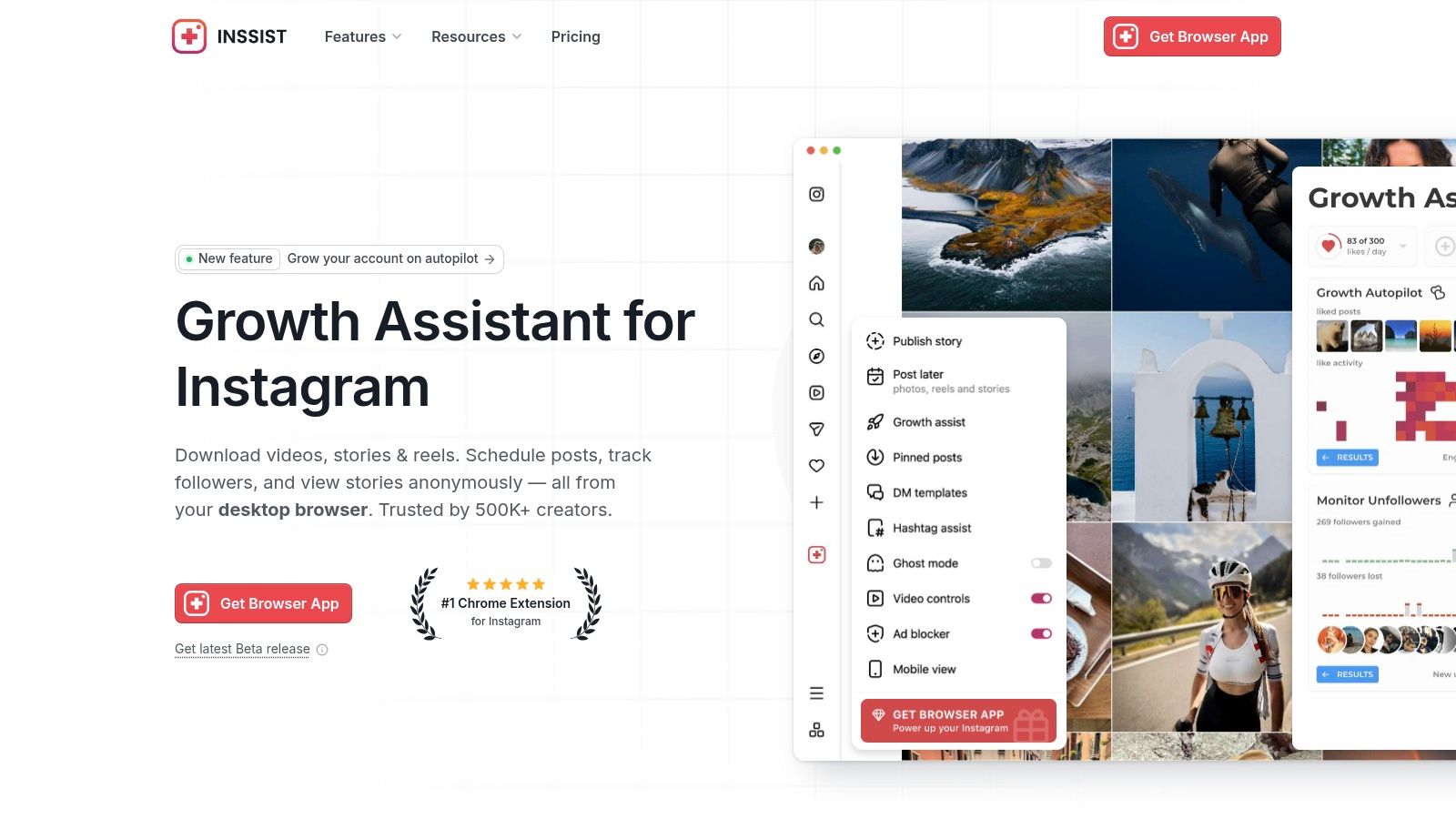
INSSIST lives in the category I call “web-plus.” It doesn't replace instagram.com. It layers on top of it. That distinction matters, because tools in this class can feel native one week and brittle the next if Instagram changes its web UI.
Still, it fills a real gap. The official web experience has long left creators and marketers hunting for desktop ways to post more than the basics. INSSIST is one of the better-known attempts to close that gap directly inside the browser. The company says more than 500,000 creators use it, and that number gets repeated often because there still isn't a clean, official, cross-platform desktop answer for direct publishing outside approved Meta flows, as discussed in this overview of full Instagram access on desktop.
Why developers and marketers keep trying it
You stay inside the official site, but get extra posting and media workflow help. That's appealing if you don't want the overhead of an emulator and you don't want to build around the Graph API just to ship a few posts from a laptop. INSSIST is available from the official INSSIST site.
It's also the kind of tool people reach for when they want to auto-publish Instagram posts from desktop workflows without committing to a heavier system on day one.
Strength: Stories, Reels, and carousel-oriented desktop convenience inside a familiar browser session.
Trade-off: Extension reliability depends on Instagram's front-end not moving the furniture.
Reality check: This isn't Meta-approved. If your workflow can't tolerate breakage, don't make this your only path.
Browser extensions are great until the target site ships a redesign on Tuesday.
For solo creators and small teams, though, INSSIST can be the fastest way to get past desktop friction. It's a practical bridge, not a permanent foundation. If you want a broader browser productivity angle, this roundup of top Chrome extensions for students is unrelated to Instagram specifically but useful if your desktop stack already lives in Chrome.
3. BlueStacks (Android emulator)
 BlueStacks (Android emulator)
BlueStacks is what people install when they're tired of hearing “desktop can't do that.” Instead of wrapping the web app, it runs Android. So you use Instagram's mobile app on your computer, with all the awkwardness and all the power that implies. You can get it from the BlueStacks website.
This route exists because Instagram has deliberately kept desktop posting constrained. One widely discussed explanation is that those limits are part product strategy and part anti-spam posture, not some accidental omission. That's why desktop users have historically ended up in browser mobile emulation or full Android emulators, as described in this discussion about Instagram's desktop versus app restrictions.
When full mobile parity matters
If you need the actual mobile composer, mobile editing flow, stickers, and app-specific interactions, BlueStacks gets closer than any PWA or wrapper. That makes it useful for testing exact behavior, reproducing account issues, or handling content formats that desktop web still treats as second-class.
Best use case: You need the phone app, but your assets and review process live on desktop.
What you pay: RAM, CPU, setup time, and occasional emulator weirdness.
What you gain: Much better parity with Instagram's intended interface.
I don't treat BlueStacks as elegant. I treat it as honest. It solves the core problem by running the original app.
Use an emulator when the workflow depends on mobile-only behavior. Don't use it just because posting from the browser feels slightly annoying.
That distinction saves a lot of wasted setup.
4. NoxPlayer (Android emulator)
 NoxPlayer (Android emulator)
You hit a wall on desktop, need native Instagram app behavior, and the browser version still skips part of the workflow. NoxPlayer is one of the tools people reach for when a wrapper or PWA stops being enough. You can download it from the official NoxPlayer site.
What sets Nox apart is control. BlueStacks is often the easier recommendation for broad compatibility, but Nox tends to attract users who want to tune the environment itself. CPU and RAM allocation, keyboard mapping, virtual device settings, and multi-instance management all matter if you are testing account flows, switching between profiles, or trying to make the same workstation setup behave predictably across repeated sessions.
That difference matters more than feature checklists suggest.
Where NoxPlayer makes sense
Nox is a better fit when your problem is technical, not just operational. If you need Instagram to behave like it does on Android because you are validating upload behavior, checking mobile-only UI paths, or keeping a desktop-based review process attached to the actual app, an emulator is the right category. A desktop wrapper only repackages the web version. Nox runs Android and gives you the app itself.
I usually put Nox in the "tinkerers and test rigs" bucket. It can be effective, but it asks more from you. Setup quality matters. Performance tuning matters. The installer experience also deserves scrutiny.
Good fit: Users who want tighter control over instances, inputs, and emulator settings.
Less ideal for: Anyone who wants the fastest possible setup with minimal tweaking.
Watch for: Ad-heavy install flows, bundled extras, and the usual emulator overhead on older machines.
NoxPlayer is a workaround, but it is an intentional one. If the job requires mobile app parity plus more control over the runtime, that trade-off can be worth it. If all you need is basic posting from a desktop, this is usually more machinery than the task deserves.
5. LDPlayer (Android emulator, Windows)
 LDPlayer (Android emulator, Windows)
LDPlayer is another “run the Android app on your desktop” option, but this one is especially attractive if you're on Windows and care about responsiveness. For Instagram, smoothness matters more than people admit. If drag-and-drop import is clumsy, media previews lag, or account switching feels sticky, desktop quickly becomes slower than just grabbing your phone. LDPlayer is available from the official LDPlayer website.
What makes LDPlayer interesting isn't a unique Instagram integration. It's that a decent emulator can feel less like a hack and more like a dedicated workstation app if you tune it properly.
Where LDPlayer fits
Windows-only is the first filter. If you're on a Mac, move on. If you're on Windows and want a near-mobile environment without opening your browser, it's a strong candidate.
There's also a practical angle here for teams that need repeatable setup across machines. A documented emulator build plus a known Instagram app version can be easier to support internally than “everyone use whatever browser extension still works this month.”
Helpful for: Multi-account desktop operations that still depend on the Android app.
Less helpful for: Users who only need DMs, comments, and occasional web posting.
Caution: Like other emulators, use the official installer and pay attention during setup.
LDPlayer isn't the universal answer for desktop apps for Instagram. It's the answer when web-based compromises have already cost you enough time.
6. WebCatalog Desktop
 WebCatalog Desktop
WebCatalog does one thing well. It turns websites into standalone desktop apps with isolation. For Instagram, that means you can keep a dedicated app window, separate profiles, and account boundaries that don't get mixed into your normal browsing. You can explore it on the WebCatalog homepage.
That sounds cosmetic until you're managing client accounts. Then context separation becomes a real safety feature.
Why wrappers still matter
WebCatalog doesn't provide secret Instagram capabilities. It wraps the web version, so its ceiling is still Instagram Web. But a clean shell around a messy workflow can still be valuable, especially when you're switching among personal, client, and internal brand accounts.
I like this class of tool for operations hygiene rather than feature expansion.
Strong point: Account isolation and cleaner desktop organization.
Weak point: No escape from web limitations.
Best user: Agencies and freelancers who need “one app per context” more than “one app with mobile parity.”
There's also a platform reality behind this. Instagram generated an estimated $66.9 billion in revenue in 2024 and accounted for nearly 40% of Meta's total revenue, with Instagram's share reaching 40.6% that year, according to Business of Apps' Instagram statistics. Instagram is strategically important enough that workflow friction around desktop isn't going away by accident. Tools like WebCatalog exist because users keep building their own desktop ergonomics around a mobile-first product.
7. Franz (multi-service desktop wrapper)
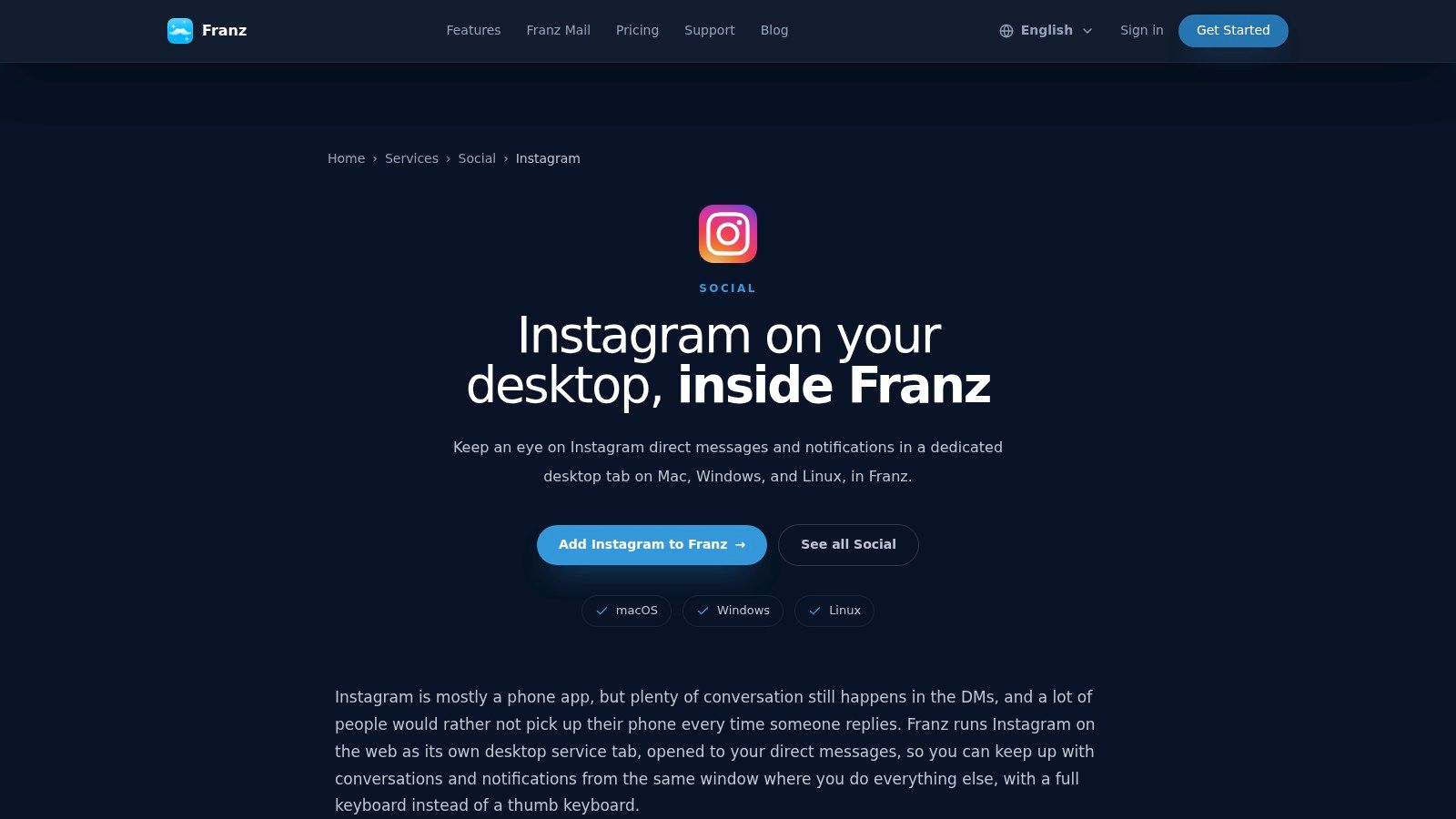 Franz (multi-service desktop wrapper)
Franz makes the most sense when your Instagram problem is really a messaging problem. If your day is split between Slack, WhatsApp, email, and Instagram DMs, a unified desktop shell beats bouncing across tabs and devices. The Instagram service lives inside Franz's Instagram integration page.
This is not the app I'd pick for content creation. It's the app I'd pick for inbox management.
DM-heavy teams get the most value
Instagram's desktop story is especially weak on the Mac side if you want a native-feeling content and DM setup. A lot of older guidance still points people toward outdated tools like Flume or toward clunky emulators, which is exactly why a wrapper like Franz still has a place. That Mac-specific gap is described in this discussion of Instagram desktop options for Apple users.
Franz works because it accepts the limitation. It doesn't pretend to be a creator studio. It tries to be a communications hub.
Best for: Social inbox work, support teams, community managers.
Not for: Advanced media posting or exact mobile composition.
Nice side effect: Instagram messages sit next to the rest of your stack in one client.
If you're comparing broader tooling for teams, this guide to social media management tools for small business is a useful next step. Franz itself is narrower, but that narrowness is also why it works.
8. Wavebox (workspace browser for web apps)
 Wavebox (workspace browser for web apps)
Instagram on desktop gets messy fast once you are juggling client accounts, brand accounts, and your own login in the same workday. Standard browser profiles can handle some of that, but they break down when you need stricter separation, persistent sessions, and less room for human error. Wavebox is built for that use case. You can explore it through Wavebox's app workspace pages.
The technical trade-off is straightforward. Wavebox is still a wrapper around the web app, so it inherits Instagram Web's feature ceiling. It does not give you mobile-only creation tools, and it does not behave like an emulator that runs the actual Android app. What it does give you is better session isolation, cleaner workspace boundaries, and a desktop shell that is easier to operate than a pile of browser windows.
That matters in agency and freelance setups.
If the failure mode you are trying to prevent is posting or replying from the wrong account, Wavebox solves a real problem. I would put it in the same category as other workspace browsers and multi-app shells, but its strength is account containment rather than broad social publishing. The boring parts are the product here, and that is a compliment.
Where Wavebox fits
Wavebox makes sense when Instagram is part of a larger client operations stack and you need each context to stay separate across the day. It is much less useful if your goal is to get around Instagram's desktop limitations, because it cannot add capabilities the web client does not expose.
Best for: Agencies, freelancers, and operators managing multiple Instagram identities at once.
Weak at: Mobile-style posting workflows, advanced creation tools, and anything that depends on the native app.
Why pick it: Better account separation and less session chaos than a normal browser setup.
Choose Wavebox for control and safety. Choose something else if you need actual app-level functionality instead of a better container for Instagram Web.
9. Rambox (multi-app desktop workspace)
 Rambox (multi-app desktop workspace)
Rambox is another container-style desktop workspace, but it leans harder into notification control and custom app setup. That's useful if Instagram is one signal among many and you need your desktop to enforce focus instead of constantly breaking it. You can start from Rambox's setup guide.
This kind of tool shines when the problem isn't “How do I post?” It's “How do I keep Instagram visible without letting it hijack my workday?”
A better shell for noisy workflows
Unread badges, app-level notification rules, and workspace separation sound mundane. In practice, they're exactly what makes desktop manageable for community management and social support work.
Rambox also fits teams that want custom app entries instead of relying on whatever official integration a wrapper vendor happens to ship.
Best at: Controlled desktop presence for DMs, notifications, and quick review.
Worst at: Escaping the limitations of the Instagram web interface.
Good compromise: More configurable than a plain browser window, lighter than an emulator-first setup.
I wouldn't build a publishing pipeline around Rambox. I would absolutely use it to reduce tab chaos.
10. 4K Stogram (Instagram media downloader/archiver)
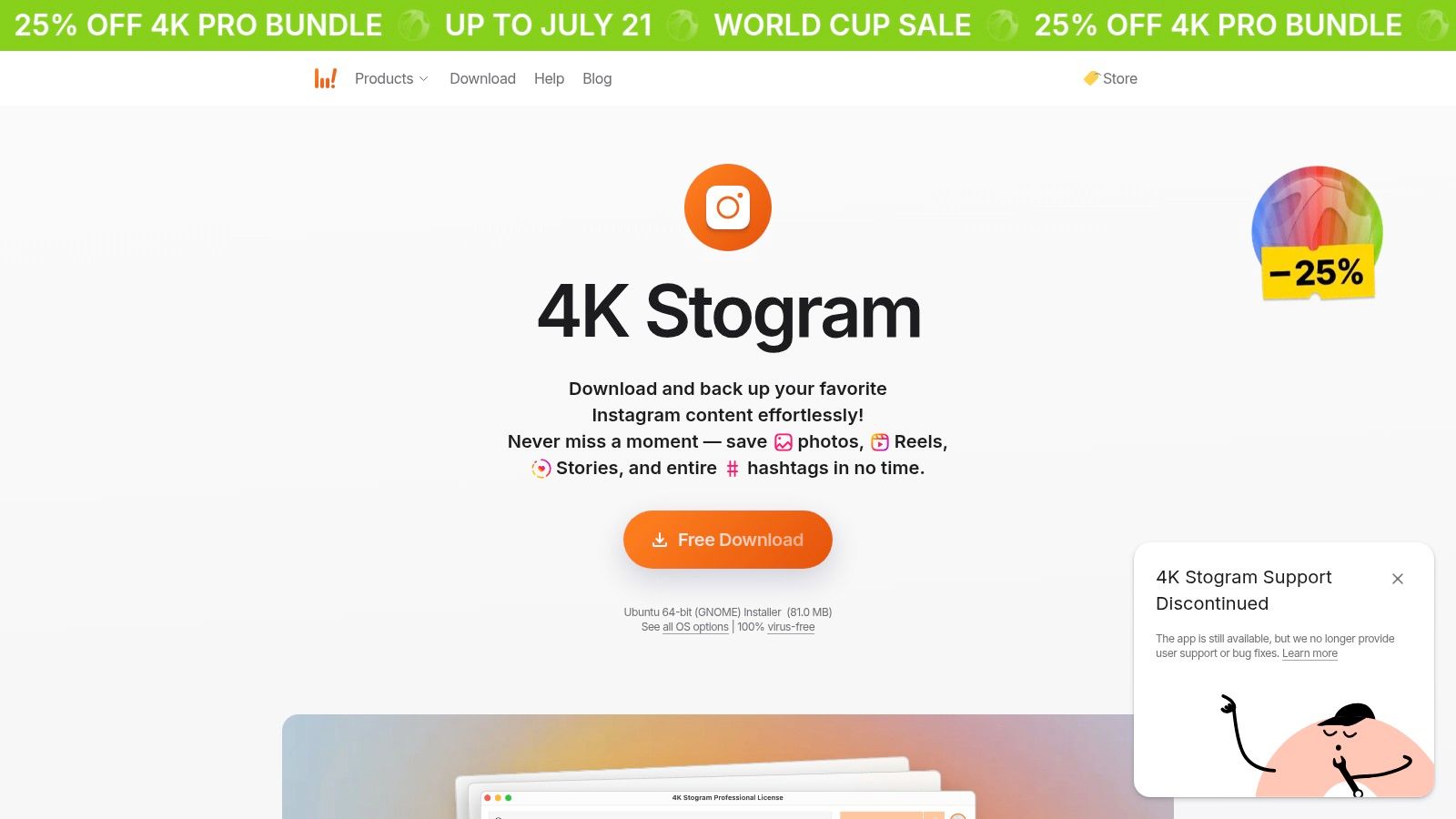 4K Stogram (Instagram media downloader/archiver)
4K Stogram belongs in this list because “desktop apps for Instagram” doesn't always mean posting. Sometimes it means archiving your own work, keeping local references, or building an inspiration board without relying on bookmarks and scattered downloads. The app is listed at 4K Download's 4K Stogram product page.
There's one big caveat. The publisher says support has been discontinued as of 2024. That changes the risk profile immediately.
Use it as an archive tool, not a dependency
A discontinued Instagram companion app may still work today and fail tomorrow. That doesn't make it useless. It just means you should treat it like a convenience utility, not a core business system.
This category also intersects with policy and copyright concerns fast. Downloading your own content for backup is one thing. Pulling other people's media into a commercial workflow is another.
Useful for: Local backups, content reference libraries, and preserving your own posts with metadata where supported.
Risk: Future Instagram changes can break it, and there may be no fix.
Rule of thumb: Keep exports organized and assume long-term maintenance is your job now, not the vendor's.
For archiving, it's practical. For operational publishing, it's irrelevant. Keeping those jobs separate avoids a lot of confusion.
Desktop Instagram Apps, Side-by-Side Comparison
App / Tool | Type & Core Features | UX & Quality ★ | Value / Pricing 💰 | Best For 👥 | Unique Selling Point ✨🏆 |
Instagram for Windows (PWA) | Official PWA, web‑parity posting, DMs, Stories | ★★★★ | Free, minimal install 💰 | 👥 Users wanting safe, lightweight desktop app | ✨ Official, native‑like launch from Start/taskbar 🏆 |
INSSIST (Extension) | Browser extension, Stories/Reels/carousels, Insights | ★★★★ | Free tier + Pro/lifetime options 💰 | 👥 Power users posting advanced formats | ✨ Adds pro posting tools inside instagram.com |
BlueStacks (Emulator) | Android emulator, runs native Instagram app, multi‑Android | ★★★★★ | Free/basic; heavier resources 💰 | 👥 Creators/testers needing full mobile parity | ✨ True mobile feature parity (stickers, Reels) 🏆 |
NoxPlayer (Emulator) | Android emulator, Google Play, multi‑instance, mapping | ★★★★ | Free (ad‑supported installer) 💰 | 👥 Users needing input tuning & multi‑instances | ✨ Advanced keyboard mapping & multi‑instance support |
LDPlayer (Emulator) | Fast Windows emulator, recent Android, multi‑instance | ★★★★ | Free; Windows only 💰 | 👥 Windows users wanting smooth mobile experience | ✨ Performance optimized for desktop Instagram |
WebCatalog Desktop | Site→app wrapper, profiles, notifications, isolated apps | ★★★★ | Freemium; advanced tiers paid 💰 | 👥 Users separating accounts & sessions | ✨ Spaces/profiles + desktop notifications |
Franz (Multi‑service) | Multi‑service wrapper, Instagram DM tab, notifications | ★★★ | Freemium; paid for advanced features 💰 | 👥 Users consolidating DMs with other chats | ✨ Centralizes Instagram DMs with other messaging |
Wavebox (Workspace) | Chromium workspace, persistent sessions, team features | ★★★★ | Subscription for full features 💰 | 👥 Agencies & teams managing many logins | ✨ Team/workspace controls & granular notifications 🏆 |
Rambox (Workspace) | Multi‑app container, badges, DND, multi‑workspaces | ★★★★ | Freemium; paid advanced tiers 💰 | 👥 Heavy social inbox users & managers | ✨ Per‑app rules and focus controls |
4K Stogram (Downloader) | Media downloader/archiver, bulk, auto‑download, metadata | ★★ | Paid license; support discontinued (2024) 💰 | 👥 Users needing local backups & archives | ✨ Bulk profile/hashtag downloads (use cautiously) |
Final Thoughts
Users looking for desktop apps for Instagram are trying to solve one of four different problems.
First, they want a safe desktop client. That's where the Windows PWA and wrappers like WebCatalog fit. Second, they want desktop posting with less friction than the browser offers. That's where tools like INSSIST show up. Third, they want full mobile behavior from a desktop machine. That's emulator territory, with BlueStacks, NoxPlayer, and LDPlayer. Fourth, they want reliable publishing and analytics at scale. That's where desktop apps stop being the whole answer and official APIs start mattering.
The API path is the one developers should understand before they commit to automating anything serious. The official Instagram Graph API is free for Business or Creator accounts, but personal accounts have no API access since Meta shut down the legacy API on December 4, 2024, and advanced access can involve business verification, screencasts, and a Meta App Review process that can take 4 to 8 weeks, according to this breakdown of Instagram API pricing and access requirements. That's the primary hurdle. It's not the per-call cost. It's the operational overhead.
Then there are the hard limits. The Instagram Graph API enforces a rate limit of 200 requests per hour per Instagram account for most integrations, and that bucket is shared across connected tools. If one account is attached to multiple dashboards, schedulers, or internal services, they all burn the same hourly allowance. Publishing has its own pacing problem too. For API-published feed posts, the commonly reported practical cap is 25 posts per 24 hours per account, with carousels counting as a single post under that limit.
That's why desktop tooling breaks into two worlds. There's the user-facing world of PWAs, wrappers, and emulators. Then there's the developer-facing world of APIs, queues, caching, token refresh, webhook handling, and review bottlenecks. They solve different pain.
If you're an individual creator, a wrapper or emulator may be enough. If you're building product features, running a multi-account operation, or trying to publish through automations reliably, you usually outgrow desktop-only fixes. Instagram is too important, too busy, and too opinionated about mobile-first behavior for hacks to stay comfortable forever. That's also why marketers keep investing in better assets and workflows around the platform, including tools for solución de video para Instagram marketing.
The practical answer is simple. Pick the lightest tool that solves your bottleneck. Don't install an emulator if a wrapper is enough. Don't trust an extension with a mission-critical workflow. And don't build against Instagram's API directly unless you're prepared for app review, rate limits, and account-type constraints.
If you've reached the point where desktop workarounds feel fragile and direct API work feels like a second product to maintain, PostPulse is the middle path I'd look at. It's built for developers, no-code builders, AI agents, and white-label teams that need social publishing without owning every OAuth flow, refresh edge case, platform review, and API version change themselves. You can publish across Instagram, TikTok, YouTube, LinkedIn, X, Threads, Bluesky, Facebook, and Telegram through one REST API, official n8n and Make.com nodes, or an MCP server. Pricing is straightforward too: private-label usage is either pay-as-you-go at $0.20 per publication or $5 per account per month, with white-label starting at $200 per month plus $1 per active social account. For teams shipping features, not just posts, that trade can make a lot of sense.
About the Author

Founder of PostPulse — a social media scheduling platform for creators and teams. Software engineer with a passion for building developer tools and simplifying complex API integrations across social media platforms.